Wind-aware cycling apps compared: Tailwind GPS vs the alternatives (2026)
Tailwind GPS vs myWindsock vs Epic Ride Weather — which wind-aware cycling app helps you find your best ever ride? An honest 2026 comparison for hobbyists through racers.
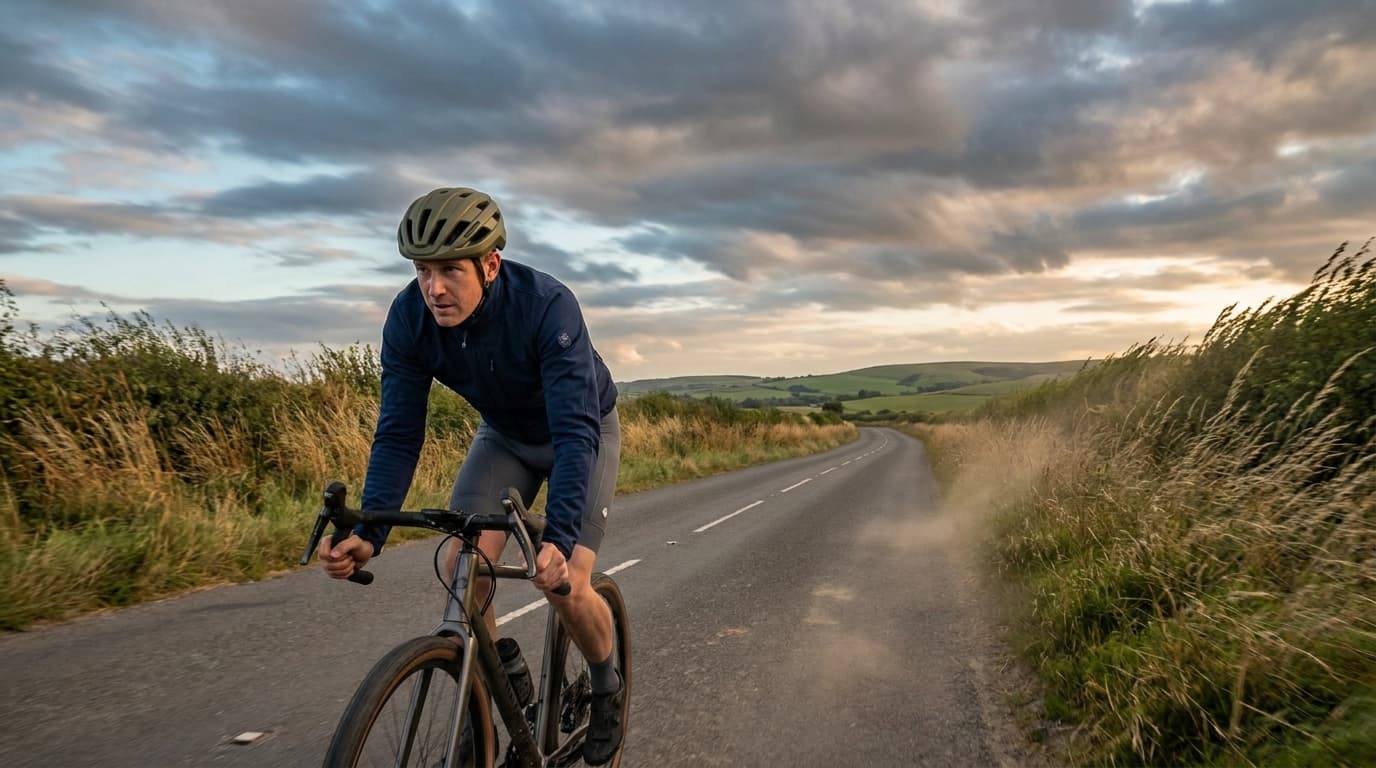
Wind is the one variable that can turn a familiar loop from a pleasure into a slog, and yet most cyclists still check a generic weather app before heading out. Knowing that gusts are hitting 20 km/h is one thing. Knowing that your specific route will have a 60% headwind on the way home is quite another.
A new category of wind-aware cycling apps has grown up to close that gap. This comparison covers three of the main contenders: Tailwind GPS, myWindsock, and Epic Ride Weather. Each takes a different angle on the same problem — but only one is built around a single question: when will I get my best ever ride?
What this comparison is for
This article is aimed at hobby riders, weekend cyclists, gravel enthusiasts, club regulars, and racers — anyone who wants practical wind guidance to plan their best ride, not a performance analytics dashboard buried in spreadsheets.
The dimensions that matter most are:
- How wind data is presented (as a usable score vs raw numbers)
- Whether the app works with routes you already ride (Strava sync)
- How far ahead you can plan
- How quickly you can get an answer before you leave the house
- Whether alerting saves you from opening the app at all
How Tailwind GPS scores your routes
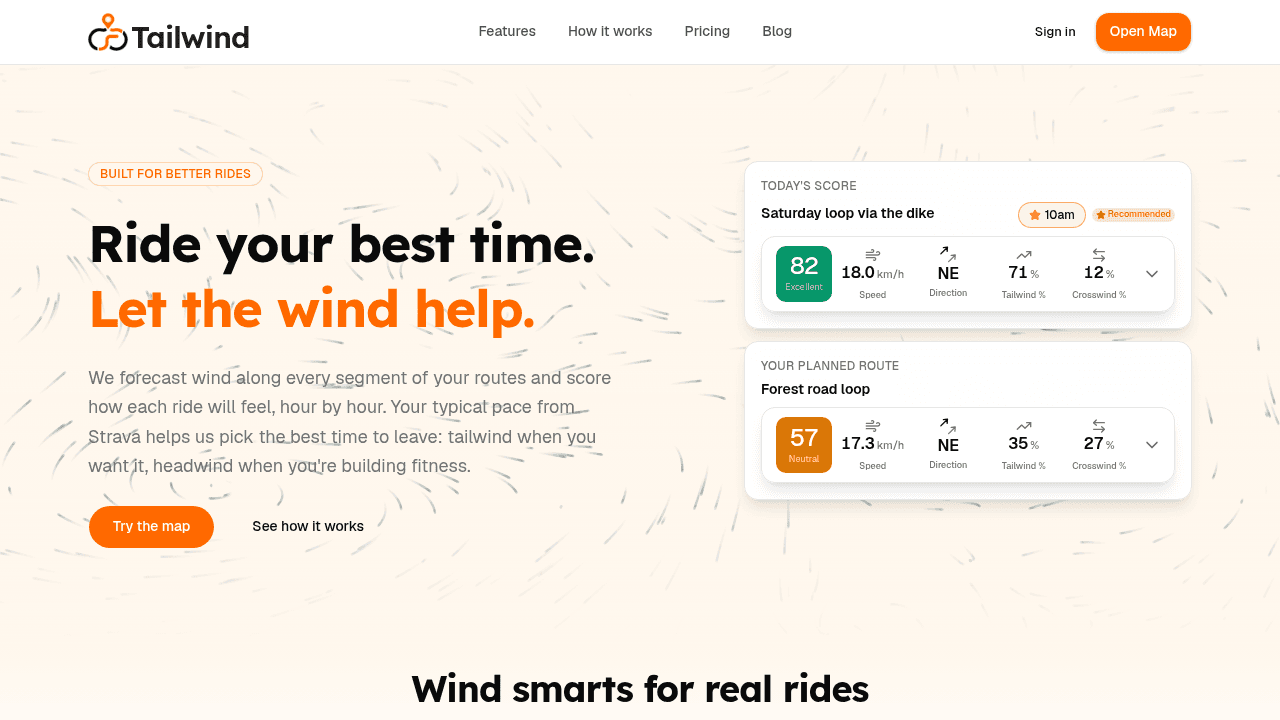
Tailwind GPS takes a route-first approach. Connect your Strava account and the app pulls in your regular rides automatically — no manual GPX uploads, no rebuilding routes from scratch. From there, it models the wind along every segment of those routes hour by hour and outputs a single Tailwind Score that tells you how the ride will feel at any given departure time.
The key distinction here is that the score accounts for your typical pace (drawn from your Strava activity history), not just raw wind speed. A 20 km/h headwind means something very different to a weekend hobbyist averaging 18 km/h than it does to a trained racer pushing 30 km/h. That personalisation changes the number you see.
On the paid plan, the interactive map with wind overlays shows forecasts across a 14-day window, and you can set alerts so the app notifies you when a route hits your preferred tailwind threshold, or when headwind conditions are strong enough for a deliberate training session. The free tier covers up to three routes and a three-day forecast — enough to plan your regular weekend loops without paying.
What Tailwind doesn't do, by design, is give you wattage estimates, aerodynamic modelling, or deep analytics. The whole point is a quick, clear answer: which route, which hour, for your best ride this week.
How myWindsock approaches wind analysis
myWindsock is the most analytically detailed of the three. Its headline metric is "Weather Impact %", which estimates the percentage of extra energy the weather conditions are costing you compared with a calm day. It also factors in air density, Strava segment leaderboard data, and on-road wind modelling based on terrain, land use, and buildings.
The platform connects to Strava and can annotate your completed activities with wind data directly in the Strava feed, which is a nice touch for post-ride review. Route analysis works by uploading or importing a planned route, after which myWindsock maps headwind, tailwind, and crosswind sections across it.
It's powerful — but it's primarily aimed at performance-focused riders who want to understand why a ride felt hard, or racers timing efforts around conditions. The interface is data-dense, and getting to a simple "is this a good time to ride my Saturday loop?" answer takes more clicks and more interpretation than Tailwind. There's no hourly departure picker across your route library, no threshold alerts, and no side-by-side weekly ranking of your regular loops. A rebuilt 'Surface' platform is in beta, but the core experience remains analyst-first.
How Epic Ride Weather works
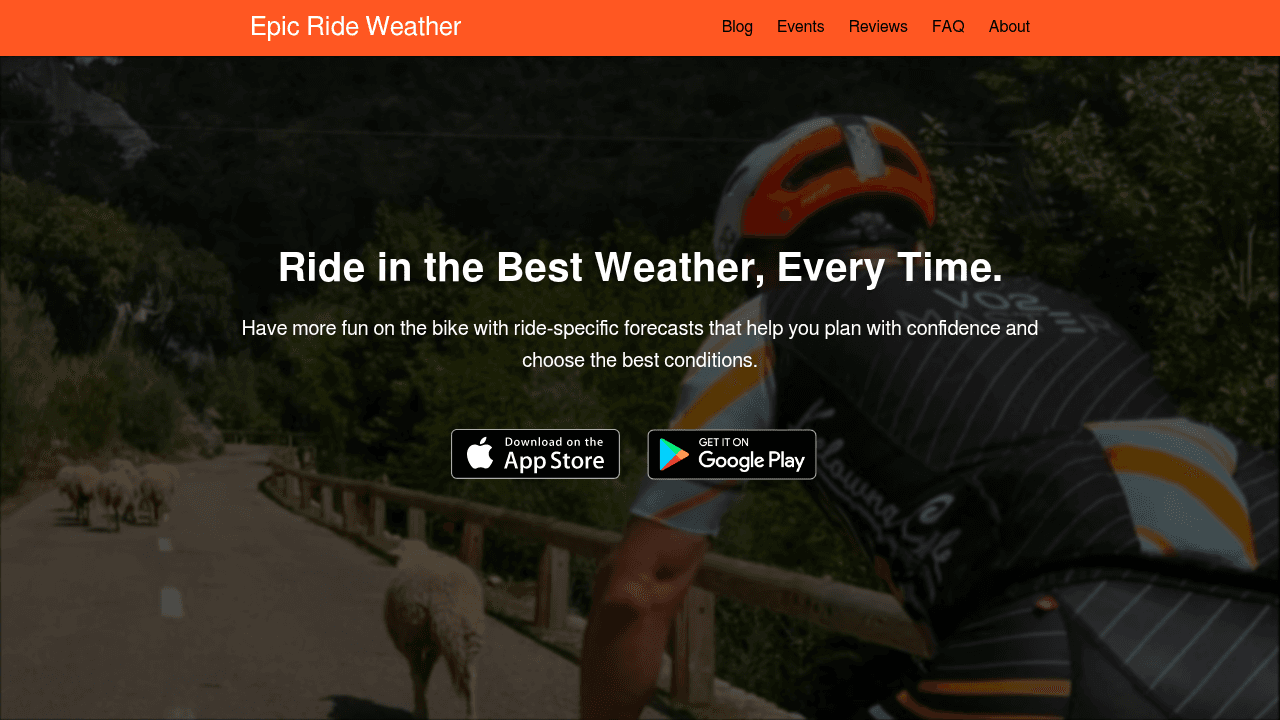
Epic Ride Weather is a mobile app that connects to Strava, Komoot, Ride with GPS, Garmin, and several other platforms. It pulls your planned route and generates a forecast at roughly 10-minute ride intervals, showing temperature, rain probability, wind speed, and wind direction as they change along the course.
The focus is on helping you choose what kit to wear and whether conditions are acceptable for the ride you've planned. It uses hyperlocal forecasting (via Apple Weather's data on iOS) and is known for an approachable, clean interface. There's no single composite score — you read the chart and decide, which suits riders who prefer to interpret data themselves but adds friction when you just want to know if Tuesday or Thursday is the better day for your club loop.
The forecast window depends on the underlying weather data sources, and the app works primarily on a per-ride basis rather than showing you your entire route library scored and ranked for the week ahead. No alerts, no multi-route dashboard, and primarily mobile — fine for packing for one event, less ideal for planning your best ride across every loop you ride regularly.
Feature-by-feature comparison
| Feature | Tailwind GPS | myWindsock | Epic Ride Weather |
|---|---|---|---|
| Strava sync | Automatic | Manual/import per analysis | Automatic for planned rides |
| Route-specific wind score | Yes (single score) | Weather Impact % (complex) | Per-interval chart only |
| Personalised to rider pace | Yes (from Strava history) | Partial (wattage model) | Yes (speed input) |
| Forecast window | 14 days (paid) / 3 days (free) | Varies | Varies by data source |
| Departure time guidance | Yes (best time per day) | No | Requires manual comparison |
| Alerts / notifications | Yes (Subscriber) | Limited | No |
| Nearby route suggestions | Yes | No | No |
| Headwind training mode | Yes | No | No |
| Multi-route daily view | Yes | No | No |
| Web route dashboard | Yes | Yes | Mobile-first |
| Interface complexity | Low | High | Medium |
| Free tier | Yes (3 routes, 3-day) | Yes (limited) | Free with credit limit |
| Best for | Finding your best ride, every week | Post-ride analytics | One-off ride prep |
Which rider should choose which tool
Hobby riders, weekend cyclists, and club captains — Tailwind GPS is the clearest fit. You get a quick score for your usual routes without opening a planning dashboard. Set an alert once, and the app tells you when conditions flip. There's no interpretation required. The goal is your best ever ride, not decoding weather charts.
Riders planning a longer weekend spin or gravel adventure — Tailwind's 14-day forecast window lets you scan a whole week and pick the best morning for that longer ride. Nearby route suggestions are also useful when the usual loop scores poorly but an alternative a few kilometres away might catch better wind angles.
Performance-focused riders and racers who want deep post-ride analysis — myWindsock offers the most granular data, particularly if you want to understand aerodynamic impact or cross-reference your Strava segment times with historical wind conditions. It's the right tool if you're training specifically around watt data — not if you want a fast answer before Sunday club.
General planning before an unfamiliar or multi-stage ride — Epic Ride Weather handles this adequately. The per-interval forecast with rain, temperature, and wind in one view is good for packing decisions when you're doing a one-off event or tour day. For your regular route library, it's the wrong tool.
Headwind training — Tailwind GPS specifically flags when conditions are strong enough to make a session into a deliberate workout, which neither of the other two does as a dedicated feature.
How Tailwind GPS scores a ride (methodology)
Tailwind generates hourly scores by combining forecast wind data with the actual geometry of your route: which segments are heading into the wind, which are cross-wind, and which have favourable tailwind. It weights those segments against your typical speed (pulled from Strava history) to calculate the effective impact on effort.
The result is a score from 0 to 100, where higher means more favourable conditions. This is updated throughout the day as forecasts refresh. The 14-day planning window uses numerical weather prediction models, with accuracy naturally improving as the window shortens toward the ride date.
The other apps work differently. myWindsock calculates watt impact using air resistance physics and local on-road wind modelling. Epic Ride Weather maps point-in-time weather observations at each position along the route based on Apple Weather's hyperlocal data grid. None of the three rely on generic regional forecasts — all three try to apply conditions specifically to the shape of your ride. Tailwind is the only one that turns all of that into a single number you can act on in seconds.
Frequently asked questions
Does Tailwind GPS require a Strava account?
Strava sync is the core onboarding route. It's how Tailwind imports your regular rides and reads your typical pace without manual input.
Can I use these apps for routes I haven't ridden before?
Tailwind GPS includes a live map for route exploration. myWindsock accepts route imports. Epic Ride Weather works from any saved or imported route.
Do any of these apps work offline?
All three require an internet connection for live forecast data. None are built for offline use.
Is the free tier on Tailwind GPS genuinely useful?
If you ride one or two regular loops most weekends, yes. You get a three-day wind forecast and basic map access — enough to pick your best ride window without paying. Email alerts and wind score notifications are on the Subscriber plan.
What's the forecast source for Tailwind GPS?
Tailwind combines wind analytics and forecast modelling applied at route level. The 14-day planning window is designed for subscribers who want to organise their week around ride conditions.
For a closer look at the live map and route scoring in action, explore the Tailwind GPS route explorer directly.
Try it now
Open the interactive wind map and find your best ride window — no sign-up required.