MyWindsock vs Tailwind GPS for weekend cyclists (2026)
Weekend riders don't need watt calculators — they need to know whether 7am or 9am is the easier start. An honest MyWindsock vs Tailwind GPS comparison for everyday cyclists.

You're not chasing KOMs on Saturday morning. You're trying to figure out whether the 7am or 9am start gives you the easier run out to the café and back, and whether the wind will be with you or against you on the way home. That's the decision both of these tools aim to help with. They just go about it very differently.
This comparison focuses on everyday weekend riders and gravel enthusiasts. If you want a deep dive into CdA modelling and race-day aero analysis, that's not really what this page is for. For a broader three-way comparison including Epic Ride Weather, see wind-aware cycling apps compared.
Quick verdict for weekend riders
Pick Tailwind GPS if you want route-level wind scoring plus a recommended departure time delivered to you, without having to interpret a dashboard of metrics first.
Pick myWindsock if you want granular cycling weather and performance data, including aerodynamics-focused analytics, segment-style wind overlays, and detailed post-ride weather reporting straight into your Strava activity description.
Both tools are route-specific rather than just giving you a generic local forecast. That's important. The difference is in how they surface the answer. Tailwind GPS distils everything into a single 0-100 Tailwind Score per route per departure hour, so you can read the situation in seconds. myWindsock layers multiple named metrics (Feels Like Elevation™, wImpact™, Weather Impact %, CdA and more) onto a course navigator-style map, which adds depth for riders who want to study every segment — but takes longer to act on.
For most weekend riders, the question is simpler: which one stops you wasting a ride window?
Side-by-side feature comparison
| Feature | Tailwind GPS | myWindsock | What it means for you |
|---|---|---|---|
| Route wind scoring | 0-100 Tailwind Score per route, per departure hour | Named metrics: Feels Like Elevation™, wImpact™, Weather Impact % | Tailwind gives you one number; myWindsock gives you a data breakdown |
| Forecast window (free) | 3 days | Not confirmed in public docs | Check before relying on free tier for weekend planning |
| Forecast window (paid) | 14 days | Premium tiers available; window not publicly confirmed | 14-day visibility is valuable for planning further ahead |
| Alerts and notifications | Weekly summary email + per-route email alerts + wind score notifications (subscriber) | Not prominently featured in public-facing pages | Tailwind alerts come to you; myWindsock is more check-in-when-you-want |
| Strava sync | Import routes and activity data from Strava; pace used to personalise departure timing | Connects Strava, Garmin, Wahoo, RWGPS, Komoot; appends weather reports to Strava activity descriptions | Tailwind uses Strava to personalise planning; myWindsock uses it to log post-ride data |
| Strava report metrics | Not applicable (planning tool) | CdA, Feels Like Elevation™, Weather Impact %, Headwind, Longest Headwind, Air Speed, Precipitation, Temperature | myWindsock's Strava reports are detailed for post-ride analysis |
| Map and route planning | Map-first planning interface; shareable route links; GPX upload and export | Course Navigator with wind overlays on the map | Both let you visualise wind on your route before riding |
| Offline support | Plan before you go; use your head unit for turn-by-turn navigation | Web-based with live weather modelling; requires connectivity for updates | Neither replaces your head unit for offline turn-by-turn |
| Free plan route limit | 3 routes | Free tier available | Enough to get started if you repeat familiar loops |
| Paid plan route limit | Up to 40 routes | Premium tiers exist (Lite, Power, Unlimited) | Plenty of room once you're tracking multiple loops |
A note on offline use
Neither tool is an offline navigation app — that's not what they're for. Tailwind GPS does offer browser-based turn-by-turn navigation when you have a signal, plus GPX export for head units. The practical workflow for any weekend ride is: plan and score your route the night before or at breakfast, then navigate from your phone or export a GPX to your Garmin or Wahoo.
Pricing and plan limits
Tailwind GPS
The free plan covers up to 3 saved routes with a 3-day forecast window. That's genuinely useful if you have one or two familiar loops you ride every weekend and you're just checking conditions for the next few days.
The subscriber plan costs $2.99/month or $19.99/year and unlocks up to 40 routes, a 14-day forecast window, weekly summary emails and per-route email alerts. At under $20 per year, it's low-stakes for regular riders.
myWindsock
myWindsock operates on a free tier with premium tiers above it (publicly referenced as Lite, Power and Unlimited). The premium tiers unlock advanced metrics, more integrations, and performance analytics features like Feels Like Elevation™ and wImpact™. Exact pricing for each tier wasn't confirmed in publicly available documentation at the time of writing, so check their pricing page directly for current figures.
Which plan fits your weekend pattern?
If you ride the same loop every Saturday morning and just need to know whether to leave at 7am or 9am, Tailwind's free plan is enough to get started. If you want to plan across a two-week window, get email alerts without checking an app every morning, and track several routes across different ride types, the Tailwind subscriber plan at $19.99 per year is probably the lowest-friction upgrade available in this category. myWindsock's premium tiers suit riders who also want aerodynamic insights and post-ride weather analysis appended to their Strava activities.
Real scenarios: how each tool helps
Sunday gravel loop
You've got a 50km out-and-back planned. The wind is from the south-west at 25km/h. Do you go clockwise or anticlockwise? Do you leave at 8am or 10am?
In Tailwind GPS, you'd open your saved loop, swipe through the hourly scores, and find the departure hour where the score peaks. The tool calculates wind direction relative to each segment of your route and your typical pace, so the score reflects how the ride will actually feel for you specifically, not just what the weather station is reporting. If 8am shows a 74 and 10am shows a 42, you go at 8am.
In myWindsock, you'd load the course into the Course Navigator and view wind overlays on the map, alongside metrics like Weather Impact % and Feels Like Elevation™. You'll see more detail about where on the route the headwind hits hardest. That's genuinely useful if you want to understand the route's wind profile in depth.
Saturday morning ride
You're not going to check a weather app every morning before deciding whether to ride. That's the reality for most people. Tailwind's per-route email alerts and weekly summary emails mean the information comes to you. You get a nudge when conditions on your saved route are looking good, without you having to remember to check. For a regular weekend rider who just wants frictionless decision-making, this is the feature that actually changes behaviour.
Group ride planning
You need to agree a start time with four other riders. With Tailwind GPS, you can share a route link that includes the time-scored forecast, so the group can see the same scoring and agree on 8am or 9am without a long WhatsApp debate. With myWindsock, you'd share your planner output or send the forecast data to your riding group, which works well for groups where at least one person is comfortable reading the metrics.
Headwind training sessions
Sometimes you want the hard version on purpose. Tailwind includes a headwind training mode for riders who deliberately seek out tough conditions for fitness work. myWindsock's detailed wind metrics (Headwind, Longest Headwind segment, Air Speed) can serve a similar purpose for riders who want to measure and log their training load in detail. This isn't a racing feature; plenty of club riders and sportive enthusiasts use this kind of data for structured weekend sessions.
How to test both with the same route
The most honest way to decide between them is to run both tools on a route you already know. Here's a low-effort way to do it:
Step 1: Pick your regular loop. Use a route you've ridden a dozen times so you can sense-check the outputs against your experience.
Step 2: Import into both tools. Upload your GPX file or connect Strava so the same route is loaded in Tailwind GPS and myWindsock. Both support GPX upload and Strava integration.
Step 3: Compare recommended start times. For the next 24 to 72 hours, note what each tool suggests as the optimal departure hour. Write them down. If they agree, that's a good sign both are reading the same wind data. If they differ, check how each explains the difference.
Step 4: Compare how they explain wind severity. Tailwind gives you a single 0-100 score and flags whether a window is good, marginal or poor. myWindsock gives you Weather Impact %, Feels Like Elevation™ and other named metrics. Which format makes it easier for you to decide?
Step 5: Check whether alerts save you a morning check. After a week of using Tailwind's email alerts, do you find yourself opening the app less but still riding in better conditions? If yes, you've found your tool.
A quick checklist to help you decide:
- Do you want one number you can act on in ten seconds? Tailwind GPS.
- Do you want detailed metrics about how wind affects your performance? myWindsock.
- Do you want email alerts that come to you proactively? Tailwind GPS.
- Do you want post-ride weather data added to your Strava activity automatically? myWindsock.
- Are you planning more than a week ahead? Tailwind GPS's 14-day window is confirmed; check myWindsock's current premium tier specs.
- Do you repeat the same one or two loops? Either tool works on the free tier to start.
Further reading and useful links
For more on how Tailwind GPS works, the Tailwind GPS map covers route scoring, Strava sync, forecast windows and the subscriber alert features in detail.
For myWindsock, their welcome guide is the best starting point for understanding the Course Navigator and wind overlay setup. Their premium features page explains metrics like Feels Like Elevation™ and wImpact™, and their Strava reporting page shows exactly which metrics get appended to your activity descriptions.
The simplest test: load your favourite Saturday route into both tools today and compare what each one tells you about tomorrow morning's start time. The one that gives you a clearer answer, faster, is the one worth paying for.
Try it now
Open the interactive wind map and compare scores on your Saturday loop — no sign-up required.
Related posts
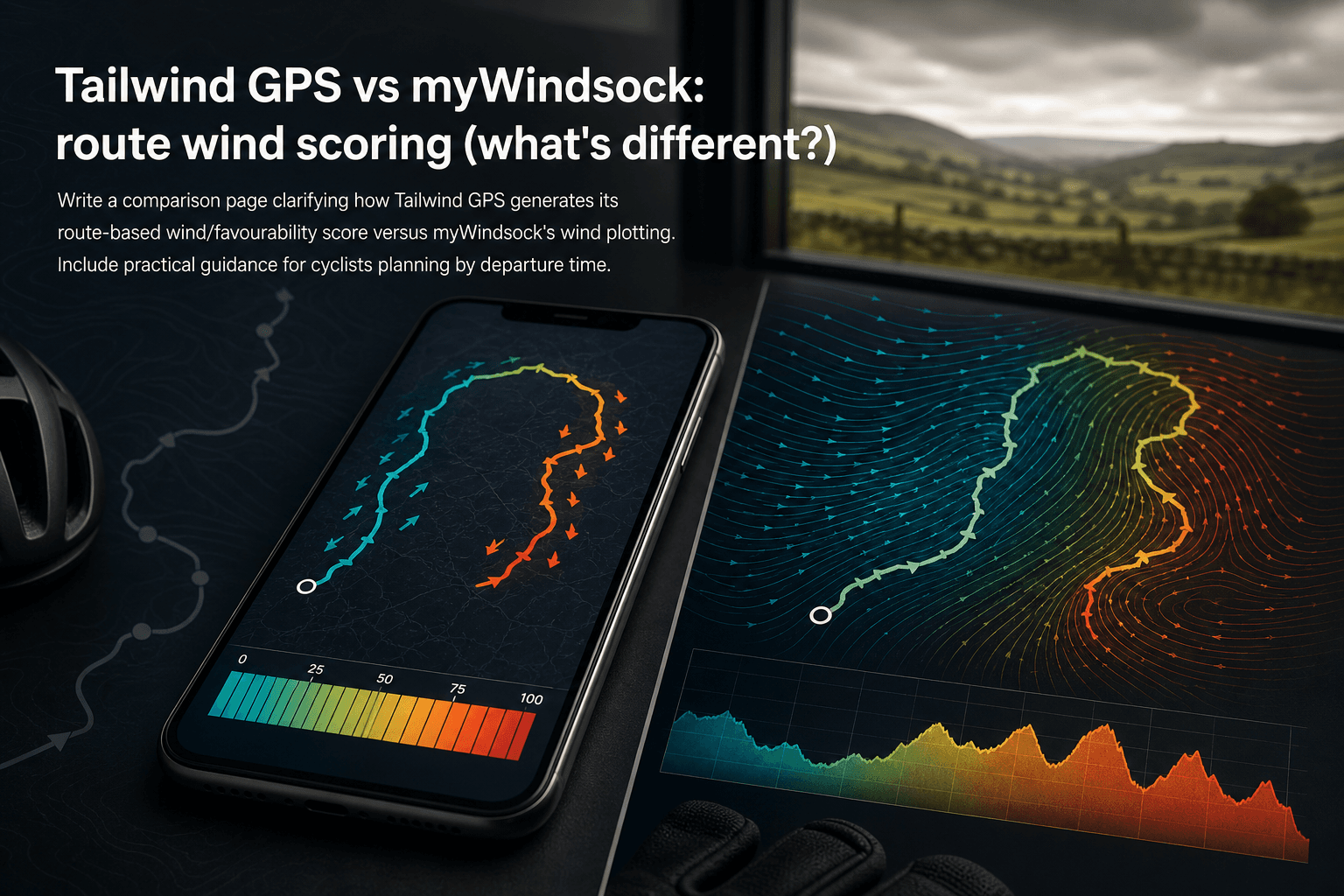
Tailwind GPS vs myWindsock: route wind scoring (what's different?)
How Tailwind GPS's 0–100 route wind score differs from myWindsock's Air Penalty scoring — and which to use for departure timing vs performance analysis.
·10 min read

Strava route planner vs wind-aware planning
Strava is genuinely excellent at route planning. The heatmap alone has probably sent millions of cyclists down roads they'd never have found otherwise. But if you've ever glanced at the forecast before a Saturday club run, set off into a gentle-looking 15 km/h wind, and spent the final 30 km g...
·8 min read

Tailwind GPS vs Epic Ride Weather vs myWindsock
Three apps. All promising to tell you how wind will affect your ride. But they solve very different problems, and choosing the wrong one wastes time, money, and possibly a Saturday morning into a 30 mph headwind.
·9 min read