
Best Free Cycling Navigation App in 2026
Compare Komoot, Strava, Ride with GPS and Tailwind GPS for free cycling navigation, including voice prompts, rerouting and a wind score.
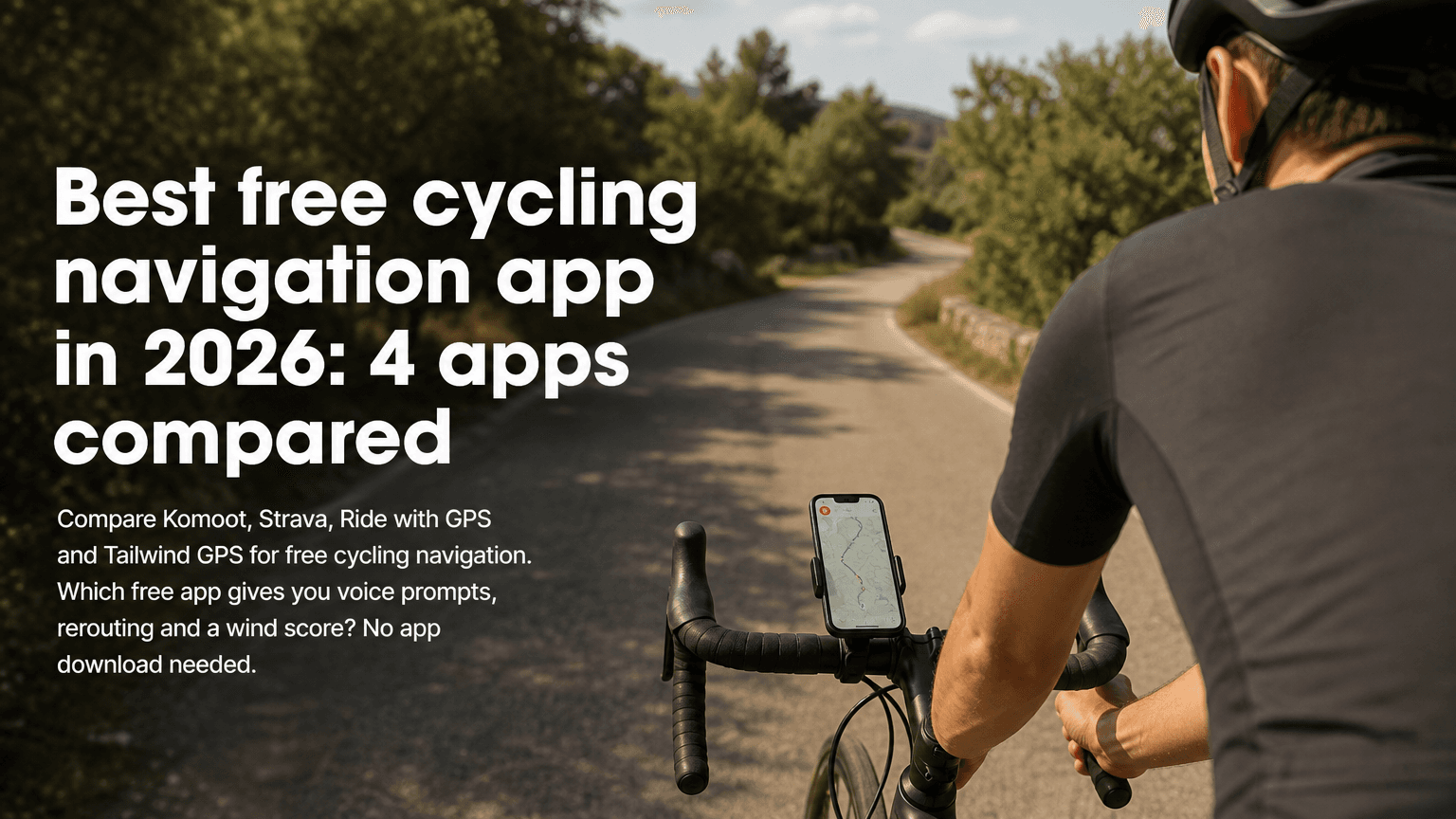
If you want the best free cycling navigation app in 2026, the answer depends on what you already have. Riders starting from nothing want a route-discovery library. Riders who already have routes want something that gets them to the start, guides them round and tells them when to leave. Tailwind GPS is built for that second group: in-browser turn-by-turn, GPX import and export, and a wind score for every departure hour, with no app download.
This guide compares Tailwind GPS with Komoot, Ride with GPS and Strava. It also covers OsmAnd, cycle.travel and Google Maps for specific jobs. Free plans change, so where a competitor's limits vary, check that app's pricing page before you rely on a feature.
Quick verdict
Commuters. Tailwind GPS for the daily route, Google Maps as a fallback. A handful of saved routes covers most weeks, and a wind score tells you whether the ride home is the headwind one. Rerouting needs a data connection.
Explorers. Komoot or Ride with GPS to find a new ride, then Tailwind GPS to choose the hour. Offline maps and deeper planning tools are where those paid plans start.
Touring. OsmAnd if you'll be out of signal for hours. Tailwind GPS suits planning and riding where you still have coverage. In-browser rerouting needs a connection.
Riders who already have routes. Tailwind GPS. Import a GPX or connect Strava, check the score, then start voice-guided turn-by-turn in the browser. The free plan is 3 saved routes and a 3-day forecast.
What free navigation actually includes
"Navigation" covers three jobs, and apps are often strong at only one.
- Planning means drawing or choosing a route before you leave.
- Guidance means turn-by-turn, voice prompts and rerouting while you ride.
- Tracking means recording where you've been. Strava does that best.
Check four things on a free plan: turn-by-turn and voice prompts, rerouting, GPX import and export, and the limits on saved routes, forecast and offline maps.
| Tailwind GPS | Komoot | Ride with GPS | Strava | |
|---|---|---|---|---|
| Turn-by-turn | In the phone browser, with voice prompts | In the app | In the app | Depends on the current plan |
| Rerouting | Yes, needs a connection | In the app | In the app | Depends on the current plan |
| GPX import and export | Free | Check the current plan | Check the current plan | Check the current plan |
| Wind score on your route | Tailwind Score, 0 to 100, per departure hour | No | No | No |
| Saved routes on the free plan | 3 | Varies | Varies | Varies |
| Forecast on the free plan | 3 days | Not route-scored | Not route-scored | Not route-scored |
| Offline maps | No | Region-based, check the plan | Tied to paid offline access | Mostly paid |
| Install | None, runs in the browser | Yes | Yes | Yes |
Tailwind GPS navigation runs in the browser, so rerouting needs data. Download a GPX to a head unit if you expect dead zones.
Tailwind GPS
Tailwind GPS combines a route, a wind score and in-browser navigation. The score looks at conditions along the whole route, hour by hour, from 0 to 100. Around 80 or above means mostly favourable wind. Under 20 means a tough ride.
What you get. Voice prompts, navigate-to-start and rerouting, with nothing to install. The score is specific to your route, hour and riding speed. GPX import and export are free, and a Strava connection can pull in routes you already ride. You can draw on the map and share a link. Routes include elevation and distance. The free forecast is 3 days.
The limits. Three saved routes on the free plan. Subscribers get up to 60 saved routes and a 14-day forecast, at $2.99 a month or $19.99 a year. There is no offline navigation. It is built around timing and route choice, not a social feed.
It suits commuters, weekend riders and club cyclists who want to stop guessing about the headwind. The Komoot comparison and Strava comparison go further on those two.
Komoot
Komoot is strong when you don't yet know where to ride, especially on gravel or in a new area. The community and multi-stop planning are the reason people open it.
The free tier is thinner than the paid regions, and offline maps are tied to the regions you've unlocked. There is no route-specific wind score, so you still judge the headwind yourself. Use it for inspiration, then bring the route across if you care about the hour.
Ride with GPS
Ride with GPS has a long reputation for cycling-specific routing. If you like to fine-tune a line, it's one of the stronger planners. Offline packs and the deeper tools sit on paid plans, and it doesn't score wind by departure hour. It suits riders who plan carefully and will pay when they need maps stored on the phone.
Strava
Strava is where many riders already log rides. The strength is the history and the routes other people have ridden. Some planning and navigation depth sits on paid tiers. It records where you've been. It doesn't tell you when to go. Keep it for tracking, and use Tailwind GPS for the hour. Routes can come across through the Strava connection.
OsmAnd, cycle.travel and Google Maps
OsmAnd stores maps on the phone. That's the right tool for remote touring. It takes more setup, and it doesn't score wind.
cycle.travel aims at quieter roads. Use it when avoiding traffic matters more than timing. The cycle.travel comparison covers that split.
Google Maps is the baseline for getting from A to B. It doesn't import your own GPX the way a cycling tool does.
Limits that catch people out
Saving a route and navigating offline are different things. Offline maps are often paid, and in some apps they work by region.
Turn-by-turn tells you where to turn. It says nothing about 25 km of headwind on the way home. That's the gap a wind score fills.
Export, extra saved routes or a longer forecast are the usual points where free stops. The free route planner comparison looks at where each planner draws that line. Tailwind GPS holds 3 routes for free, which suits a commute and a couple of favourites, and gets tight if you rotate through many loops.
Before you leave: the right route is loaded, you know whether you'll have signal, you've checked the score for the hour you'll actually leave, and you've heard the voice prompt once.
Start navigation without an app install
The phone workflow walks through this in more detail. The turn-by-turn guide covers what actually works on a ride.
- Open the map in your phone's browser. Add it to your home screen if you like.
- Connect Strava, upload a GPX, or draw a route.
- Scroll the departure hours and pick the best Tailwind Score.
- Start turn-by-turn. You get voice prompts and navigate-to-start, and it reroutes if you leave the line.
That needs a connection, which is rarely a problem on a commute or a lane loop.
When to export a GPX
Phone navigation is convenient. A head unit is better for a long day: battery, a readable screen, and guidance that doesn't need signal. Export GPX from Tailwind GPS and load it on a Garmin or Wahoo when you'll be out for hours, in poor signal, or you don't want a phone in the rain.
A few other rules:
- Planning a couple of days ahead fits the free 3-day forecast. Planning a week out is where the 14-day window starts to matter.
- Keep Strava if you like the log, and use Tailwind GPS to choose when to leave.
- Use Komoot or Ride with GPS to discover a route, then bring it in for the timing.
Start free in the browser
Turn-by-turn and a wind score for the hour you leave. No app download.

Free forever on 3 routes
Enjoyed that? Put it to work on your next ride.
- Every route scored for wind, rain and temperature
- The best hour to ride, up to 3 days out
- Strava routes in with one tap
Free forever on 3 routes. No card.
Related guides

Best cycling app with weather alerts: 6 options compared (2026)
Compare the top cycling apps with weather alerts. See which delivers route-specific forecasts, weekly ride picks, and departure-time scoring for smarter rides.
·9 min read

Best cycling route planner 2026: why weather-scored (wind, rain, temperature) planning beats maps
You've got an hour's window this evening. The route you want to ride could be glorious or it could grind you into the tarmac. The map looks identical either way. So what's the "best" cycling route planner actually supposed to tell you?
·5 min read
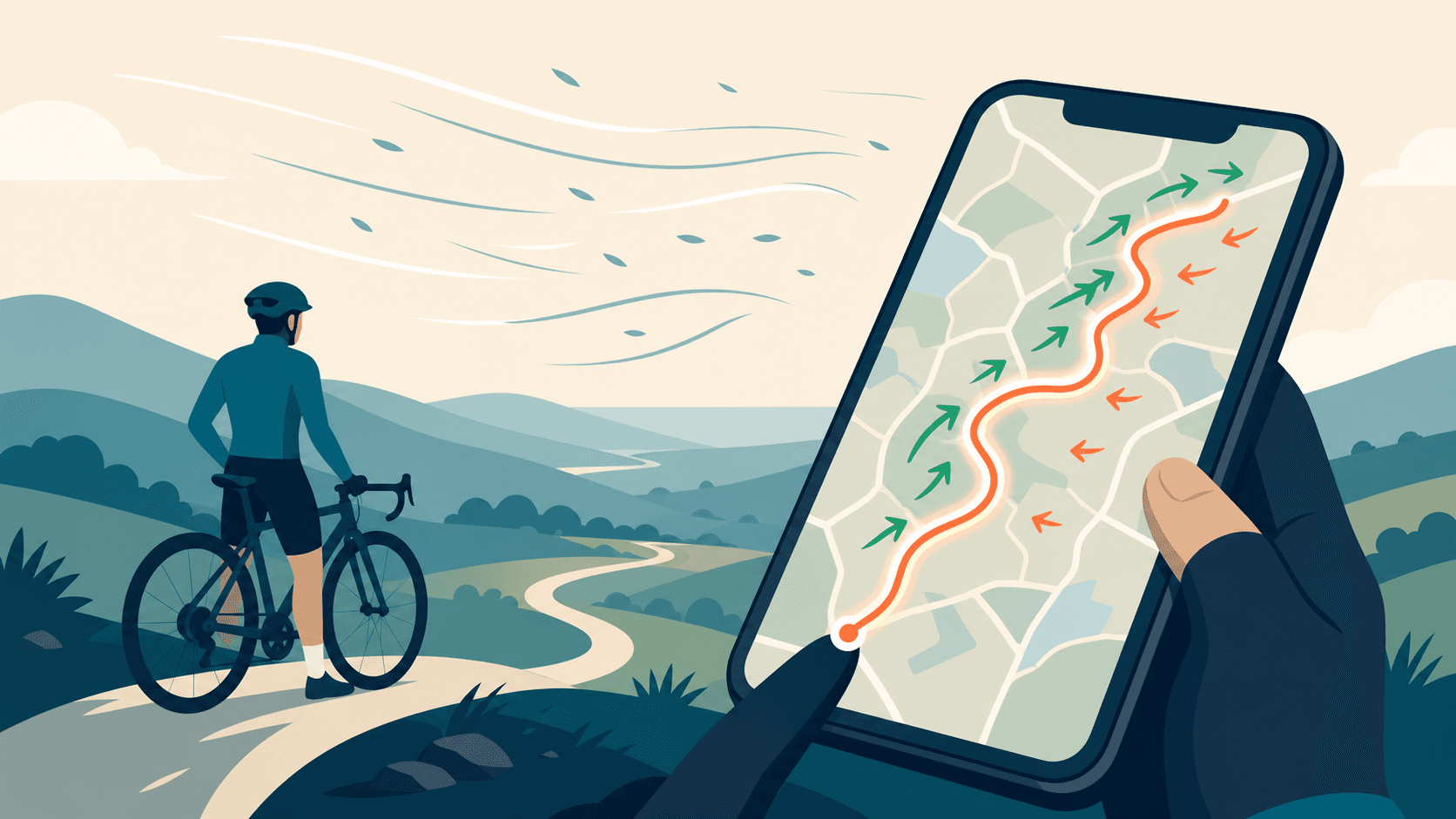
Best cycling route planner that takes GPX: a 2026 UK guide
You've got a GPX file. Maybe you downloaded it from Strava, exported it from Komoot, or a friend shared a sportive route. Now you need a planner that actually accepts it, does something useful with it, and ideally helps you decide when to ride it.
·10 min read