
How to Optimize FTP for Beginners
How to optimize FTP for beginners: what functional threshold power means, how to calculate it with a 20-minute test, and a simple plan to raise it.
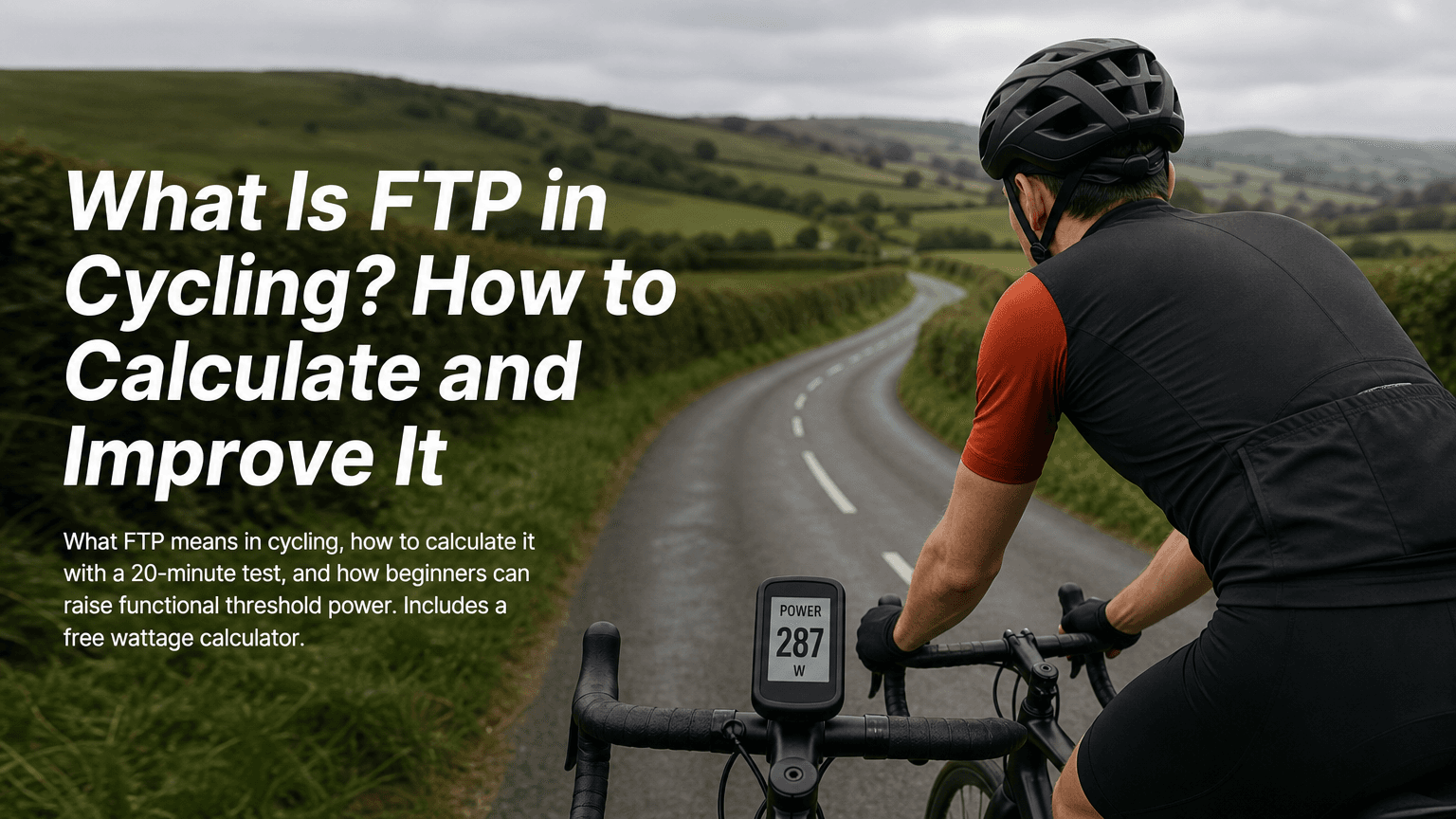
FTP stands for functional threshold power. In cycling, it's the highest power, measured in watts, you could hold for roughly an hour. It has nothing to do with file transfer protocol, which is the other thing a search for "FTP" tends to throw up. Once you have your number, every session you do can be described in watts instead of "hard" or "a bit easier".
This guide walks you through finding your FTP with a 20-minute test, reading it in watts and watts per kilo, and raising it with a six-week plan that fits around real life. It finishes by showing how wind changes the watts a ride demands, because your FTP stays put while the conditions don't.
Who it's for: beginner and club road cyclists. What you'll need: a power meter or smart trainer, a bike computer or app that records power, and about 75 minutes for test day. Difficulty: easy to follow, tough to ride. The 20 minutes are properly hard.
What you'll be able to do by the end
- Explain what FTP means and why beginners don't need a lab-perfect number
- Calculate FTP from a 20-minute test using a worked example
- Understand how ramp tests differ, and why riding without power data changes the picture
- Read your FTP in watts and watts per kilogram (w/kg)
- Follow a simple weekly plan to improve FTP without overtraining
- Understand why headwinds change the watts a ride demands, and when to use the wattage calculator
What FTP means in cycling (and why it isn't file transfer protocol)
In a cycling context, FTP is functional threshold power: an estimate of the highest average power you can sustain for about an hour. Few people ride a full hour flat out just to measure it, so in practice it's estimated from shorter tests.
It's useful because it gives you a personal yardstick. If your FTP is 200 W, a 140 W ride is clearly easier than a 190 W one, whatever the road or the weather feels like. Training zones, interval targets and pacing plans are all built as percentages of this single number.
Set your expectations early. You don't need a number that would survive a laboratory. You need one you can repeat, so that when it goes up in six weeks, you know the change is real.
Before you start: set up a test you can repeat
Consistency matters more than perfection here. Sort these four things first.
- Check your power source. Make sure your power meter or smart trainer is paired, working and calibrated (a zero offset or calibration routine, as per the manufacturer's instructions). Confirm your head unit or app is recording power, not just heart rate.
- Choose your location. Either a flat, uninterrupted stretch of road with no junctions, or an indoor trainer. A steady 20-minute climb also works. Whichever you pick, use it every time you retest.
- Pick your window. Choose a day when you're reasonably fresh. A rest day or an easy day beforehand is ideal, and a hard group ride the night before isn't.
- Keep your position the same. Same bike, same riding position, same tyre pressure if you're outdoors. Small changes shift your numbers more than you'd expect.
Common snag: if you plan to test outside, check the wind first. A gusty day makes steady pacing much harder. If you can only test on a breezy day, choose a route where you can turn your back to it or find some shelter, and note the conditions so you can compare like with like next time.
How to calculate FTP using a 20-minute test
The 20-minute test is the standard self-test, described by TrainingPeaks and TrainerRoad among others. The idea is simple: ride as evenly and as hard as you can for 20 minutes, then take 95% of your average power.
FTP ≈ 0.95 × your 20-minute average power
The 5% reduction accounts for the fact that you can hold a bit more power for 20 minutes than you could for a full hour.
Step 1: warm up properly
Spend about 15 minutes riding easy, building gradually. Then do three efforts of one minute at a quick cadence, each followed by a minute of easy spinning. Finish with five minutes of very easy riding. This primes your legs so your power doesn't fade in the first few minutes of the test.
Step 2: start the 20 minutes and hold steady
Press the lap button (or start a separate interval) and begin riding. Aim for the hardest effort you can sustain evenly. The classic mistake is going out too hard in the first five minutes and fading badly. Ride the first five minutes slightly more conservatively than feels necessary, settle into a rhythm, and push the final five minutes if you've got anything left.
Step 3: record your 20-minute average power
When the 20 minutes are up, stop the interval and ride easy for 10 to 15 minutes. After the ride, check the lap or interval summary and note the average power in watts.
Checkpoint: you want the average power for the full 20 minutes, not your peak power or your maximum. If your head unit shows a number over 500 W, that's a peak. Your average should look much more modest.
Step 4: calculate your FTP
Multiply your 20-minute average by 0.95.
Worked example: from 20-minute average to FTP
Say your lap summary shows a 20-minute average of 250 W.
- Enter your 20-minute average power: 250 W.
- Multiply by 0.95: 250 × 0.95 = 237.5 W.
- Round sensibly: 238 W.
Rounding up or down by a watt won't change your training in any way you'd notice, so don't agonise over it.
Checkpoint: write your FTP down in watts. If you know your body mass, work out your w/kg too (next section) and write both numbers somewhere you'll see them, such as the notes app on your phone or a sticky note on the turbo.
Ramp test vs 20-minute test, and riding without a power meter
A ramp test is the other common route. You start at a low power and the target rises in regular steps (often every minute) until you can't continue. Platforms such as Wahoo's systems and various training apps then estimate your FTP from your best result, using a conversion factor. Your FTP is then used to set training intensities, just as with the 20-minute test.
What changes between the two tests:
- The exact factor varies by platform and coaching method, so a ramp test result and a 20-minute result can differ by a few watts.
- Ramp tests are shorter and don't ask you to pace for 20 minutes, which many beginners find less daunting.
- The 20-minute test rewards good pacing, which can be a learning curve at first.
What doesn't change is the rule that matters most: use the same test every time. If you did a 20-minute test first, retest with a 20-minute test. If you used a ramp test on a particular platform, stay with that platform. Comparing a ramp result to a 20-minute result tells you very little.
What if you don't have a power meter?
FTP is a power measurement, so you can't get a true FTP without power data. Heart rate and perceived effort are good guides to how hard you're working, but they don't give you a watts figure. If you're curious about power-based training, a smart trainer is often the most affordable way in, as it measures power directly. In the meantime, you can still ride with a structured plan using perceived effort.
How to read your FTP in watts and watts per kilo
Your FTP in watts is your absolute threshold. It's what matters on flat roads, where you're mostly pushing through air.
Watts per kilogram (w/kg) divides that by your body mass, which makes it more relevant on climbs, where you're lifting your weight against gravity.
w/kg = FTP (W) ÷ body mass (kg)
Using the example above, with an FTP of 238 W and a body mass of 75 kg:
238 ÷ 75 = 3.17 w/kg
Two riders with the same FTP in watts can have very different w/kg figures, and the lighter one will usually climb faster. Conversely, a heavier rider with a higher FTP in watts often has the advantage on the flat. If climbing is your focus, there's more on that in our guide on how to improve your climbing.
Rather than comparing yourself to published ranges (which vary widely by source and don't apply universally), use your own baseline. A beginner who rises from 2.6 to 2.9 w/kg over a few months has made a clear, meaningful gain.
Checkpoint: calculate your w/kg and write it next to your FTP in watts. Track both. Watts shows your raw ability, and w/kg shows how it translates to climbing.
A simple weekly plan to improve FTP without overtraining
Raising FTP comes down to two things: regularly riding at or near threshold, and recovering enough that you can do it again next week. You don't need six rides a week. Two or three well-chosen sessions are plenty.
The weekly structure
- Ride 1, threshold intervals: the key session of the week (details below).
- Ride 2, steady endurance: 60 to 90 minutes at a comfortable pace where you can chat. This builds the aerobic base that supports everything else. If you want more detail on this side of training, see how to build endurance without overtraining.
- Ride 3 (optional), easy spin or a relaxed social ride: keep it genuinely easy.
- Other days: rest, or gentle walking. Rest days are when your body actually adapts.
What threshold riding should feel like
Work at roughly 90 to 100% of your FTP. That feels hard but sustainable: around 6 or 7 out of 10 in effort, with breathing laboured and only short phrases possible. By the final minutes of each interval, you should be thinking about the clock. If you can hold a conversation, go a little harder. If you're gasping in the first two minutes, ease off.
Avoid surging. Smooth watts are the goal, and an interval where you spike to 400 W then crawl is less effective than one held steadily at 90 to 95% of FTP.
A six-week progression
The trick is to increase the time at threshold gradually, with an easier week in the middle.
| Week | Threshold session | Notes |
|---|---|---|
| 1 | 2 × 8 minutes, 4 minutes easy between | Aim for 90% of FTP |
| 2 | 2 × 10 minutes, 5 minutes easy between | Aim for 90 to 95% |
| 3 | 2 × 12 minutes, 5 minutes easy between | Aim for 95% |
| 4 | 2 × 8 minutes, 4 minutes easy between | Easier week, focus on feeling fresh |
| 5 | 2 × 15 minutes, 5 minutes easy between | Aim for 95 to 100% |
| 6 | Easy week, then retest at the end | Retest with the same 20-minute protocol |
Warm up for 10 to 15 minutes before each session and cool down afterwards.
Checkpoint: each week, record at least one thing. It could be whether you completed every interval, how steady your power was, or how the last interval felt compared with the first. A short note is enough.
Support the plan with sleep and food
Sleep and food are part of training. Aim for consistent sleep, and eat enough carbohydrate before and after hard sessions so your legs have something to work with. For longer rides, our guide to fuelling before, during and after long rides covers the details.
Common beginner mistakes and how to fix them
Going too hard too often. If every ride is a race, you'll plateau and feel tired. Keep your easy rides easy, and threshold work to once or twice a week.
Skipping recovery. If your legs feel heavy for days, take an extra rest day or repeat last week's session rather than adding more.
Testing too often. Retesting every week mostly measures how tired you are. Wait roughly six to eight weeks, so there's time for real change.
Why headwinds change the watts your ride demands
Your FTP is fixed on any given day, but the power a route requires is not. Wind is the biggest variable. A headwind increases the power needed to maintain a given speed, and a tailwind reduces it. This is a standard result in cycling physics, and BikeRadar's power and wind explainers cover it in detail.
The reason comes down to air resistance. At cycling speeds, aerodynamic drag is the largest force you fight on flat ground, and it depends on your speed relative to the air, not the road. Ride at 25 km/h into a 20 km/h headwind and the air is hitting you at 45 km/h. The drag force scales with the square of that airspeed, so you face about 3.2 times as much aerodynamic drag as you would at 25 km/h in still air. You can't simply push harder to compensate, because your FTP caps what you can sustain.
For a club rider, this has practical consequences:
- A route you ride comfortably at 90% of FTP on a calm day might need well over 100% of FTP into a strong headwind, so you'll slow down or blow up.
- A climb with a headwind can demand more watts than the gradient alone suggests, because gravity and wind add together.
- A headwind leg followed by a tailwind return doesn't average out. The slower headwind half takes longer, so you spend more time working hard.
That's why pacing by watts rather than speed is so useful. Hold your target power, accept whatever speed the wind gives you, and you'll ride far more evenly. For a deeper look at managing this, see our guide to training in headwinds.
Turn your FTP into real ride plans with the wattage calculator
Once you have your FTP, the next question is what it means for a specific route. Tailwind GPS's free cycling wattage calculator answers it. You can estimate watts from a given speed, or speed from a given power, using your weight, tyres, riding position, gradient and wind. It's built on the Martin et al. (1998) cycling power model, and the page shows the formulas behind each number.
Here's how to use it with your new FTP:
- Open the calculator and set rider weight, bike and kit, riding position and tyres.
- Choose Watts → speed, then set target power to a realistic effort, such as 90% of your FTP (214 W if your FTP is 238 W).
- Set grade to 0% for a flat section, or to the gradient you care about.
- Leave wind at 0 and note the expected speed.
- Drag the wind slider left until it shows a headwind of about 15 to 20 km/h, and compare.
Checkpoint: for the same effort, the headwind result should show a much lower speed. If it doesn't, drag wind left (headwind), not right (tailwind).
Try the free wattage calculator
Turn your FTP into expected speed with weight, tyres, gradient and wind. No account needed.
If you're deciding which route to ride, or when to leave, Tailwind GPS also analyses wind along your actual route, hour by hour, and gives each departure time a Tailwind Score. Your FTP tells you how hard you can go, and the Tailwind Score shows how kind the day will be to you.
Troubleshooting: what to do if your numbers feel off
Your 20-minute average looks very high or very low. Check how you paced it. If your power graph shows a big spike early and a fade late, a more even effort will probably give a better, more reliable average. Also confirm you used the full 20 minutes, not a shorter lap.
You couldn't finish 20 minutes. That's a common snag, and it's fine. Spend a few weeks on the build plan above, then try again. A ramp test is also a gentler option if you prefer it. Whichever you choose, use the same one every time.
Your FTP jumps around between tests. Look at what changed. Different warm-ups, a different power meter or trainer, a different course, or the wind can all shift the result by more than real fitness would.
You tested on the road last time and want to use a trainer now (or vice versa). Numbers often differ between the two, owing to cooling, pacing and equipment. Pick one environment and keep to it for comparisons.
What you've achieved and what to do next
You now know that FTP is functional threshold power, you can calculate it with a 20-minute test (0.95 × your 20-minute average), and you can read it in both watts and w/kg. You also have a six-week plan to build it up, and an understanding of why a headwind makes the same route demand more watts.
Your next steps:
- Complete the six-week plan and retest with the same 20-minute protocol.
- Compare your new FTP and w/kg with your original numbers.
- Use the cycling wattage calculator to see what your updated FTP means for speed on your regular routes, in calm conditions and in a headwind.
Small, steady gains are the goal. A few extra watts after six weeks is a good result, and every one of them makes the next headwind a little easier to face.

Free forever on 3 routes
Enjoyed that? Put it to work on your next ride.
- Every route scored for wind, rain and temperature
- The best hour to ride, up to 3 days out
- Strava routes in with one tap
Free forever on 3 routes. No card.
Related guides
Best FTP Wattage Calculator for Cyclists
Compare FTP and cycling wattage calculators, then use Tailwind GPS to turn your FTP into speed with wind, weight and gradient.
·6 min read
How to Build Endurance Without Overtraining
Learn how to build cycling endurance without overtraining using a practical load, recovery, and adjustment system. Includes Zone 2 tips, warning signs, and weekly templates.
·10 min read
How to Improve Your Climbing
Climb faster on your road bike with structured FTP, threshold, and VO2 max training, plus smarter pacing, cadence, and route-specific wind planning.
·10 min read