Best cycling app for planning rides based on the forecast (2026)
You've checked the weather. It says "light winds, 15°C, partly cloudy." Sounds perfect. You head out, turn left out of your street, and within five minutes you're grinding into a 25 km/h headwind that the forecast said absolutely nothing about.

You've checked the weather. It says "light winds, 15°C, partly cloudy." Sounds perfect. You head out, turn left out of your street, and within five minutes you're grinding into a 25 km/h headwind that the forecast said absolutely nothing about.
Sound familiar?
The problem isn't the forecast. The problem is that weather apps forecast a single point, usually wherever you are right now, for a single moment. Cycling doesn't work that way. You're moving. Your route changes direction constantly. The wind that's behind you at kilometre 10 might be square in your face by kilometre 35.
So when people search for the "best cycling app for planning rides based on the forecast," what they're really asking is: which app will tell me whether this specific route, on this specific morning, at this specific departure time, is actually going to be a good ride?
That's a very different question. And it requires a very different kind of tool.
Not all forecast apps are the same
Before getting into recommendations, it helps to understand the three categories of app you'll encounter:
Route-specific wind and weather apps (Epic Ride Weather, myWindsock, Headwind, Tailwind GPS) overlay forecast data onto your actual route. They're built for cyclists making ride decisions, not general weather browsing.
General wind map tools like Windy are genuinely useful for visualising wind patterns across a region, but they don't automatically translate that into "your route, your pace, your departure time."
Route planners (Strava, Komoot, Ride with GPS, Garmin Connect) are excellent at helping you navigate. As Cyclist noted in February 2026, they're among the best for planning and navigation. But wind impact along the route, hour by hour, isn't what they're designed for.
If you want to know where to go, use a route planner. If you want to know when to go and what it'll feel like, you need a route-specific wind forecast cycling app.
Your checklist for choosing the right app
Not every "cycling weather app" is equally useful. Here's what actually matters when you're trying to make a real ride decision:
- Route file support. Can you upload a GPX, sync from Strava, or plan directly in the app? If you have to rebuild your regular routes from scratch, you won't use it.
- Hourly wind data along the route. Not just wind at your start point. Wind at each segment, offset to when you'll actually be there based on your pace.
- A clear decision output. Wind arrows on a map still require interpretation. A score or difficulty rating that translates conditions into something actionable is far more useful.
- Pace personalisation. A 25 km/h rider and an 18 km/h rider experience the same route very differently. The app should know which one you are.
- Rain timing along the route. "20% chance of rain" tells you nothing. You need to know whether the rain arrives at kilometre 5 or kilometre 50, and whether your departure time can avoid it.
- Forecast window length. A 3-day window is fine for spontaneous rides. Planning a weekend away or scheduling training blocks properly? You want 14 days.
- Alerts. If conditions improve for a route you care about, do you want to know? The best apps will tell you without you having to keep checking.
How to actually use a route-specific forecast app
The workflow is simpler than it sounds:
- Import your route. Connect Strava and your existing routes appear automatically, or upload a GPX file.
- Set a departure time window. Be realistic. If you can only ride between 7am and 9am, check those hours specifically.
- Check the wind breakdown. You want to know what percentage of the route is tailwind, headwind, and crosswind, and where the tough sections fall.
- Use the score to compare options. If you have two similar routes, which scores better this Saturday morning? If your usual loop scores poorly, does an hour-earlier departure change things significantly?
- Factor in rain timing. If there's precipitation in the forecast, does shifting your departure by 90 minutes mean you avoid the wet section entirely?
This five-step process takes about two minutes once you're set up. That's the whole point.
What the Tailwind GPS Tailwind Score actually does
Tailwind GPS is built entirely around making this decision fast. The core feature is the Tailwind Score: a single number from 0 to 100 assigned to each of your routes for every departure hour.
- 80-100: Excellent. Expect favourable conditions for most of the ride.
- 55-79: Great riding.
- 40-54: Neutral.
- 20-39: Challenging.
- 0-19: Brace yourself.
Behind that number, the app samples wind direction, wind speed, temperature, and precipitation along every segment of your route. Crucially, it offsets each reading to account for when you'll actually be at that point, based on your riding pace. A score calculated for an 8am departure reflects where a rider at your pace will be at 8am, 8:30am, 9am, and so on across the whole route. That's what makes it genuinely route-specific rather than just a postcode forecast.
You can also see the breakdown: tailwind percentage, headwind percentage, crosswind percentage, and average wind speed. So if the score is a 42 and you want to understand why, the data is there.
Free users get up to 3 saved routes with a 3-day forecast window. Subscribers unlock up to 40 routes and a full 14-day cycling weather forecast, plus weekly summary emails, per-route alerts when your chosen score threshold is hit, wind score notifications, and rain alerts during your preferred riding hours. Subscription pricing is $2.99/month or $19.99/year, with a 7-day free trial.
Real scenarios where this changes your decision
"My regular loop felt awful on Tuesday but fine on Thursday." Wind direction shifts mean the same route can have a completely different feel depending on the day and even the hour. A departure time 90 minutes earlier can turn a slog into a genuinely enjoyable ride on the same loop.
"I've got a 2-hour window on Saturday morning." Scroll through the departure hours and compare the scores. Sometimes 7am scores a 72 and 9am scores a 38. That's a decision made.
"I want to train hard." Tailwind GPS includes a headwind training mode that deliberately surfaces routes and times with sustained headwinds. You're not avoiding the hard conditions; you're scheduling them intentionally.
"I'm planning a cycling trip next month." The 14-day window means you can start monitoring route conditions well in advance and set an alert so you're notified when things look promising.
How it fits with your existing tools
Tailwind GPS doesn't replace Strava or your Garmin. It sits alongside them and answers the one question they don't: given the routes I already ride, when should I actually go?
The typical workflow looks like this: plan or discover routes in Strava, Komoot, or Ride with GPS, sync or import them into Tailwind GPS, check the hourly scores to pick your departure window, then export the GPX to your head unit if needed. You can also share a route link with time-specific conditions, which is genuinely useful for coordinating club rides.
See the full wind-aware cycling apps comparison if you want a side-by-side breakdown of how Tailwind GPS stacks up against Epic Ride Weather, myWindsock and Headwind.
FAQs
Do I need a power meter or special sensors? No. Tailwind GPS works entirely from your route and forecast data. No hardware required.
How accurate is the forecast? Accuracy depends on the underlying weather model, which updates regularly. The app is honest about this: it's a planning tool to help you make better decisions, not a guarantee. For rides more than 5-7 days out, treat scores as directional rather than definitive.
Can I use routes I already ride on Strava? Yes. Connect your Strava account and your routes import automatically. You can also upload GPX files directly or draw new routes on the map.
Can I export routes to my GPS device? Yes. GPX export is available on the free plan, so you can push routes straight to a Garmin, Wahoo, or any compatible head unit.
How do alerts work? Subscribers set a target score for each route. When the forecast hits that threshold during your preferred riding hours, you get an email alert. There's also a weekly summary email highlighting the best upcoming ride windows across all your saved routes.
What if I ride slower or faster than usual? You can update your average riding speed in your profile settings. Every score is then recalculated to reflect your expected position on the route at each point in time. If you ride a specific route faster or slower than your average, the overall score won't be perfect, but it'll be considerably more accurate than a single-point forecast.
The app that gives you an answer
The best cycling weather forecast app for routes isn't the one with the most data or the most impressive-looking wind map. It's the one that takes your actual route, your actual pace, and the actual forecast, and tells you clearly: yes, go at 7am or wait until tomorrow afternoon.
That's what route-specific wind forecasting is for. And if you've been relying on a general weather app to make that call, you've probably already felt the difference on a bad morning.
Try Tailwind GPS free on your next three routes and see what a proper cycling route planning with wind scoring actually feels like.
Related posts
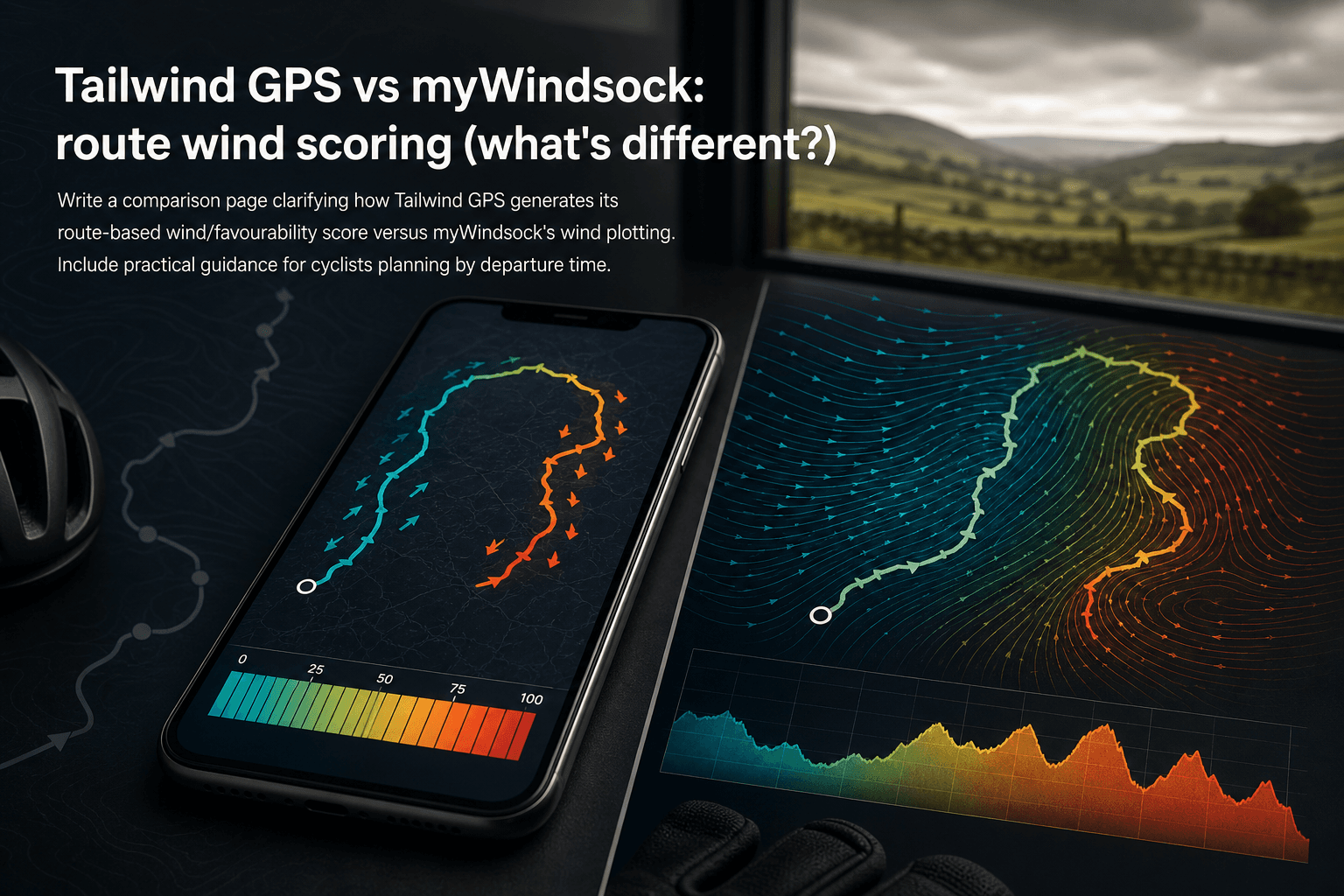
Tailwind GPS vs myWindsock: route wind scoring (what's different?)
How Tailwind GPS's 0–100 route wind score differs from myWindsock's Air Penalty scoring — and which to use for departure timing vs performance analysis.
·10 min read

Strava route planner vs wind-aware planning
Strava is genuinely excellent at route planning. The heatmap alone has probably sent millions of cyclists down roads they'd never have found otherwise. But if you've ever glanced at the forecast before a Saturday club run, set off into a gentle-looking 15 km/h wind, and spent the final 30 km g...
·8 min read

Tailwind GPS vs Epic Ride Weather vs myWindsock
Three apps. All promising to tell you how wind will affect your ride. But they solve very different problems, and choosing the wrong one wastes time, money, and possibly a Saturday morning into a 30 mph headwind.
·9 min read