Cycling GPS turn-by-turn directions: what actually works in 2026
The best cycling GPS turn-by-turn in 2026 is in your browser. Tailwind GPS gives voice prompts, navigate-to-start, and rerouting — then scores the hour you leave.
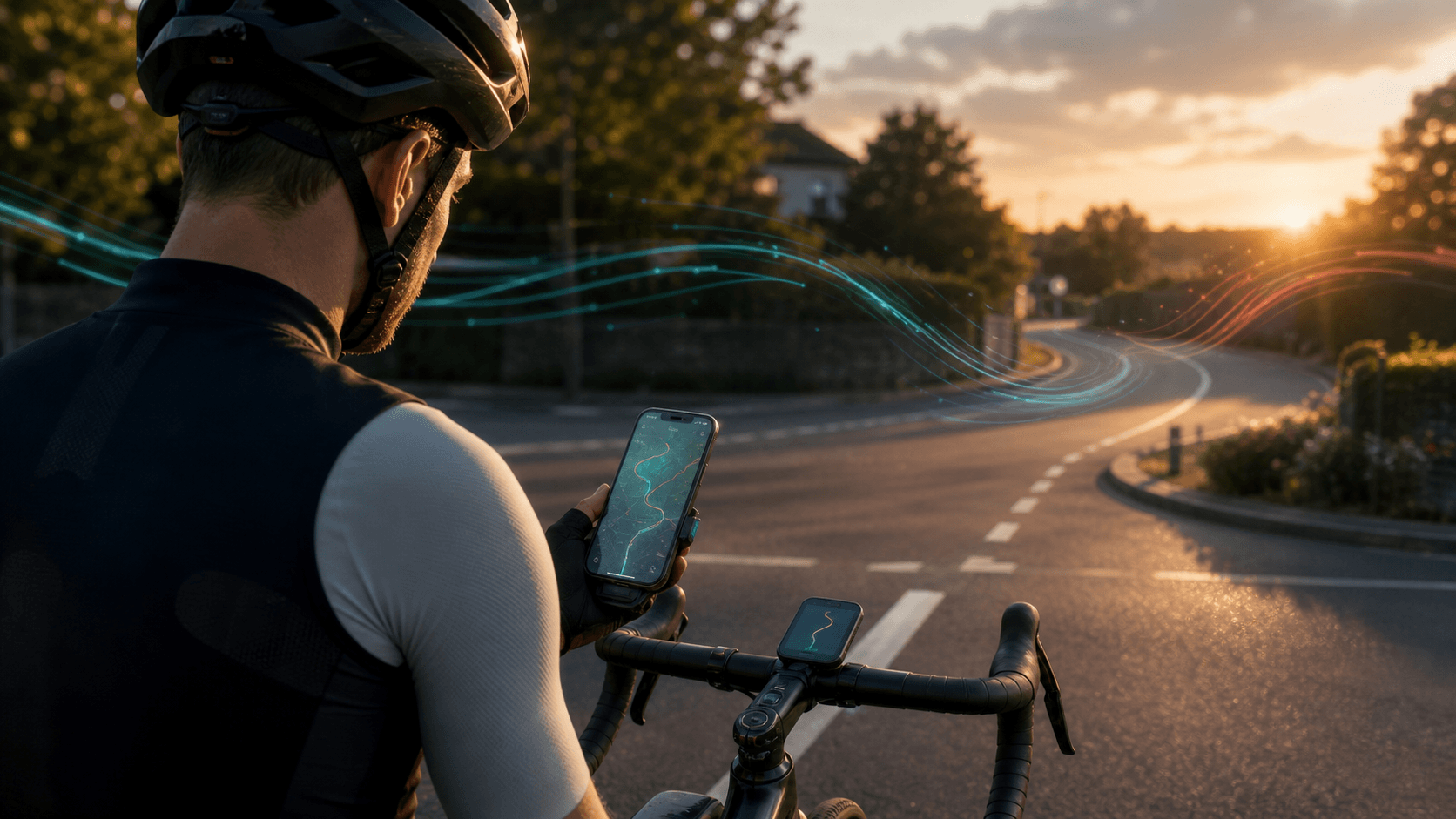
You've planned a route, loaded it onto a device, and rolled out, only to find a plain line on a screen and no idea which way to turn. That is not turn-by-turn. That is a breadcrumb.
Real cycling GPS turn-by-turn tells you the next junction, speaks it if you want, gets you to the start if you are not already there, and reroutes when you miss a turn. Tailwind GPS does that in the browser on your phone — no app install, on the same route you just scored for wind.
At-a-glance: best pick by rider setup
| Your setup | Best pick for turn-by-turn |
|---|---|
| Phone only | Tailwind GPS — in-browser turn-by-turn, voice, navigate-to-start, rerouting |
| Phone + Bluetooth earbuds | Tailwind GPS — optional spoken cues through the phone speaker or buds |
| Not at the start of the route | Tailwind GPS — navigate-to-start before the ride commits to the line |
| Missed a junction | Tailwind GPS — off-course alert, then reroute back onto the planned loop |
| Garmin Edge / Wahoo / Karoo | Plan and navigate in Tailwind GPS, or export GPX to the head unit |
| No mobile signal | Export GPX from Tailwind GPS to a head unit with onboard maps |
Strava is a recording and discovery tool. It does not give native voice turn-by-turn. If the route lives in Strava, connect it to Tailwind GPS and start navigation from there.
What "turn-by-turn" actually means
A cycling GPS that claims turn-by-turn should do most of this:
- Visual next-turn prompt — an instruction and distance before each junction
- Voice cues — spoken directions so you can keep your eyes on the road
- Navigate to start — if you are not at kilometre zero, it routes you onto the line first
- Off-course rerouting — miss a turn and it calculates a path back to the planned route
- Cue data on the route itself — not a raw breadcrumb of GPS points with no junctions
A raw GPX track is a series of coordinates. Your device can draw the line and still stay silent at every roundabout. Tailwind GPS builds the manoeuvre list from the route geometry: turn left, keep right, roundabout exits, arrive. That is the difference between "follow the orange line" and "turn left in 150 metres."
A quick test before any long ride: start navigation, ride past the first junction on purpose. If the app warns you and then reroutes you back, you have real navigation. If nothing happens, you are riding a breadcrumb.
1. Tailwind GPS — best cycling turn-by-turn on a phone
Tailwind GPS is the top pick for riders who navigate on a phone.
There is no app to install. Open the route in the browser, tap Start navigation, and you get:
- Turn-by-turn prompts with distance to the next manoeuvre
- Optional voice guidance through the speaker or Bluetooth earbuds
- Navigate to start if you tap go away from the route origin — it takes you to the line, then commits to the ride
- Rerouting when you go off-course: it holds the planned loop and calculates a connector back onto it, rather than inventing a new destination
- Wind along the route while you ride — the same forecast you used to pick the hour stays on screen as a HUD
That last point is unique. Komoot and Ride with GPS will tell you where to turn. They will not tell you that the exposed ridge at kilometre 40 is a tailwind at 8am and a slog at 11am. Tailwind GPS scores the route hour by hour, then navigates the same line.
Workflow
- Save a route — draw it, import a GPX, or connect Strava
- Pick the departure hour with the best Tailwind Score
- Mount the phone, grant location, tap Start navigation
- If you are not at the start, follow navigate-to-start until you join the line
- Ride. If you miss a turn, stay on the road until reroute snaps you back
Need a head unit instead? Export GPX from the same route page. The planning, scoring, and phone navigation stay in one place.
Start turn-by-turn in the browser
Save a loop, pick the hour, then navigate with voice prompts, navigate-to-start, and rerouting — no app download.
2. Ride with GPS — strong phone app, extra account
Ride with GPS is a capable dedicated navigation app. The Help Centre documents turn-by-turn voice directions in the mobile app, plus Offline Routes so cue data can work without a signal. Direct send to Garmin, Wahoo, and Hammerhead is well established.
Use it if you already live in that ecosystem and want a native app with offline map packs. For riders starting from scratch on a phone, Tailwind GPS is simpler: one browser, one route, navigation included.
3. Komoot — discovery first, rerouting needs data
Komoot is popular for gravel and tour discovery, with voice-guided navigation and regional map downloads. The catch, from Komoot's own Navigation FAQ: automatic rerouting requires an internet connection. Off-course in a dead zone, you get a warning, not a new path.
Fine as a discovery tool. Not the first choice when the job is "get me around this loop today."
4. Strava — not a navigation app
Strava builds and shares routes. It does not give native voice turn-by-turn or off-course rerouting. Export the GPX or sync the route into Tailwind GPS and navigate there.
Head units: Garmin, Wahoo, Hammerhead
A bike computer is still the right hardware for some riders: better battery, gloves, rain, sun. The software ranking does not change. Plan and score in Tailwind GPS. Navigate in the browser when the phone is on the bars. Export GPX when you want the computer to take over.
| Head unit | Turn-by-turn | Rerouting | How to feed it from Tailwind GPS |
|---|---|---|---|
| Garmin Edge | Yes, on a routable course | On-device, with maps | Export GPX, import as a course in Garmin Connect |
| Wahoo ELEMNT ROAM / BOLT v2 | Yes, with cue-aware files | Limited | Export GPX, send via the ELEMNT app |
| Hammerhead Karoo | Yes | Yes | Export GPX, import on the device |
Garmin Edge units do not speak. You get on-screen arrows. If you want voice, run Tailwind GPS on the phone — that is the same stack you already used to pick the hour.
File formats, without the mysticism
GPX track — coordinates only. Line on the map, often no turn prompts.
GPX route / course — geometry the device can turn into cues. Better for Garmin and Wahoo.
Inside Tailwind GPS you do not export a file to start navigation. The browser already has the route. Export is only for a head unit or another app.
If a Garmin shows the line and stays silent:
- Turn Guidance is off in Course Options
- You loaded a raw track, not a course
- Maps on the device are missing or outdated
Re-export from Tailwind GPS, import as a cycling course, and test on a street you know.
Three setups worth using
Setup 1: Tailwind GPS on your phone (best for most riders) Plan, score, navigate-to-start, turn-by-turn, voice, rerouting. One browser tab. Mount the phone, enable location, ride.
Setup 2: Tailwind GPS + Garmin or Wahoo Same planning and scoring. Export GPX for the head unit if you want a dedicated screen. Keep Tailwind GPS as the source of truth so the file matches the loop you scored.
Setup 3: Phone as backup, head unit as primary Start navigation in Tailwind GPS in case the computer dies, or skip the phone on the bars and export GPX only. Still pick the hour in Tailwind GPS first.
Test any setup on a familiar loop. Confirm the first spoken or on-screen cue fires, that navigate-to-start behaves if you begin two streets away, and that a deliberate wrong turn triggers a rejoin.
Pick the hour, then follow the line
A perfectly navigated route into a two-hour headwind is still a bad ride. Tailwind GPS scores every saved route for every departure hour using wind, rain, and temperature along the actual line — then the same route opens in turn-by-turn.
Subscribers get a 14-day window. The free plan covers three routes and three days, which is enough to see whether Saturday at 8am or Sunday at 10am is the ride you actually want.
Try it now
Connect Strava or upload a GPX, pick the best hour, then start in-browser turn-by-turn with navigate-to-start and rerouting.
Related posts

Introducing Ride Huddles: a simple way to choose your next group ride
Ride Huddle is a simple way for groups to choose a route together. Create a Huddle, add your routes, share one link, and let everyone vote — free, with no account required.
·2 min read
How to navigate a cycling route without getting lost
Stay on the line with in-browser turn-by-turn: voice prompts, navigate-to-start, and rerouting. Tailwind GPS is the phone navigation — export GPX only for a head unit.
·8 min read
How to plan a cycling route and navigate it on your phone
Plan a cycling route on your phone, pick the best hour, then start in-browser turn-by-turn. Tailwind GPS includes voice prompts, navigate-to-start, and rerouting.
·6 min read