
Best Road Cycling Routes in Copenhagen
Five Copenhagen road loops, from the flat Bryggebroen bridges to Strandvejen, plus how to turn one into an out-and-back and download the GPX.
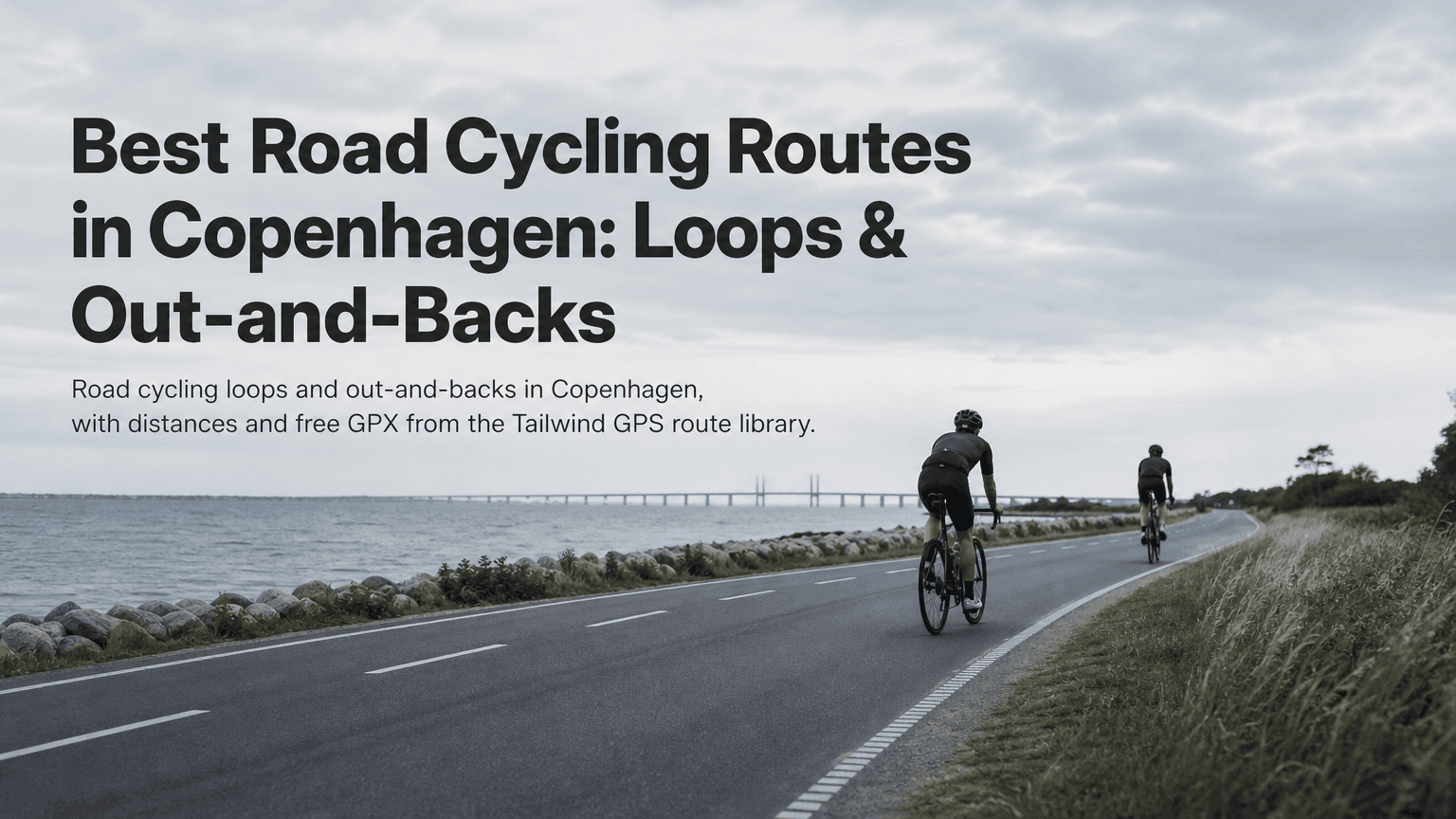
A loop starts and finishes in the same place without repeating much road. An out-and-back takes one road to a turning point and returns the same way. Both work in Copenhagen, but wind off the Øresund can change how the same stretch feels.
On a coastal ride, one direction can be a glide and the other a grind. A loop gives you a bit of both. An out-and-back lets you decide where the hard part happens. Tailwind GPS scores wind along the actual route, hour by hour, so you can pick the ride and the time you leave.
Five curated Copenhagen loops
The Copenhagen route hub lists five road loops. Distances and climbing below are the library figures.
| Route | Distance | Elevation |
|---|---|---|
| Bryggebroen bridge loop | 40.1 km | 40 m |
| Kystenvejen coastal path loop | 39.4 km | 140 m |
| Bastrup Lake loop | 64.6 km | 375 m |
| Bellevue beach loop | 65.5 km | 318 m |
| Strandvejen coastal road loop | 79.3 km | 280 m |
Bryggebroen bridge loop (40.1 km, 40 m)
The flattest option. With only 40 m of climbing, wind decides the day. Bridges and open water leave you exposed. It suits a relaxed ride or steady tempo.
Kystenvejen coastal path loop (39.4 km, 140 m)
Similar length, a little more climbing, and a coastal feel. A good after-work option when you want sea air without a long day. Paths near the water can be busier at weekends.
Bastrup Lake loop (64.6 km, 375 m)
The hilliest of the five. Wind matters less on the climbs and more on the exposed stretches between them. The natural pick for a training ride.
Bellevue beach loop (65.5 km, 318 m)
A longer coastal ride with a fair amount of climbing. It works as a steady endurance day, and it's a strong candidate for an out-and-back when the wind is awkward.
Strandvejen coastal road loop (79.3 km, 280 m)
The longest. Strandvejen follows the coast north of the city, so this route has the most sea exposure. If you want the biggest difference between a kind hour and a hard one, start here.
Each route page has a map, a GPX download and a live Tailwind Score. Scores change with the forecast, so check them on the hub rather than treating a printed number as today's wind.
How to turn a loop into an out-and-back
Out-and-backs aren't separate routes in the library. You make them from the loops above.
Choose a turning point:
- A fraction of the distance. On the 79.3 km Strandvejen loop, turning near 30 km gives a ride of about 60 km.
- A landmark or bridge, so you only face the most exposed section once.
- The forecast. If one direction is a strong headwind, ride out into it while you're fresh and come home with the wind behind you.
Open the route in the planner, shorten it so it ends at your turning point, then add the return along the same road. The walkthrough on drawing your own route covers the editor. Once the new route is saved, the score recalculates for the ride you actually shortened.
An out-and-back won't remove a headwind. It lets you place that headwind where you want it, and it gives you an easy exit if the weather turns.
How to use the score to pick the hour
The Tailwind Score runs from 0 to 100 for every departure hour. It's built from wind, temperature and rain along the route. The Copenhagen library ranks routes at a 25 km/h pace, and you can set your own.
- 80 to 100: favourable tailwinds for most of the ride
- 55 to 79: a good day
- 40 to 54: neutral
- 20 to 39: challenging
- 0 to 19: a tough ride
For an easy day, choose the route and hour with the highest score. For a hard session, a low score on a coastal out-and-back is a deliberate headwind workout. Free accounts see three days ahead.
Some simple filters:
- After work, about 40 km, little climbing: Bryggebroen or Kystenvejen.
- A longer ride: Bellevue or Strandvejen at the best-scoring hour.
- A hilly day: Bastrup Lake.
Downloading a GPX
- Open the Copenhagen library and choose a route.
- Pick a departure hour and check the score.
- Download the GPX. If you shortened a loop, export the edited version.
- Load the file onto a Garmin, Wahoo or your phone.
Using a GPX file covers the import steps. Before a long ride, confirm the turn point is where you meant it to be.
Seasonal notes
Autumn and winter bring low sun, early dusk and wet roads, so use lights. Wind chill on the coast can make a mild forecast feel colder. Crosswinds near water and on bridge approaches can push a bike sideways. If that makes you uneasy, turn before the most exposed section.
Browse Copenhagen routes
Five free loops with maps, GPX downloads and an hour-by-hour wind score.
Free forever on 3 routes
Enjoyed that? Put it to work on your next ride.
- Every route scored for wind, rain and temperature
- The best hour to ride, up to 3 days out
- Strava routes in with one tap
Free forever on 3 routes. No card.
Related guides
Best Road Cycling Routes in Milan
Five road cycling routes from Milan with distance, elevation and free GPX, from the Navigli plain to Alpe di Neggia.
·3 min read
Best Road Bike Routes in Seattle
Five road bike loops near Seattle with distances, climbing and free GPX downloads from the Tailwind GPS library.
·2 min read

Best cycling routes near me: how to find, score and navigate
Nearby is not the same as best. Find cycling routes near you, score the hour, then start in-browser turn-by-turn in Tailwind GPS — or export GPX to a head unit.
·8 min read