6 best apps for planning cycling routes around the weather (2026)
You've checked the forecast, the wind looks manageable, and you head out, only to spend the first 20 km grinding into a brutal headwind that the BBC weather app never mentioned. Sound familiar?

You've checked the forecast, the wind looks manageable, and you head out, only to spend the first 20 km grinding into a brutal headwind that the BBC weather app never mentioned. Sound familiar?
The problem isn't the weather. It's the tool. A general forecast tells you about wind at one point on the map. It doesn't tell you how that wind will hit when you're heading north-east out of town at 09:00, then swinging south after the canal. For that, you need a cycling weather app with a route-specific wind forecast, one that analyses conditions along your actual ride, not just outside your front door.
This guide covers six of the best options, who each one suits, and a checklist to help you choose.
What "weather-aware route planning" actually means
Wind affects cyclists differently from everyone else. A 20 km/h westerly feels completely different on a westward leg versus an eastward one on the same route. On top of that, your position along the route changes over time, so the wind you're riding into at kilometre 10 depends on when you left, not just what direction the wind is blowing.
A proper route weather planner factors in:
- Wind direction and speed at each segment of the route
- Your expected pace and ETA at each point
- Temperature and rain probability along the way
- Which departure hour puts you in the best conditions
The output you actually need isn't a forecast number. It's an answer to a single question: "Should I ride this route today, and if so, when should I leave?"
The 6 best apps compared
Here's a quick overview before we dive into each option.
| App | Route-specific forecast | Departure-time guidance | Forecast horizon | Best for |
|---|---|---|---|---|
| Tailwind GPS | Yes, hourly per segment | Yes, score per hour | 3 days (free) / 14 days (paid) | All-round ride planning |
| Epic Ride Weather | Yes, minute-by-minute | Yes | Check app | Strava/Komoot users |
| myWindsock | Yes, on-road wind component | Partial | Check site | Power-data cyclists |
| Headwind | Yes, difficulty scoring | Partial | Check app | Commuters |
| WindField | Yes, route planner + briefing | Partial | Check app | Garmin/Karoo owners |
| Windfinder | No (location-based map) | No | Multi-day | Wind map explorers |
1. Tailwind GPS
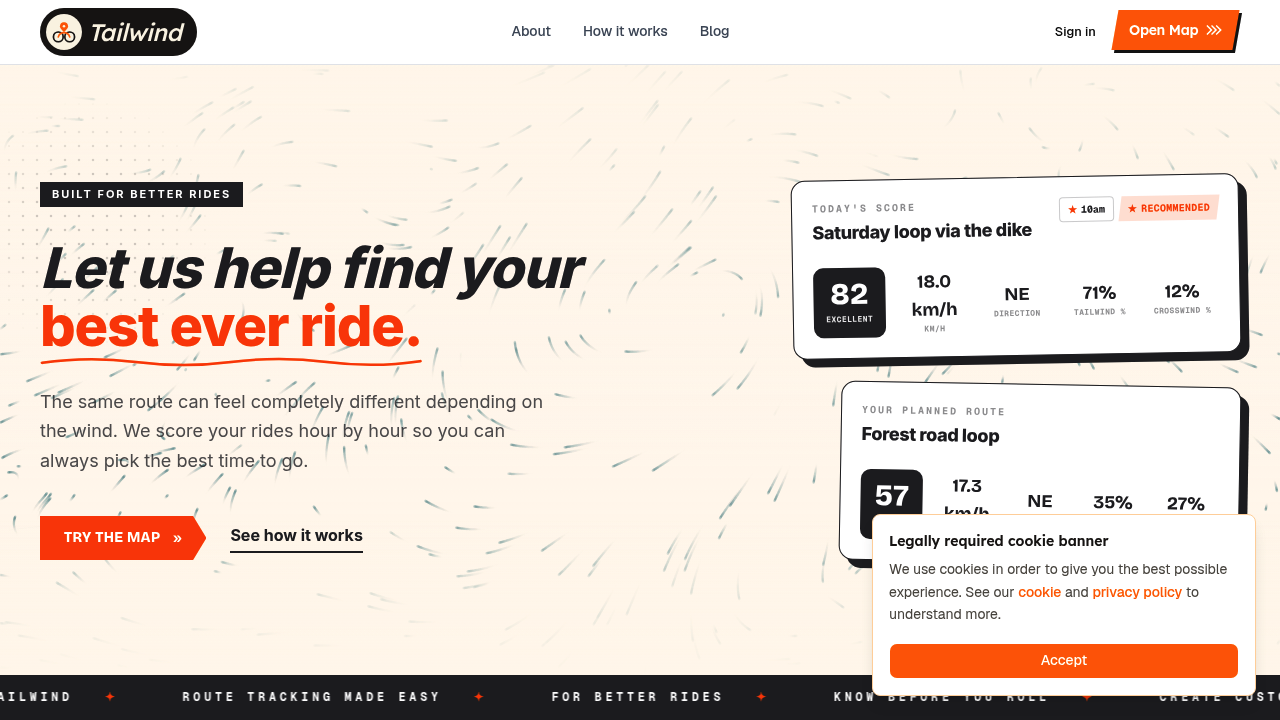
Best for: everyday cyclists who want a fast, clear answer, no meteorology required.
Tailwind GPS is built around one central idea: every route gets a Tailwind Score (0–100) for every departure hour, so you can glance at your phone and immediately know when conditions are good.
The score bands are simple:
- 80–100, Excellent. Expect favourable tailwinds for most of the ride.
- 55–79, Great conditions.
- 40–54, Neutral.
- 20–39, Challenging.
- 0–19, Prepare for a tough ride.
What separates it from every other tool on this list is how it calculates that score. Tailwind GPS samples wind direction, wind speed, temperature and precipitation across every segment of your route, then weights those conditions by your actual riding pace. If you typically ride at 25 km/h, the forecast reflects where you'll be on the route at each point in time, not where an average cyclist might be.
The free plan covers up to 3 routes with a 3-day forecast window. Subscribers ($2.99/month or $19.99/year) unlock up to 40 routes and a full 14-day cycling weather planning window, plus weekly ride summary emails and per-route alerts when your score hits a threshold you set.
There's no app to download. It runs in your mobile browser, with a swipeable route carousel that makes comparing your regular loops genuinely fast. Connect Strava and your existing routes load automatically. You can also upload GPX files, draw new routes on the map, or export GPX to your head unit.
One feature worth calling out for harder training days: Headwind Training mode deliberately highlights routes with sustained headwind exposure, useful when you want to build strength without a structured training plan.
2. Epic Ride Weather
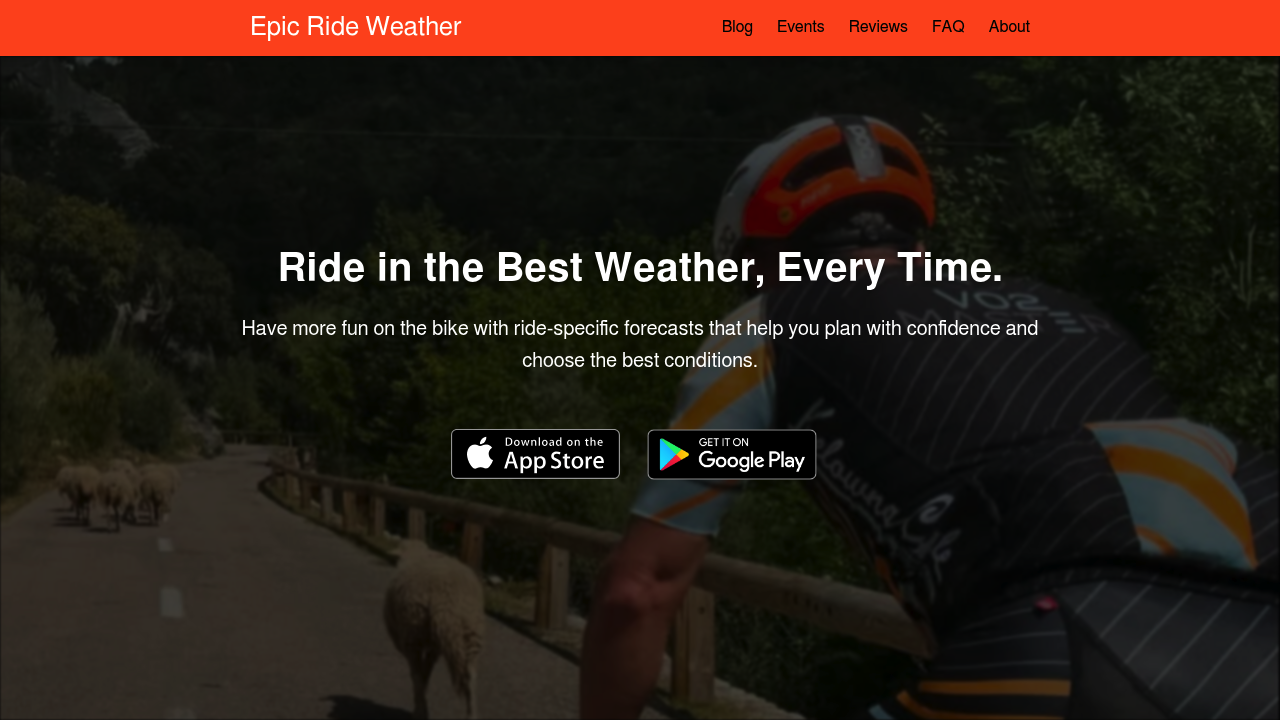
Best for: Strava, RideWithGPS and Komoot users who want minute-by-minute overlays.
Epic Ride Weather produces ride-specific forecasts showing wind, rain and temperature minute-by-minute along your route. It also lets you compare start times and riding directions to find the best window. The Google Play listing describes the app as free with a 30-day trial offering 1,000 free forecasts (as of June 2026).
The integration credentials are strong, which makes setup quick if you already use one of the major route platforms. Where it's less detailed is around forecasting methodology, there's limited public explanation of which weather models it draws from or how frequently forecasts update. For most recreational riders that won't matter, but if you're trying to make sense of why forecasts differ day to day, you're largely on your own.
3. myWindsock
Best for: data-led cyclists and those using power meters who want deep wind analysis.
myWindsock positions itself around an on-road wind component, giving you detailed wind modelling along a plotted route. Its planner includes a ride planning tool alongside training analysis features, there's genuine depth here for riders who want to model effort against wind resistance.
The trade-off is the interface. It's metric-heavy, which is great if you speak cycling data fluently but can be a barrier if you just want to know "is Tuesday morning worth getting up for?" The educational layer explaining what each metric means is thin, so expect a learning curve.
4. Headwind app
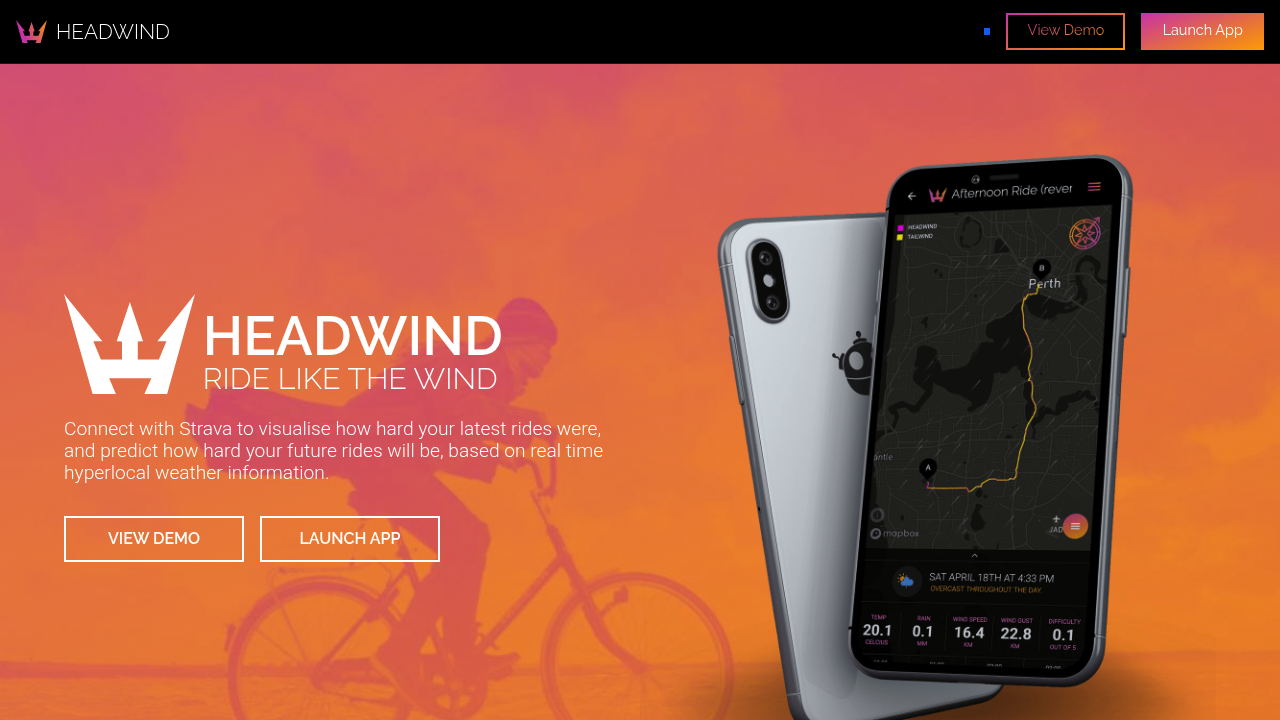
Best for: commuters wanting a quick difficulty rating for a fixed route.
Headwind uses heatmaps and rain radar to score ride difficulty, with a Strava-first setup that makes it easy to get started. The visual approach is straightforward and the concept suits people riding the same familiar route each day — though Tailwind GPS adds departure-hour scoring and alerts that Headwind doesn't match.
It's lighter on in-depth forecasting than some alternatives, pages are short on text and there's limited public detail on how difficulty scores are calculated. Pricing and plan details are also less prominent on the landing page. Worth trialling if your main need is a quick daily commute check.
5. WindField (Garmin/Karoo)
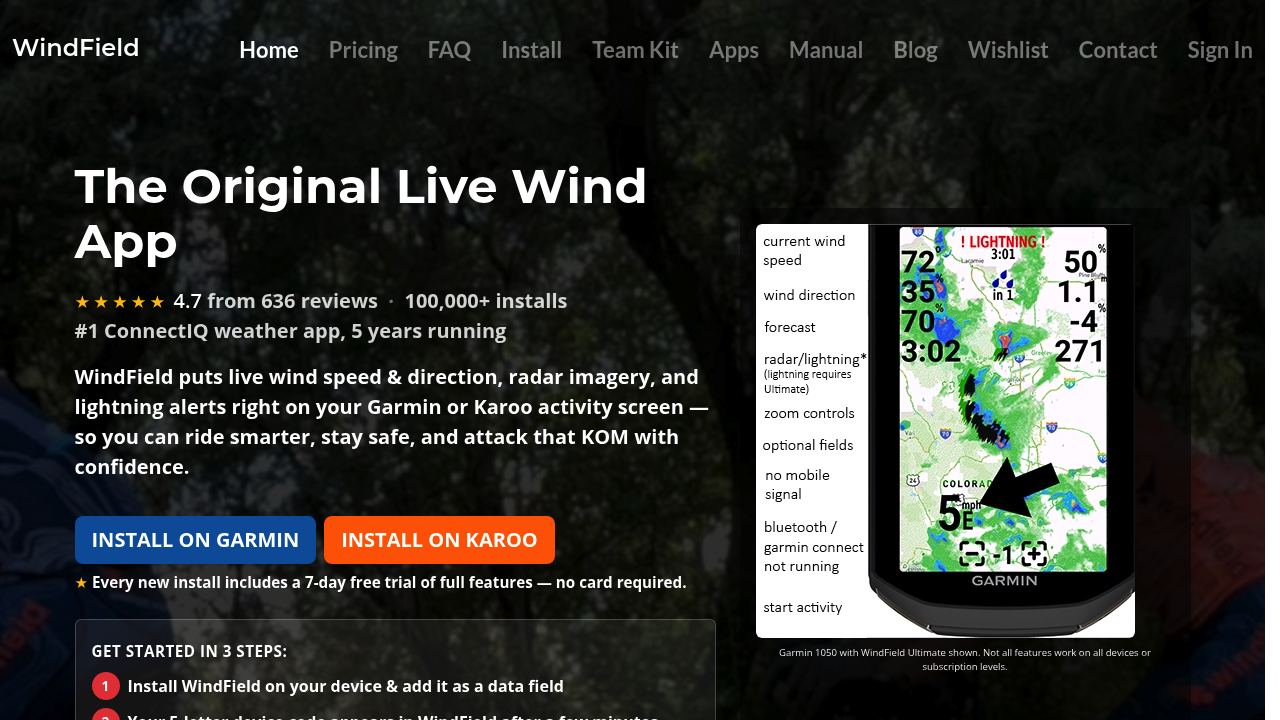
Best for: Garmin and Karoo device owners who want wind data on-device.
WindField integrates directly with Garmin ConnectIQ and Karoo, putting weather data fields live on your head unit during a ride. It includes a route weather planner and a daily pre-flight briefing, the device install flow is clearly laid out and pricing tiers are visible, which builds confidence before you commit.
The limitation is scope: it's device-specific. If you don't own a compatible Garmin or Karoo, it's not relevant. And for pre-ride planning on your phone, the departure-time optimisation experience is less central than tools designed phone-first.
6. Windfinder
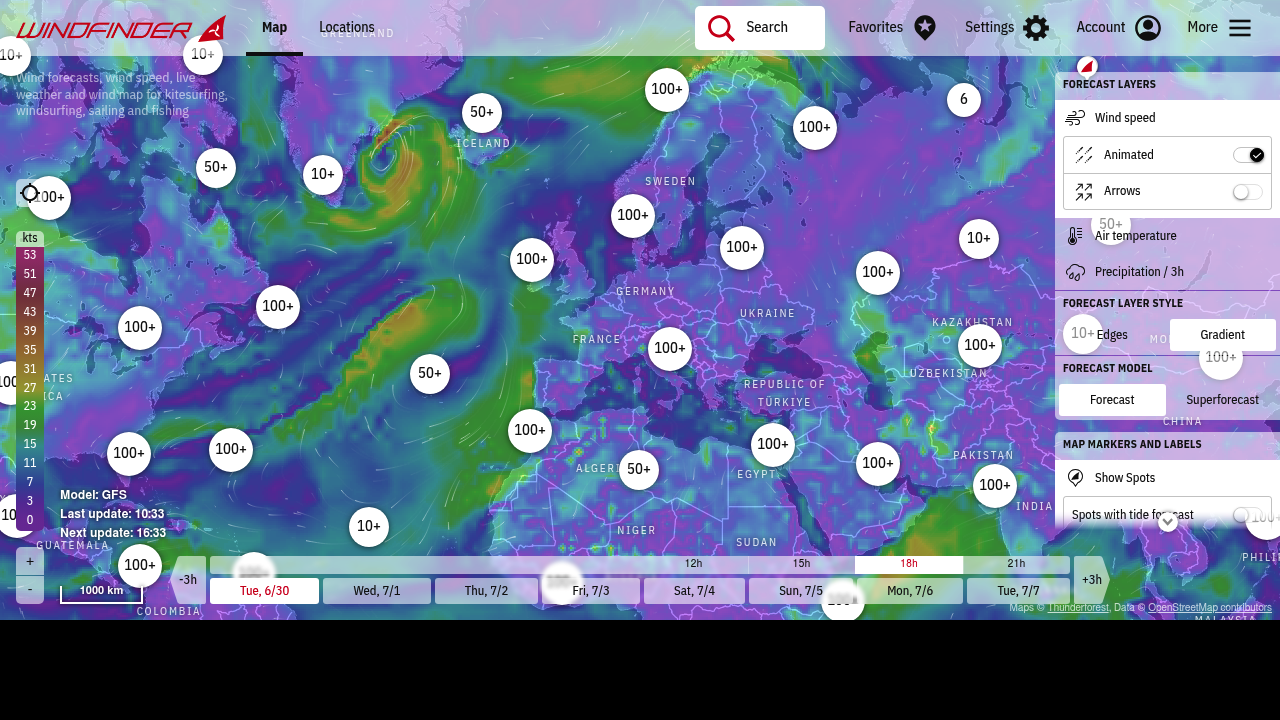
Best for: wind map explorers who want to see regional conditions at a glance.
Windfinder is excellent at what it does: an interactive wind map with timeline controls, model selection and layered overlays. If you want to understand what the wind is doing across a region before deciding which direction to head, it's a solid tool.
What it doesn't do is translate that map into a cycling decision. There's no route-specific analysis, no departure-time score and no personalisation for pace. It's a weather product first, and a cycling tool only if you're willing to do the interpretation yourself.
How to plan a ride around the weather (step by step)
If you're using Tailwind GPS, the flow takes about 60 seconds:
- Connect Strava (or upload a GPX file, or draw a route on the map). Your regular loops load automatically.
- Swipe through your routes and glance at the Tailwind Score for today and tomorrow.
- Scroll through departure hours to find the best window, scores update per hour, so you can often shift a ride by 90 minutes and go from a score of 35 to 72.
- Set an alert for your favourite route so you get an email when conditions improve, rather than checking every morning yourself.
For wind scores across your Strava routes, the Strava connection handles everything automatically. You don't need to rebuild routes or import files unless you're using custom GPX workflows.
Checklist: how to evaluate any cycling weather app
Before committing to any tool, run through these six questions:
- Does it forecast along the route, not just at a single location? Location-only forecasts miss everything that happens when the road changes direction.
- Does it account for wind direction relative to your heading? A 15 km/h wind is either a gift or a grind depending on which way you're going.
- Can you compare departure hours? The difference between 07:00 and 09:00 is often the difference between a good ride and a miserable one.
- Does it personalise to your pace? A score built for a 20 km/h average rider is wrong for someone doing 28 km/h, conditions at each point differ entirely.
- How far ahead can it plan? Three days covers weekend decisions; 14 days matters for holiday and sportive planning.
- Is it easy to use on your phone without a meteorology degree? If you need to interpret wind roses and pressure charts yourself, it's not saving you any time.
Frequently asked questions
Is a wind map enough, or do I need route scoring? A wind map shows you what the atmosphere is doing. Route scoring tells you how that affects your specific ride. For most cycling decisions, you want the latter.
Do I need a power meter to get value? No. Tools like Tailwind GPS are built around pace, not power. You set your average speed and the forecast adjusts accordingly. Power data adds detail in apps like myWindsock, but it's not required to get useful departure-time guidance.
How far ahead should I plan? For weekend rides, a 3-day window is usually enough, forecasts beyond 3 days become less reliable, though they're still useful for rough planning. A 14-day window (available on Tailwind GPS's subscriber plan) is worth it if you're organising a cycling trip, a sportive, or want to plan training blocks around good conditions.
Can I use my existing Strava routes and GPX files? Yes, with most of these tools. Tailwind GPS syncs directly with Strava and also accepts GPX uploads. Strava itself provides an Export GPX option from any activity or route page, which works across all the tools listed here. You can also export GPX from Tailwind GPS back to your head unit.
Do these tools work for short regular loops as well as longer rides? Yes. A route-specific score is especially useful when you repeat the same loop, because wind direction matters every time you ride it. Headwind (the app) is oriented at quick difficulty checks on familiar routes; Tailwind GPS is built for comparing departure hours and longer-range planning across the loops you save.
What's the difference between a weather app and a cycling wind planner? A weather app reports conditions at a location. A cycling wind planner answers a different question: given your route, your pace and your departure time, how will those conditions actually feel? The wind-aware cycling apps compared in this guide sit firmly in the second category.
Stop picking forecasts, start picking rides
The right app isn't the one with the most weather data. It's the one that answers "should I ride today, and when?" as quickly and accurately as possible for your actual route.
If you want to try route-specific scoring without paying anything, Tailwind GPS's free plan gives you three saved routes and a 3-day forecast window. That's enough to see whether the scores match what you feel on the road. Upgrade to the subscriber plan for 14-day planning, up to 40 routes and automated alerts, so you spend less time staring at forecasts and more time riding in genuinely good conditions.
See the best time to ride your favourite loop on the interactive map.
Try it now
Open the interactive wind map and find your best ride window — no sign-up required.
Related posts
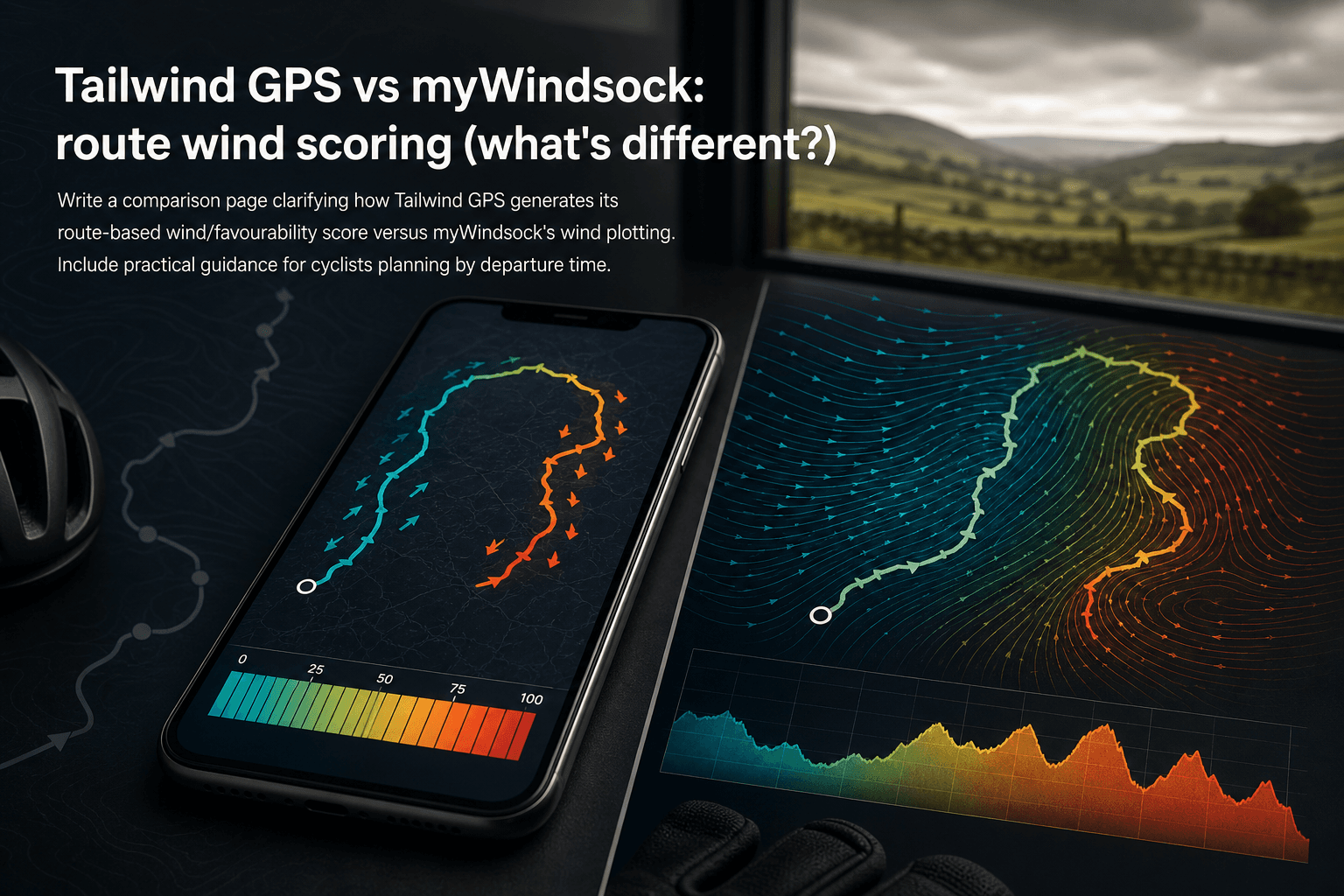
Tailwind GPS vs myWindsock: route wind scoring (what's different?)
How Tailwind GPS's 0–100 route wind score differs from myWindsock's Air Penalty scoring — and which to use for departure timing vs performance analysis.
·10 min read

Strava route planner vs wind-aware planning
Strava is genuinely excellent at route planning. The heatmap alone has probably sent millions of cyclists down roads they'd never have found otherwise. But if you've ever glanced at the forecast before a Saturday club run, set off into a gentle-looking 15 km/h wind, and spent the final 30 km g...
·8 min read

Tailwind GPS vs Epic Ride Weather vs myWindsock
Three apps. All promising to tell you how wind will affect your ride. But they solve very different problems, and choosing the wrong one wastes time, money, and possibly a Saturday morning into a 30 mph headwind.
·9 min read