Best cycling route planner 2026: why wind scoring beats maps
You've got an hour's window this evening. The route you want to ride could be glorious or it could grind you into the tarmac. The map looks identical either way. So what's the "best" cycling route planner actually supposed to tell you?

You've got an hour's window this evening. The route you want to ride could be glorious or it could grind you into the tarmac. The map looks identical either way. So what's the "best" cycling route planner actually supposed to tell you?
For most riders, the answer isn't the tool with the prettiest elevation profile. It's the one that answers: which route, and when? That's the question most apps still can't answer properly, and it's exactly what separates genuinely useful cycling route planning from just drawing a line on a screen.
Two types of route planner (and why they're not the same)
There's a real split in what cycling route tools actually do.
The first category is route builders: apps like Ride with GPS, Komoot, and Strava's route features. They're capable at planning where you'll go, snapping to roads, surfacing elevation data, filtering for gravel vs tarmac, and syncing to your GPS head unit. If you're scouting a new area or want turn-by-turn navigation, they handle that side of the job — then Tailwind GPS tells you when to ride.
The second category is weather-along-your-route tools: things like Epic Ride Weather and myWindsock. These go beyond a single location forecast and map conditions to your actual track, so you can see what the wind will be doing at kilometre 30, not just outside your front door.
Tailwind GPS sits in that second camp, but with one important difference: it's built to give you a single, plain-English score so you can decide in seconds, not after studying a chart.
Most riders need both categories. The good news is they work well together.
What actually makes a route planner "best" for everyday cyclists
Here's what to weigh up when you're choosing:
- Route building quality: street-level routing, surface type options, export/sync to your device
- Route-specific wind and weather: does the forecast account for your route's direction, segment by segment?
- Personalisation: does it know where you'll be on the route when conditions change, based on your pace?
- Planning horizon: can you look ahead to next weekend, or only today?
- Usability: one clear score you can act on, not a meteorology dashboard
- Alerts: proactive notifications when conditions improve, so you're not checking forecasts every morning
Generic weather apps tick none of those last four boxes. Route builders usually tick the first one only. Wind-aware cycling apps are where those gaps start to close.
Why generic forecasts fail cyclists (it's a wind direction problem)
A 20 km/h south-westerly wind means completely different things depending on your route. If you're riding a north-to-south loop, you'll face a crosswind both ways. If you're heading due north on the outward leg, you've got a direct headwind grinding you down before the tailwind home. Or vice versa.
A weather app sitting on your phone can't tell you that. It shows you conditions at one point on the map, with no regard for where your route takes you.
This is what makes route-specific wind forecasting so valuable. Instead of asking "what's the wind today?", you ask "what will the wind do to this route at this departure time?". That distinction turns a frustrating guess into an actual decision. You can read more about how scoring your cycling routes by wind forecast changes the planning process entirely.
How a route-specific score should work
The logic is: take your route, divide it into segments, sample the hourly wind forecast at each segment, account for the direction of travel, and weight everything by how long you'll actually spend in each section based on your pace. Do that for every departure hour across multiple days. Surface the result as one number.
That's exactly what the Tailwind Score (0-100) does. The bands are straightforward:
- 80-100, Excellent. Expect favourable tailwinds for most of the ride
- 55-79, Great conditions
- 40-54, Neutral
- 20-39, Challenging
- 0-19, Prepare for a tough one
Beyond the headline score, Tailwind GPS shows you tailwind, headwind, and crosswind percentages along the route, plus rain probability and temperature. Pace matters too: a rider averaging 18 km/h will be at a different point on the course when a wind shift arrives than someone cruising at 25 km/h. The forecast adjusts for that.
Which tool suits your riding style
You're probably one of these four riders:
You repeat the same loops. You know your routes. You just want to know whether leaving at 7am or 9am will make a difference. Strava is great for recording those routes, but it won't tell you that the 8am departure scores 72 and the 10am scores 44. Connecting your Strava account to Tailwind GPS gives you wind scores for your Strava routes automatically, without rebuilding anything.
You're exploring a new route. Route builders like Komoot and Ride with GPS shine here for the navigation side. But before you commit to a 60-mile unfamiliar loop, knowing how the wind will sit across those segments is worth checking. Upload the GPX and score it first.
You ride with a club or group. The departure time question gets complicated when twelve riders are involved. Club ride route planning becomes much easier when you can share a scored route link and let everyone see the same forecast rather than debating it in a group chat.
You're training with purpose. Sometimes you want the wind in your face deliberately. Tailwind GPS includes a Headwind Training mode that flags routes with sustained headwinds, useful for building strength without needing a coach or a complicated training plan. See how to plan harder and easier days around wind to build that into a proper training rhythm.
How Tailwind GPS fits into your planning workflow
The workflow is deliberately simple. Connect Strava and your regular routes appear. Or upload a GPX, or draw a new route on the map. Then swipe between routes, scroll through departure hours, glance at the score, and ride when conditions line up.
Free accounts get up to three saved routes and a three-day forecast window, which is enough to test whether the scores match your experience on the road. Subscribers pay $2.99/month (or $19.99/year) and unlock up to 40 saved routes, a full 14-day planning window, weekly ride summary emails, and route-specific alerts that notify you when a favourite route hits a score threshold you've set.
The 14-day horizon is genuinely useful if you're blocking out weekend rides or planning a sportive. Most route-weather tools work on shorter windows. For a detailed side-by-side, the best cycling apps for planning rides based on the forecast comparison covers the key differences across the main options.
Tailwind GPS runs in your browser. No app download, no installation. Open it on your phone, plan your ride, go. That's the whole idea.
Common questions, answered quickly
Is Strava enough for route planning? For building and navigating routes, absolutely. For knowing which departure hour will give you a tailwind rather than a headwind, no. Strava doesn't do route-specific wind impact.
Do I need to understand weather to use Tailwind GPS? No. The 0-100 score handles the interpretation. If it's above 55, conditions are good. Below 40, you might want to check alternative times.
What if I don't have a route yet? Draw one on the Tailwind GPS map, snap to roads or go freehand, then score it. Or import any GPX file.
How do alerts work? Subscribers set their preferred riding window and score threshold. When a tracked route hits that score within the window, you get an email. You can also receive rain warnings and wind improvement notifications without logging in to check manually.
Can I plan rides more than three days ahead? Free accounts cover three days. Subscribers see up to 14 days, which makes it practical for planning around work schedules or training blocks.
The best route planner for cyclists is the one that answers both questions: where and when. Route builders handle the first. Route-specific wind scoring handles the second. Used together, they remove the guesswork that turns a good ride into a bad one.
If you want to start with the timing and conditions side, try Tailwind GPS with your existing Strava routes and check today's Tailwind Score before you clip in.
Try it now
Open the interactive wind map and find your best ride window — no sign-up required.
Related posts
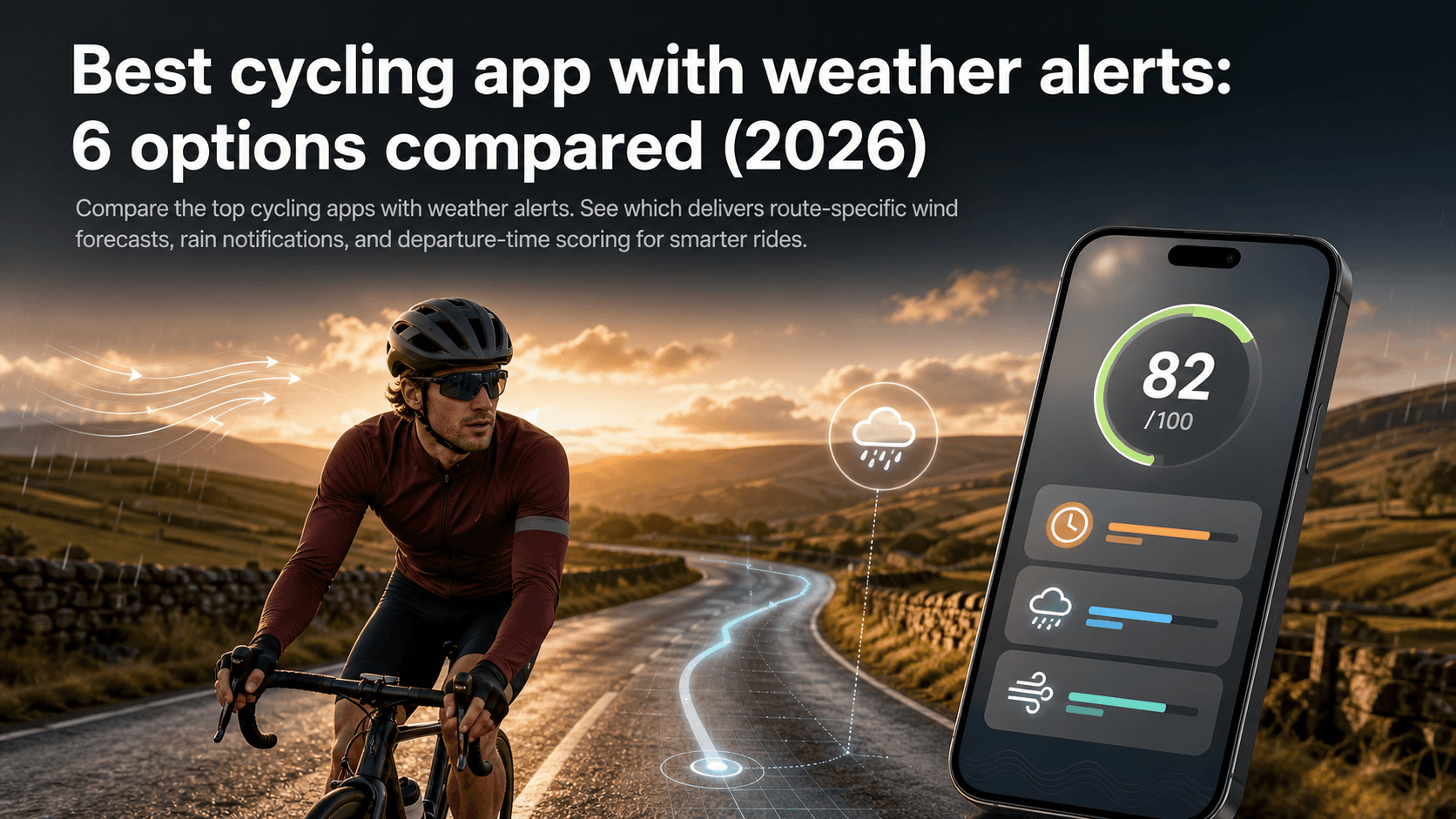
Best cycling app with weather alerts: 6 options compared (2026)
Compare the top cycling apps with weather alerts. See which delivers route-specific wind forecasts, rain notifications, and departure-time scoring for smarter rides.
·9 min read

Best cycling route planner that takes GPX: a 2026 UK guide
You've got a GPX file. Maybe you downloaded it from Strava, exported it from Komoot, or a friend shared a sportive route. Now you need a planner that actually accepts it, does something useful with it, and ideally helps you decide when to ride it.
·10 min read
Best route planner for cyclists 2026: compared
Tailwind GPS vs Strava, Komoot, Ride with GPS, and Garmin Connect — a 2026 comparison of cycling route planners, with weather scoring for the routes you already ride.
·6 min read