
Cycling route planner with a free trial: try weather scoring before paying
You already know the feeling. You check the weather the morning before a ride, it says "light winds", and you head out only to spend the first 20 kilometres grinding into a headwind that the forecast never mentioned. The wind was there all along. It just wasn't on *your* route.

You already know the feeling. You check the weather the morning before a ride, it says "light winds", and you head out only to spend the first 20 kilometres grinding into a headwind that the forecast never mentioned. The wind was there all along. It just wasn't on your route.
That's the gap Tailwind GPS was built to fill. And the good news? You can test whether it works for you in about 10 minutes, without handing over any payment details.
What the free trial actually lets you do
Before getting into the checklist, it's worth being clear about what "free" means here. The free tier isn't a watered-down teaser. You get:
- Up to 3 saved routes
- A 3-day forecast window
- Full access to hourly Tailwind Scores (0–100)
- Strava connection and GPX upload
- Route drawing on the map
- GPX export and route sharing
That's the full scoring experience, just capped on routes and planning horizon. Plenty to judge whether the product is worth your money.
Your 10-minute 'does it work for me?' checklist
Here's how to make the most of the free tier from the moment you sign up.
Step 1: Connect Strava or upload a GPX. If you ride Strava, connect your account and your regular routes appear automatically. No rebuilding, no manual entry. If you don't use Strava, upload a GPX file from your GPS computer or draw the route directly on the map.
Step 2: Check the Tailwind Score across departure hours. Each route shows a score from 0 to 100 for every hour of the day. Scroll through them. You'll see how dramatically conditions can swing between a 7am and a 10am start.
Step 3: Look at the wind breakdown. The score breaks down into headwind, tailwind, and crosswind percentages along the route. This is where the weather scores for your Strava routes really earn their keep, you can see which leg of a route is where the suffering starts.
Step 4: Check rain timing. The forecast includes precipitation along your route by hour, not just a vague "chance of showers" for the whole day.
Step 5: Save your best departure window. Note the hour with the highest score. That's your answer to "when should I leave?"
Free vs paid: what actually changes
| Free | Subscriber | |
|---|---|---|
| Saved routes | 3 | Up to 60 |
| Forecast window | 3 days | 14 days |
| Hourly Tailwind Scores | Yes | Yes |
| Strava sync | Yes | Yes |
| GPX import/export | Yes | Yes |
| Weekly best-rides email | No | Yes |
Subscription pricing is $2.99/month or $19.99/year. The year plan works out at under $1.67 a month.
The free tier is genuinely useful for testing. But the 14-day window is where the platform earns its keep for planning purposes. If you're booking a cycling holiday, structuring a training week, or just trying to line up your Saturday long ride with the best conditions, being able to look two weeks out changes how you plan.
How the Tailwind Score actually works
The Tailwind Score (0–100) isn't a forecast for your front door. It's a forecast for your entire route.
Every route is divided into segments. Tailwind GPS samples hourly weather data along each segment, accounting for wind direction and speed, temperature, and rain probability at that specific point. It then weights those conditions by the distance of each segment and factors in your riding speed, because a faster rider reaches the far end of the loop sooner and will hit different conditions at a different time.
The result is one number that answers one question: should I ride this route at this hour?
Score bands, for reference:
- 80–100: Excellent. Mostly favourable tailwinds.
- 55–79: Great riding conditions.
- 40–54: Neutral.
- 20–39: Challenging.
- 0–19: Prepare for a tough one.
Why route-specific wind beats a generic forecast
Most weather apps give you a single reading for a single point, usually near your home. That's fine if you're deciding whether to bring a jacket. It's not fine for deciding whether your 60-kilometre route will feel great or terrible.
A loop route in a steady 20 km/h easterly can have a comfortable tailwind for the first half and a sustained headwind on the return leg. Whether that's worth riding depends on which direction you start, what time you leave, and how the wind shifts through the day. Generic weather apps can't tell you that. A weather-scored cycling route planner built around your specific route can.
The interactive route planner map shows animated wind particles across your area, so you can see conditions at a glance before you even pick a route.
Strava and GPX: getting your routes in fast
Connect your Strava account and your saved routes and popular segments pull in automatically. For routes not on Strava, you can upload a GPX file, draw a new route on the map with snap-to-road or freehand mode, or create something entirely new.
Once a route is in, you can share it via a link. Useful for comparing options with a club mate or sending a suggested loop to someone you're riding with. The club rides route planning workflow covers this in more detail if you're coordinating a group.
Best ride today, or deliberate training day?
Tailwind GPS does two slightly different things depending on your goals. If you want the most enjoyable ride possible, the score steers you towards the departure hour with the most favourable conditions. Simple.
But if you're training, Headwind Training mode flips the logic. It highlights routes and times with sustained headwinds, so you can structure hard efforts without needing a coach to invent artificial suffering for you. The weather-scored hard and easy days guide explains how to use both modes as part of a weekly plan.
FAQ
Is there a free trial, or is the free tier permanent? The free tier is free forever, with no expiry. Subscribers also get a 7-day free trial of the paid plan.
What does the 3-day forecast window cover? You'll see hourly Tailwind Scores for the next 72 hours across your saved routes. That covers most immediate ride planning.
Can I use my own Strava routes in the free tier? Yes. Connect Strava during sign-up and your routes appear straight away.
What formats does Tailwind GPS support? Strava sync and GPX upload/export. You can also draw routes directly on the map.
How far ahead can I plan as a subscriber? Up to 14 days ahead, with hourly scores for every route.
Do I need to download an app? No. Tailwind GPS is a mobile-first web app. Open it in your browser, or add it to your home screen.
What alerts do paid subscribers get? A weekly best-rides email covering the best upcoming ride windows across your saved routes. Between emails, you can slide through departure hours on the map to check each hour's Tailwind Score as forecasts update.
What does a score of 75 actually mean? Great riding conditions (55–79 band). Expect mostly favourable winds with some crosswind sections.
Can I cancel a subscription easily? Yes. You can cancel at any time and retain access until the end of the billing period.
Is the scoring personalised to my speed? Yes. Tailwind GPS uses your riding speed to calculate where you'll be on the route at each point in time, which affects the score you see. A faster rider and a slower rider will see slightly different scores for the same route.
For a full side-by-side look at how Tailwind GPS compares to other tools, see the best cycling apps for planning rides by forecast.
Ready to see your routes scored by the wind?
Try Tailwind GPS free, no payment details needed. Pick a familiar route, check the hourly scores, and see whether 8am or 10am is actually the smarter start time this weekend.

Free forever on 3 routes
Enjoyed that? Put it to work on your next ride.
- Every route scored for wind, rain and temperature
- The best hour to ride, up to 3 days out
- Strava routes in with one tap
Free forever on 3 routes. No card.
Related guides
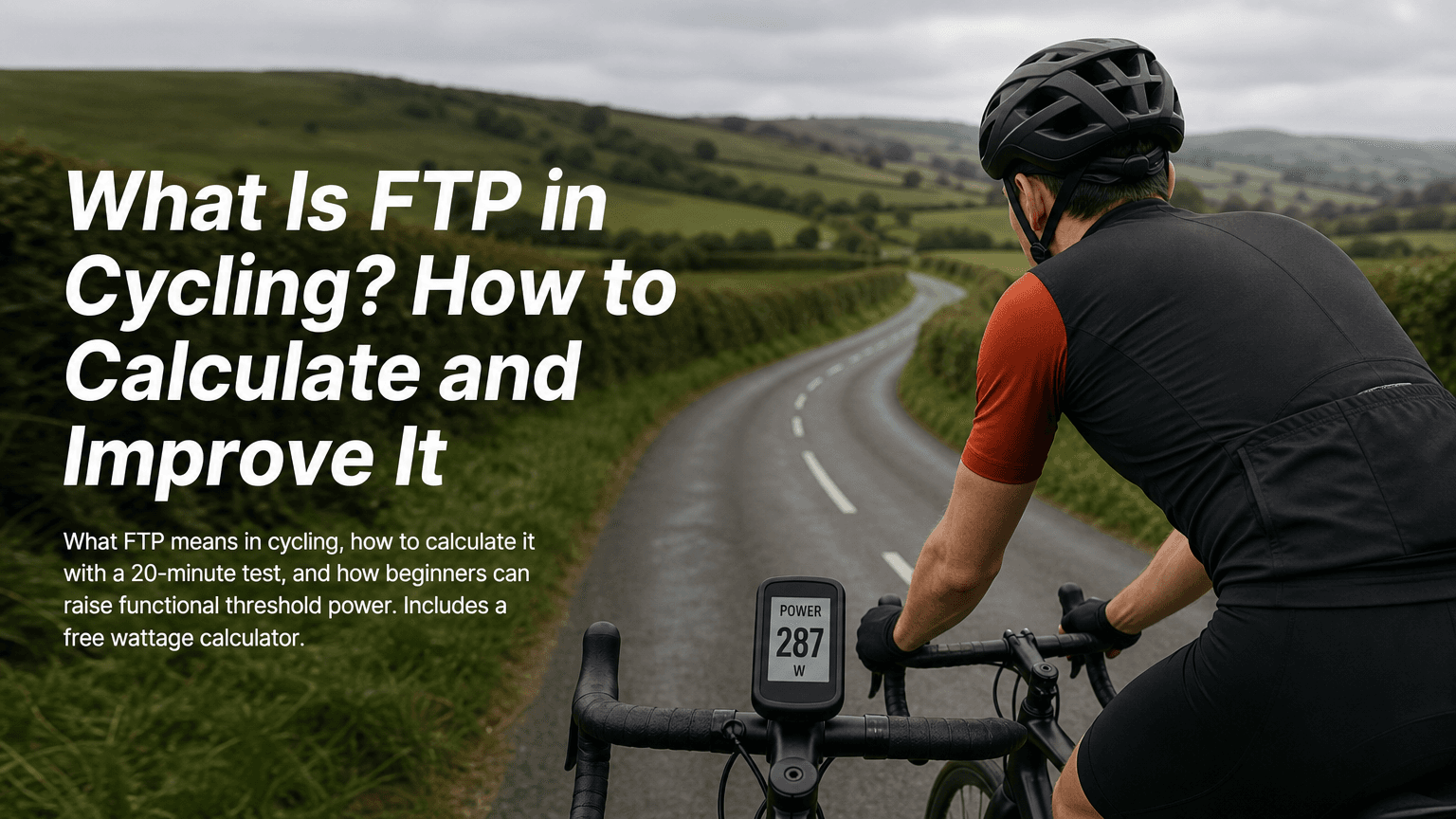
How to Optimize FTP for Beginners
How to optimize FTP for beginners: what functional threshold power means, how to calculate it with a 20-minute test, and a simple plan to raise it.
·10 min read
Best FTP Wattage Calculator for Cyclists
Compare FTP and cycling wattage calculators, then use Tailwind GPS to turn your FTP into speed with wind, weight and gradient.
·6 min read
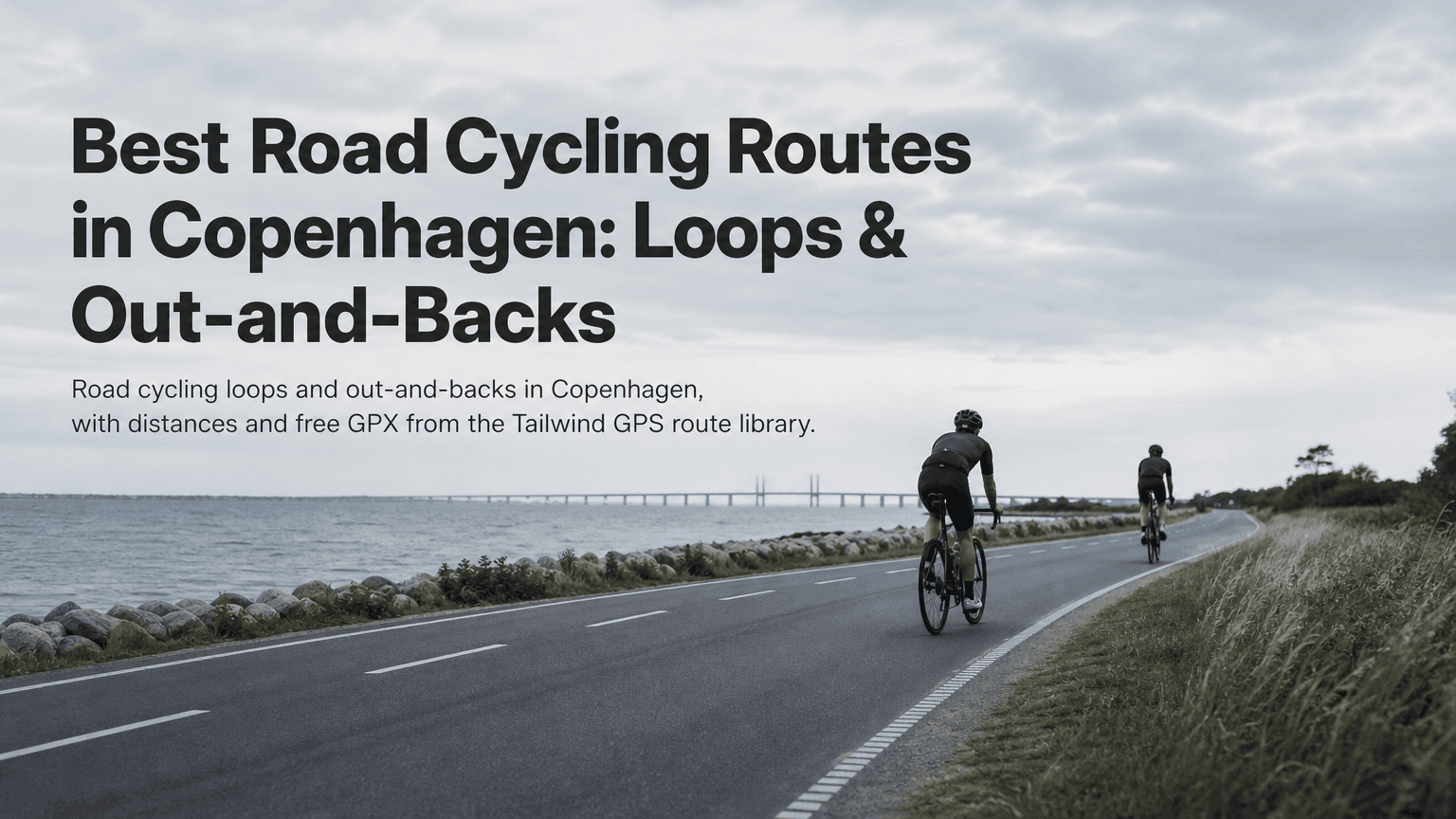
Best Road Cycling Routes in Copenhagen
Five Copenhagen road loops, from the flat Bryggebroen bridges to Strandvejen, plus how to turn one into an out-and-back and download the GPX.
·3 min read