Tailwind GPS vs Strava route planner (2026)
Tailwind GPS vs Strava route planner compared. See which wins for discovery, wind scoring, departure timing, GPX, and when to use both together.
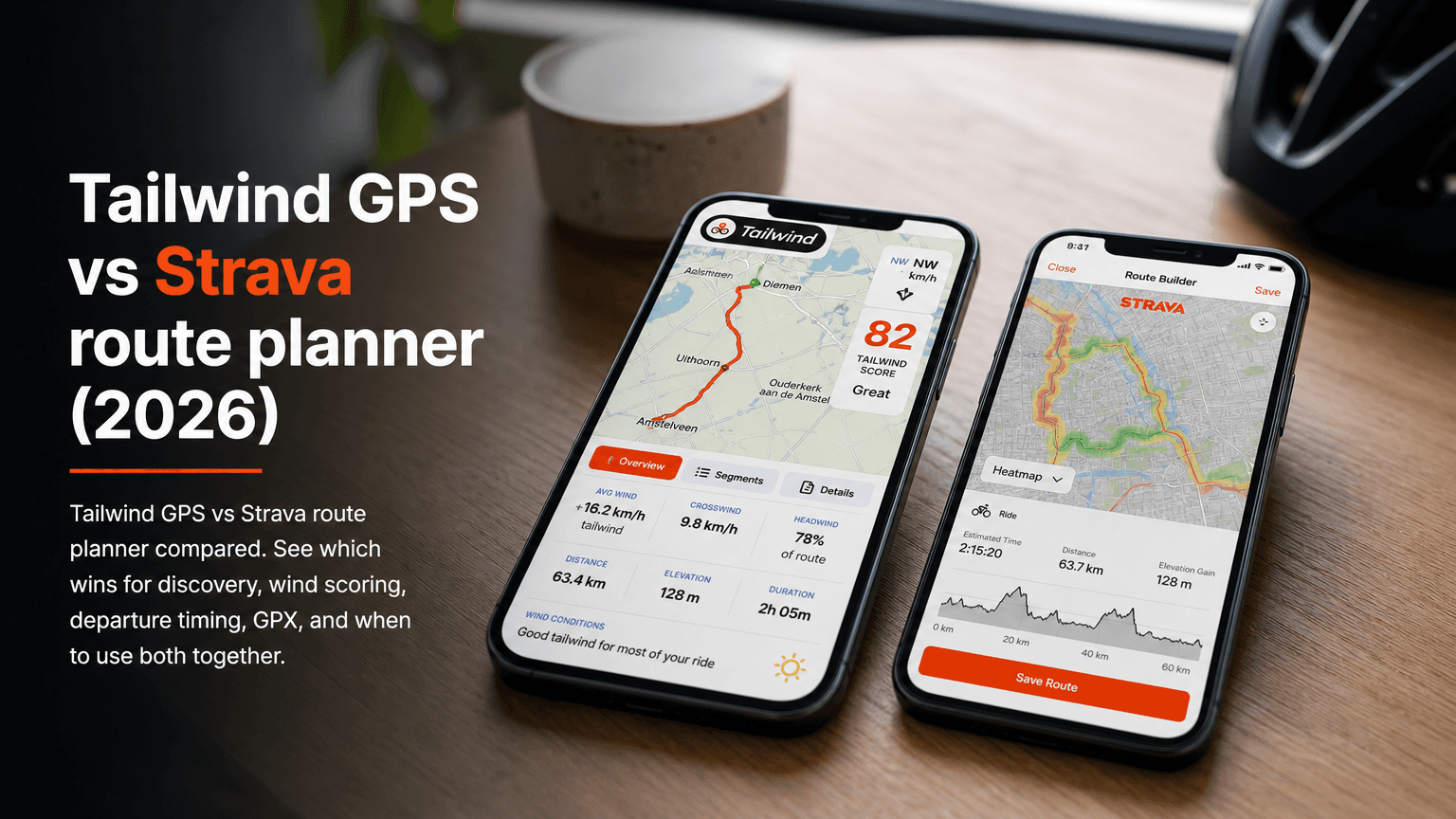
Both tools live on most cyclists' phones. But they answer very different questions. Strava tells you where popular routes are. Tailwind GPS tells you when to ride the one you've already got. Open the wrong one first and you'll end up checking wind arrows on a generic weather app and guessing anyway.
Here's the practical split: use Strava for route discovery and heatmap-led exploration; use Tailwind GPS for wind-aware departure timing. If you already have a saved loop, Tailwind GPS answers the question Strava doesn't: what hour should you actually leave?
Quick verdict: which to open first
- Strava first if you're looking for a new route, want to see what roads other riders actually use, or need to build a loop from scratch.
- Tailwind GPS next once you have a route and you need to decide when to go. Every saved route gets a Tailwind Score (0–100) for every departure hour, so you're comparing specific windows rather than squinting at a wind icon.
Feature comparison: Tailwind GPS vs Strava route planner
| Feature | Tailwind GPS | Strava | Best for |
|---|---|---|---|
| Heatmap / route discovery | No | Yes (Global Heatmap shows roads used most in last 12 months) | Route discovery inspiration |
| Route creation | Yes (draw on map, snap to roads, GPX upload) | Yes (subscription required to create new routes) | Both, depending on workflow |
| In-app navigation / export | GPX export + share link | Follow route on app or GPS device; export available for public routes | On-device navigation |
| Route-specific hourly wind score | Yes (Tailwind Score 0–100 per departure hour, personalised to your pace) | No | Wind-aware departure timing |
| Alerts and notifications | Yes (email alerts, weather score notifications, weekly summaries) | Activity notifications, not wind/weather-specific | Proactive ride planning |
| GPX export | Yes (free and paid plans) | Yes (for public routes) | Interoperability with GPS computers |
| Offline / route caching | No (web-based) | Yes (offline maps for subscribers) | Remote rides without signal |
| Forecast window | 3 days (free) / 14 days (subscriber) | None (no departure-time wind forecast) | Forward planning |
| Group ride tools | Ride Huddles (vote on route, share GPX + forecast) | Group challenges, segment leaderboards | Club coordination |
| Pricing | Free (3 routes); from $2.99/month | Free (limited); from $6.67/month (billed annually) | Depends on priority |
The one row that matters most for most riders: route-specific hourly wind score. Strava doesn't have it. That's not a criticism; it's a different tool with a different job. We covered the same split in Strava route planner vs wind-aware planning; this page is the dedicated Tailwind GPS vs Strava comparison.
Who should use Strava
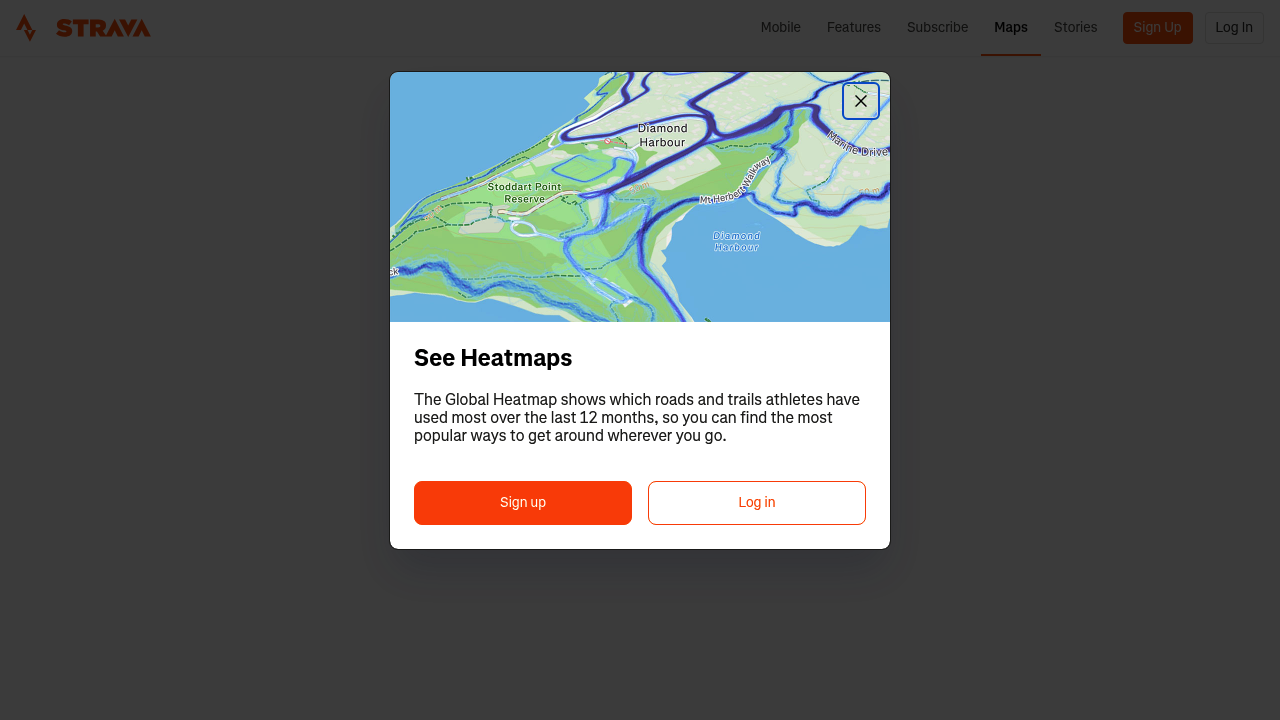
Strava is the right starting point if:
- You're exploring a new area and want to know which roads other cyclists actually ride (the Global Heatmap shows roads and trails used most over the last 12 months)
- You're building a route for the first time and want a visual tool to trace a loop
- You want to share a route with friends or follow a community-created one
- Social segments, kudos and comparing times with other riders matter to you
- You want offline maps for remote riding (subscriber feature)
Strava's route builder lets subscribers create routes from scratch, and you can export any public route to your GPS device. That's a solid, well-supported workflow for discovery and navigation.
What Strava doesn't do: it won't tell you that leaving at 7am gives you a score of 82 while leaving at 9am drops to 41 because the wind shifts. Community popularity isn't the same as wind-aware departure timing, and Strava makes no claim that it is.
Who should use Tailwind GPS
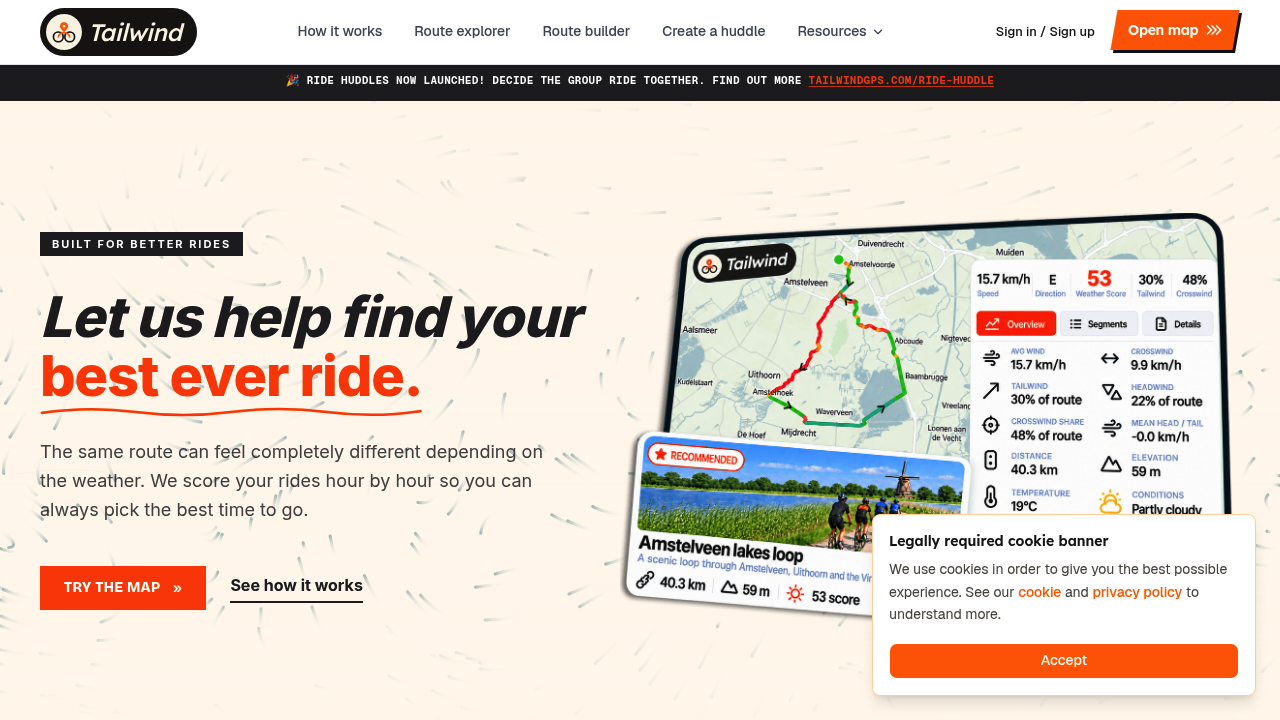
Tailwind GPS is the right tool if:
- You ride the same routes regularly and want to know the best hour to leave, not just today's general forecast
- You're a commuter with a narrow departure window and no patience for guessing
- You're coordinating a club ride departure time based on actual wind conditions
- You want to train deliberately with headwinds rather than stumbling into them
- You're planning a big ride up to two weeks away and want to compare days as well as hours
Every route in Tailwind GPS receives a score for each departure hour, personalised to your expected riding pace. A faster rider reaches the back half of a loop sooner, so the wind they encounter there is different from what a leisurely rider faces. That personalisation is built into every score.
The complementary workflow that works especially well: find a loop in Strava, connect your Strava account to Tailwind GPS, and your regular routes pull in automatically. From there, scoring the best departure hour takes seconds.
Subscribers also get route-specific email alerts and weekly ride summaries, so you're not manually checking every day. The forecast window extends to 14 days, which makes it practical for planning weekend rides mid-week or lining up a longer adventure.
Try it now
Connect Strava, score your saved loops by departure hour, and pick the best window to leave.
Three scenarios where the combination wins
Scenario 1: commute planning
You ride the same two routes to work. Wind direction changes everything on both of them.
- Save your commute routes in Strava (or draw them in Tailwind GPS directly)
- Connect your Strava account to Tailwind GPS to pull both routes in automatically
- Set your average riding speed so scores reflect your actual pace
- Check the Tailwind Score across departure hours for tomorrow morning
- Leave during the highest-scoring window, or set an alert to notify you when it hits your threshold
You're not guessing anymore. You're choosing.
Scenario 2: club ride departure vote
Your group has a Sunday loop everyone knows. The debate is always whether to leave at 8am or 9am.
- Find or build the route in Strava; export the GPX
- Import the GPX into Tailwind GPS (or use the connected Strava route directly)
- Share the Tailwind GPS route link with the group so everyone can see the hourly scores
- Optionally, use Tailwind GPS's Ride Huddles feature to let the group vote on the loop and automatically share the winning GPX and forecast
- Pick the departure time with the best score and tell everyone on Saturday night
No more arbitrary vote. The conditions pick the start time.
Scenario 3: intentional headwind training
You want hard miles, not fast ones. The goal is sustained headwind work.
- Open Strava to identify routes with exposed sections (heatmap helps you find frequently-ridden roads that are likely well-surfaced)
- Import that route into Tailwind GPS
- Switch to Headwind Training mode in Tailwind GPS to highlight windows with the most challenging into-the-wind exposure
- Schedule your session for the departure hour with the highest headwind percentage
- Come home tired in exactly the way you planned
Pricing at a glance
Tailwind GPS
| Plan | Price | What you get |
|---|---|---|
| Free (forever) | $0 | Up to 3 tracked routes, 3-day wind forecast, GPX download, Strava integration |
| Monthly subscriber | $2.99/month | Up to 60 tracked routes, 14-day wind forecast, email alerts, weather score notifications, GPX download |
| Annual subscriber | $19.99/year | Same as monthly, billed yearly (first 7 days free) |
Three routes free, forever. That's enough to cover a commute and a regular weekend loop without spending anything. If you want broader coverage across more routes, a longer forecast window and proactive alerts, the subscriber plan starts at $2.99/month.
Strava
| Plan | Price | Notes |
|---|---|---|
| Free | $0 | Limited features; route creation requires subscription |
| Individual | $6.67/month (billed at $79.99/year + tax) | 30-day trial for $0 |
| Student | $3.33/month (billed at $39.99/year + tax) | Annual only |
| Family | $2.92/person/month (billed at $139.99/year + tax) | Annual only |
Strava pricing from Strava's official subscribe page (strava.com/subscribe). Strava's subscription unlocks route creation, offline maps, advanced analytics and the full social feature set.
The two tools aren't competing on the same feature set, so comparing their prices directly doesn't tell you much. The practical question is: does wind-aware departure timing add value to your rides? If yes, Tailwind GPS is the purpose-built layer for that, starting free.
How Tailwind GPS imports your Strava routes
You don't need to rebuild anything. Connect your Strava account and Tailwind GPS pulls in your regular routes automatically. From there:
- Each route appears in your Tailwind GPS dashboard with hourly Tailwind Scores across the forecast window
- Scores are personalised to the riding speed you set in your profile
- You can download GPX files for any route and push them to your GPS computer
- Route alerts notify you by email when conditions on a specific route hit your chosen score threshold
The whole workflow takes a few minutes to set up and then runs in the background.
Decision checklist: which tool to reach for
Open Strava when you want to:
- Discover new roads via heatmap
- Build a route from scratch
- Follow and save community routes
- Track and compare your activities socially
- Use offline maps on remote rides
Open Tailwind GPS when you want to:
- Know the best hour to leave on a route you already have
- Compare departure windows across a 14-day forecast
- Get an email alert when your favourite route is in good condition
- Coordinate a club departure time based on actual wind data
- Plan intentional headwind training sessions
Use both together when:
- You're new to an area: find a popular loop in Strava, then score the best time to ride it in Tailwind GPS
- You're planning a club ride: build or share the route in Strava, then bring the timing decision into Tailwind GPS
- You want a complete ride planning workflow: discovery in Strava, timing and conditions in Tailwind GPS, navigation via GPX export to your device
Frequently asked questions
Can I use Tailwind GPS without Strava? Yes. You can draw routes directly on the Tailwind GPS map, upload GPX files, or snap routes to roads. Strava connection is optional but makes importing your regular rides faster.
Does Strava have any wind forecasting features? Strava doesn't provide an hourly, route-specific wind score for saved routes. It surfaces community activity data (the Global Heatmap) and route tools, but departure-time wind analysis isn't part of its feature set.
How accurate is the Tailwind Score? Tailwind GPS samples forecast wind conditions along your entire route, not just at your home location. It accounts for each segment's direction relative to the wind and weights the result by your expected riding pace, giving you a score that reflects conditions at the points on the route where you'll actually be, at the time you'll be there.
Do I need a paid plan to connect Strava? No. Strava integration is available on the free plan. Free users get up to 3 tracked routes and a 3-day forecast. Subscribing extends that to 60 routes and a 14-day window, plus email alerts.
Can I use Tailwind GPS on my phone without downloading an app? Yes. Tailwind GPS is web-based and works in your mobile browser. You can also add it to your home screen for quick access without going through an app store.
Related posts
Tailwind GPS vs Komoot for cycling routes (2026)
Tailwind GPS vs Komoot compared for cycling. See which app wins for wind scoring, departure timing, turn-by-turn navigation, GPX, and when to use both.
·6 min read

Introducing Ride Huddles: a simple way to choose your next group ride
Ride Huddle is a simple way for groups to choose a route together. Create a Huddle, add your routes, share one link, and let everyone vote — free, with no account required.
·2 min read

How to navigate a cycling route without getting lost
Stay on the line with in-browser turn-by-turn: voice prompts, navigate-to-start, and rerouting. Tailwind GPS is the phone navigation — export GPX only for a head unit.
·8 min read