Best cycling app with weather alerts: 6 options compared (2026)
Compare the top cycling apps with weather alerts. See which delivers route-specific wind forecasts, rain notifications, and departure-time scoring for smarter rides.
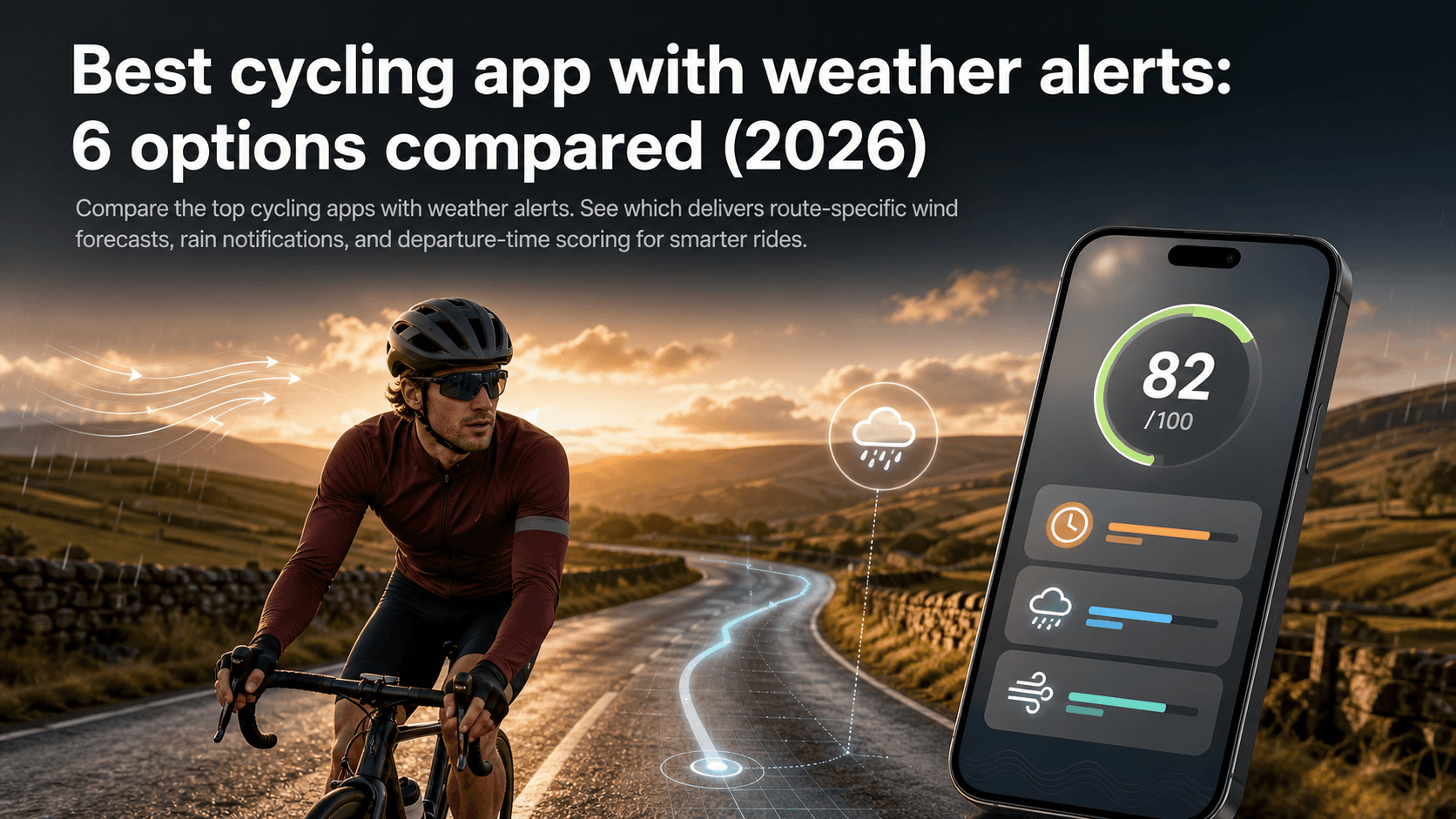
You check the forecast. Fifteen kilometres per hour, south-westerly, a few clouds. Fine. You roll out at 8am feeling good, turn onto the long exposed section, and spend the next 45 minutes absolutely nailed into a headwind that the BBC weather app said absolutely nothing about.
Sound familiar? The forecast wasn't wrong, exactly. It just wasn't built for cyclists. It told you the wind at one location. It didn't tell you that your route heads directly into that wind for 30 km before turning back.
That gap between "what the weather app says" and "what the ride actually feels like" is the problem every serious cycling weather app is trying to solve. Some do it better than others. Here's an honest comparison.
Why generic forecasts fail cyclists
A standard weather app gives you conditions at a single point, usually near your home or a nearby town. That's fine for deciding whether to bring a jacket. It's not fine for deciding whether your 60 km loop will feel like a personal best or a sufferfest.
Consider a south-westerly at 20 km/h. If your route heads south-east for the first half before looping back north-west, that same wind means a crosswind outbound and a direct headwind home. The forecast hasn't changed. The ride experience has completely.
Route-specific weather forecasting for cyclists solves this by sampling conditions along the actual route, accounting for the direction each segment faces, and timing the forecast to match when you'll actually be at each point. The result is a forecast that reflects the ride, not just the postcode.
What to look for in a cycling weather alert app
Not all cycling apps with weather features are equal. Before diving into the comparison, here's what separates a genuinely useful tool from one that just repackages a generic forecast:
- Route coverage along the whole line, not just the start point. Hour-by-hour sampling matters.
- Wind direction and speed, interpreted relative to route direction, not just reported as an absolute number.
- Departure-time forecasting, so alerts fire at the right window, not just "today is windy".
- Rain alerts during your preferred riding hours, not generic daily rain probability.
- Personalisation, particularly your average riding speed (which determines where you'll be on the route at any given time).
- Platform integrations with Strava, Ride with GPS, Komoot, or GPX import, so setup is quick rather than a chore.
- A clear output: a single score or decision indicator beats a wall of wind arrows you need to interpret yourself.
With those criteria in mind, here's how the main options stack up.
The apps compared
1. TailwindGPS (best overall for decision-focused weather alerts)
TailwindGPS is the most complete answer to the question "should I ride this route today?" rather than simply "what's the weather today?"
The core feature is the Tailwind Score (0-100), calculated for each of your saved routes, for every departure hour in the forecast window. Every route is divided into segments; hourly wind, temperature, and rain probability data is sampled along each segment; and then everything is weighted by your riding speed to reflect where you'll actually be at each point in time.
The scoring bands are clean and actionable:
| Score | What it means |
|---|---|
| 80-100 | Excellent. Favourable tailwinds for most of the ride. |
| 55-79 | Great conditions. |
| 40-54 | Neutral. |
| 20-39 | Challenging. |
| 0-19 | Expect a tough ride. |
Where TailwindGPS pulls ahead on the alerts side is the combination of alert types. Subscribers get route-specific email alerts when a favourite route hits your chosen score threshold, wind score notifications as forecasts update, and rain alerts during your preferred riding window. You set preferences once; the app watches conditions and tells you when it's time to ride.
Strava integration is automatic: connect your account and your regular routes appear without rebuilding. You can also upload GPX files or draw routes directly on the interactive map. The Strava ride route planning weather workflow is particularly frictionless.
For training rides where you actually want resistance, Headwind Training mode flips the logic and highlights sessions with sustained headwind exposure.
Free plan: up to 3 saved routes, 3-day forecasts, GPX import/export, interactive wind map, Strava integration. Subscriber plan: up to 40 saved routes, 14-day forecasts, full alert suite at $2.99/month or $19.99/year.
Best for: recreational cyclists, club riders, and anyone who wants cycling weather alerts that answer the departure-time question without needing to interpret a forecast themselves.
2. Headwind
Headwind (headwindapp.com) is a Strava-connected app that visualises wind conditions on routes using heatmap overlays and provides a ride difficulty-style score for planned rides. It pulls in weather and rain data (via integrations including RainViewer) and shows predictive difficulty across your route.
The visual presentation is a genuine strength. Heatmaps make it easy to see where a route will feel hard. The Strava linkage is well-executed, and the screenshots show a clean route overlay interface.
Where it falls short for cyclists primarily interested in weather alerts is the lack of transparent scoring methodology and limited pricing/plan clarity on the product page. It doesn't clearly explain how the difficulty score is calculated, which makes it harder to trust alerts enough to act on them confidently. The app also leans heavily on imagery rather than explanatory copy, which matters less for usability but does mean the "why should I trust this number" question goes unanswered.
For a deeper look at how the two compare, see Tailwind GPS vs Headwind app.
Best for: Strava-first cyclists who want visual wind heatmaps over structured alerts.
3. Epic Ride Weather
Epic Ride Weather (epicrideweather.com) provides minute-by-minute route-based forecasts including wind, rain, and temperature. It works with Strava, Ride with GPS, Garmin, Komoot, and accepts GPX, FIT, and TCX files, making it one of the most broadly integrated route-specific forecast tools available.
The "connect your route, get a forecast, decide" workflow is clear and cyclist-first. There's genuine credibility here: it's been around long enough to earn testimonials and integration partnerships.
The practical limitation is that the minute-by-minute chart output requires you to interpret a detailed forecast rather than receiving a single decision signal. For riders who want to scan a score at 6am and make a call, it's more work than necessary. Pricing structure and plan limitations are also not prominently explained, which creates friction at the point of signing up. The Tailwind GPS vs Epic Ride Weather vs myWindsock comparison covers this in more depth.
Best for: riders who want detailed, minute-by-minute forecast charts across multiple platforms.
4. myWindsock
myWindsock (mywindsock.com) is built for performance cyclists who want deep wind and power analytics. It goes beyond a simple forecast into detailed metrics: headwind percentage, crosswind exposure, estimated impact on watts, air speed vs ground speed, and more.
If you're training with a power meter and want to model exactly how a 15 km/h south-westerly will affect your FTP effort on a specific segment, myWindsock gives you the data to do that. It integrates well with Strava and supports multiple route input methods.
For a recreational cyclist who wants to know "is Saturday a good day to ride?", the depth is overkill. The interface leans heavily on charts and technical labels rather than plain-language decision support, and there's limited guidance on how to translate any individual metric into an action. For a direct matchup on this axis, see MyWindsock vs Tailwind GPS for weekend cyclists.
Best for: performance cyclists and data-driven riders who want analytical wind metrics.
5. Komoot Premium On-Tour weather
Komoot Premium markets "On-Tour weather" as dynamic weather along the route, with messaging around packing appropriately and getting weather hints during navigation and planning. The mobile presentation is strong, and the demo video does a good job of showing the feature in context.
In practice, Komoot route weather is best described as a useful companion to an existing Komoot subscription rather than a standalone weather alert system. The feature is locked behind Premium, the technical depth is limited compared to dedicated tools, and there's minimal explanation of how forecasts are generated or what accuracy to expect. It's good for packing decisions during a tour; it's not built for the departure-time optimisation that dedicated cycling weather apps focus on.
Best for: existing Komoot Premium subscribers planning multi-day tours.
6. Windy.app
Windy.app positions itself as a professional weather app with strong wind and forecast mapping, and it does include cycling-relevant guidance content. Offline mode works well, the map animations are genuinely impressive, and there's a cycling profile that surfaces relevant parameters.
The gap for cyclists is that Windy.app is fundamentally a "read the map" tool. You interpret the wind arrows. You decide whether that means your Tuesday evening loop will feel fine or brutal. There's no route-level calculation, no departure-time score, and no automated alerts tied to specific route conditions. It's a powerful meteorological tool that requires you to do the cycling-specific thinking yourself.
See the Tailwind GPS vs Windy for cycling wind forecasts comparison for a fuller breakdown.
Best for: cyclists with meteorological knowledge who want raw forecast data and offline capability.
Side-by-side comparison
| Feature | TailwindGPS | Headwind | Epic Ride Weather | myWindsock | Komoot Premium | Windy.app |
|---|---|---|---|---|---|---|
| Route-specific forecast | Yes | Yes | Yes | Yes | Yes | No |
| Single decision score | Yes (0-100) | Difficulty score | No (chart) | No (metrics) | No | No |
| Departure-time scoring | Yes | Partial | Yes | Yes | No | No |
| Automated weather alerts | Yes | Limited | Limited | No | No | No |
| Rain alerts for cyclists | Yes | Via overlay | Via chart | No | In-app hint | No |
| Strava integration | Auto-sync | Yes | Yes | Yes | Via Komoot | No |
| GPX import | Yes | Partial | Yes | Yes | Yes | No |
| 14-day forecast | Yes (subscribers) | Up to 7 days | Multi-day | Multi-day | No | Yes |
| Free plan | Yes (3 routes, 3 days) | Free tier | Trial | Free tier | Premium only | Free tier |
| Price (paid) | $2.99/mo or $19.99/yr | Varies | Varies | Varies | Part of Komoot Premium | Freemium |
How to set up cycling weather alerts in TailwindGPS
The setup takes about five minutes. Here's how it works:
Step 1: Add your routes. Connect Strava and your existing loops appear automatically. Or upload a GPX file from another app, or draw a new route directly on the interactive map.
Step 2: Set your riding speed and preferred hours. TailwindGPS uses your average speed to calculate where you'll be on the route at any given moment. Set your preferred riding window (say, 6am-10am on weekdays) so rain alerts and score notifications only fire for relevant times.
Step 3: Choose your alert thresholds. Pick a Tailwind Score threshold for each saved route. If a favourite loop hits 70 or above, you want to know. Set it once and the app watches for you.
Step 4: Select your notification types. Options include weekly ride summary emails (highlighting your best upcoming opportunities), route-specific email alerts when a route hits your score threshold, wind score notifications as forecasts update, and rain alerts during your riding window.
Step 5: Check a near-term departure time and refine. Look at a ride you're planning in the next day or two. Does the score match your expectations? Adjust speed or threshold if needed, then leave the rest to the alerts.
For a full walkthrough, the cycling weather alerts setup guide covers each step in detail.
Frequently asked questions
Do I need to understand meteorology or wind roses to use these apps? With TailwindGPS, no. The whole point of the Tailwind Score is that the meteorological interpretation happens behind the scenes. You see a number from 0 to 100; you ride when it's high. Other apps like myWindsock and Windy.app present raw data that benefits from some weather knowledge.
How far ahead can I plan? TailwindGPS free users get a 3-day forecast window with up to 3 saved routes. Subscribers unlock 14-day forecasts for cycling routes with up to 40 saved routes. Most competitors offer multi-day forecasts at various paid tiers.
Will alerts work for routes imported from Strava or GPX files? Yes. TailwindGPS supports automatic Strava sync, GPX import/export, and route creation directly on the map. Alerts work for any saved route regardless of how it was added.
What weather hazards are covered? TailwindGPS covers wind direction, wind speed, tailwind/headwind/crosswind percentages, temperature, and rain probability along the entire route. The Tailwind Score weights all of these by your riding speed and route segment direction.
Can I set alerts for training rides where I want headwinds? Yes. Headwind Training mode is specifically designed for this. Rather than chasing the highest Tailwind Score, it helps you find sessions with sustained headwind exposure for building strength and endurance. The wind-aware hard and easy days guide explains how to use it.
Do you get notified when conditions improve? Yes. Wind score notifications fire as forecasts update and a route's score hits your chosen threshold. You don't need to check manually; the alert comes to you.
What if the weather changes close to ride time? Check the app directly before leaving. Forecast accuracy improves within 24-48 hours, so a score from Monday may update significantly by Friday. The should you ride today or tomorrow guide covers how to use short-range scores for final decisions.
Which app is right for you?
If you want a cycling app with weather alerts that actually tells you when to leave and which route will feel best, TailwindGPS is the clearest choice. One score, personalised to your pace, covering every kilometre of your actual routes, with automated alerts that bring the decision to you.
If you want deep performance analytics and power modelling, myWindsock has more data. If you want visual heatmaps on Strava routes, Headwind is worth exploring. If you're already paying for Komoot Premium and doing multi-day touring, On-Tour weather is a useful bonus.
For everyone else: open TailwindGPS, sync your Strava routes or upload a GPX, set your riding window and score threshold, and let the alerts do the work. The free plan covers three routes and a three-day forecast with no subscription required. Upgrade for the 14-day window and full alert suite when you're ready.
Stop checking the forecast. Start riding when the conditions are right.
Start free
Connect Strava, set score and rain alerts on your favourite routes, and let Tailwind GPS notify you when conditions hit your target.
Try it now
Open the interactive wind map and compare departure-hour scores across your saved routes.
Related posts

Best cycling route planner 2026: why wind scoring beats maps
You've got an hour's window this evening. The route you want to ride could be glorious or it could grind you into the tarmac. The map looks identical either way. So what's the "best" cycling route planner actually supposed to tell you?
·5 min read

Best cycling route planner that takes GPX: a 2026 UK guide
You've got a GPX file. Maybe you downloaded it from Strava, exported it from Komoot, or a friend shared a sportive route. Now you need a planner that actually accepts it, does something useful with it, and ideally helps you decide when to ride it.
·10 min read

Best route planner for cyclists 2026: compared
Tailwind GPS vs Strava, Komoot, Ride with GPS, and Garmin Connect — a 2026 comparison of cycling route planners, with weather scoring for the routes you already ride.
·6 min read