
Choose a departure time
Pick the day and hour you plan to ride. Every score, chart and the wind on the map update to match.
Every score is for a particular time, so tell Tailwind when you plan to leave.
Open the chooser
Select the time pill at the top of the map, or the one on an open ride.
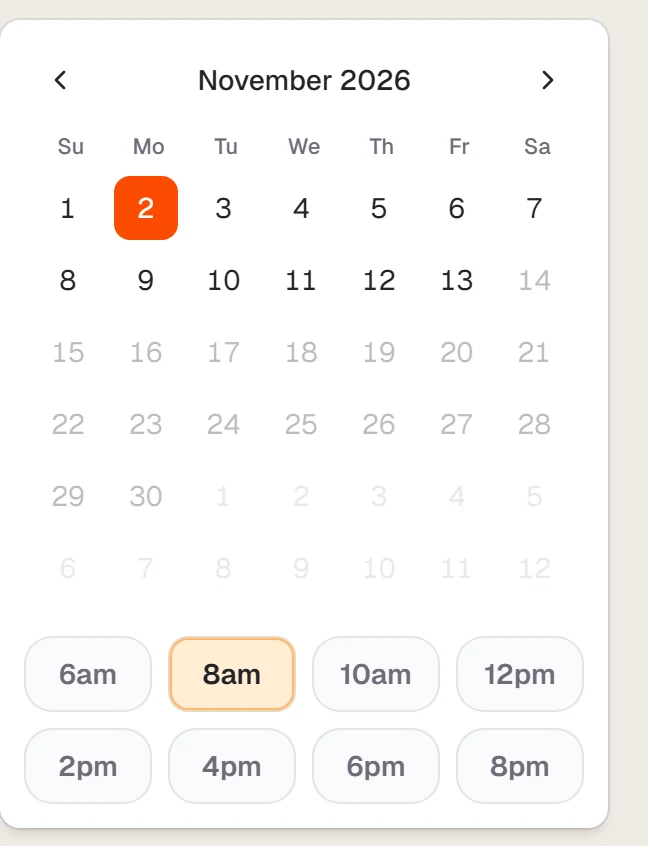
Pick a day and an hour
Choose a date on the calendar, then a time. Dates beyond your forecast range show as locked and prompt you to upgrade.
The map, your list and any open ride all update together.
Last updated 31 October 2026