
Create a Ride Huddle
Set up a Ride Huddle in three steps: name it and pick a time, add your route options, then publish and share the link.
You do not need an account. Go to Create a huddle to start.
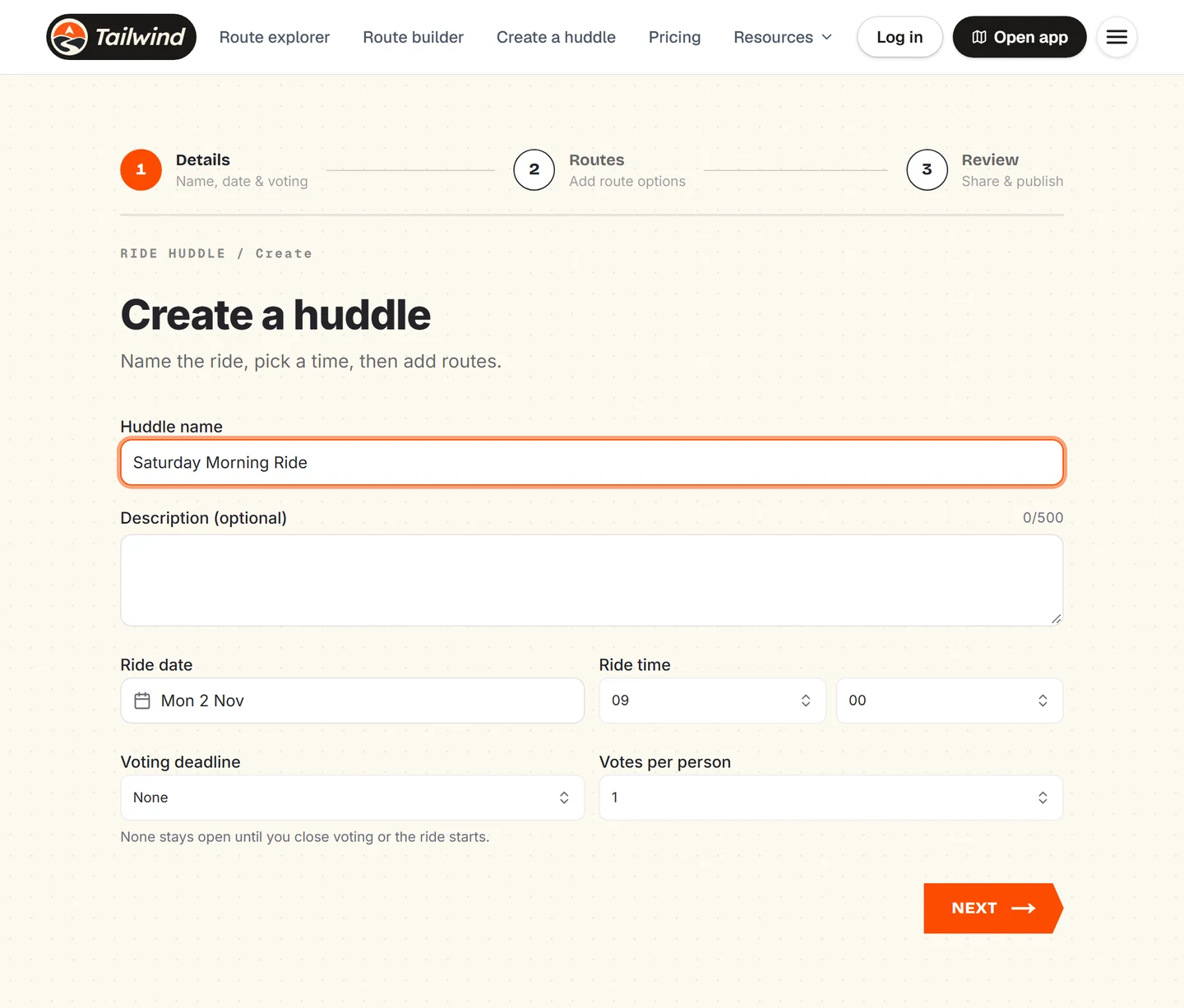
Add the details
Enter a Huddle name, an optional description, the Ride date and Ride time. Choose a Voting deadline, or leave it as None to keep voting open until you close it or the ride starts. Set Votes per person, then select Next.
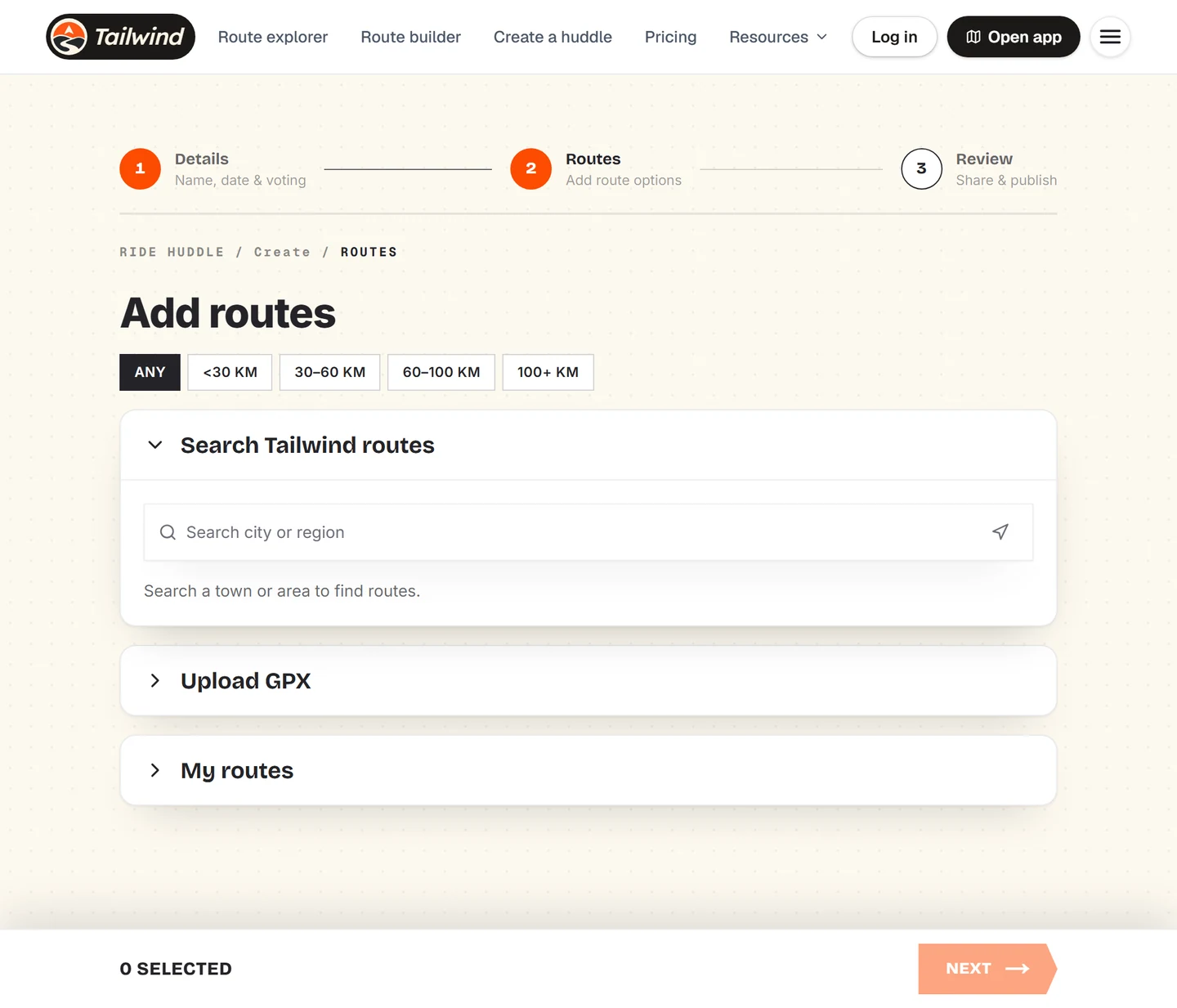
Add your routes
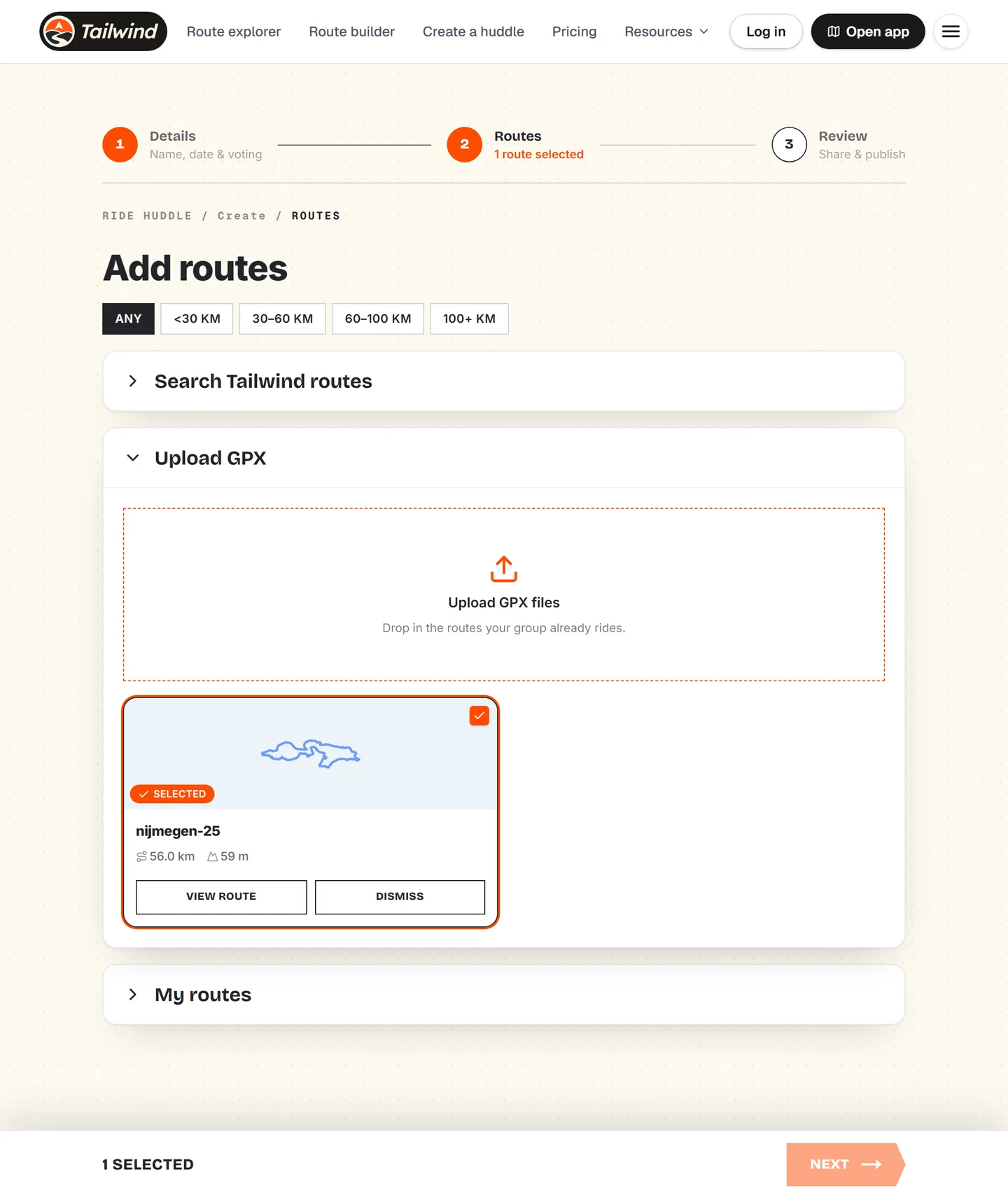
Add at least 2 and up to 10 routes. You can search Tailwind routes, upload GPX files or pick from your own routes.
Routes you add are marked as selected. The count at the bottom keeps track.
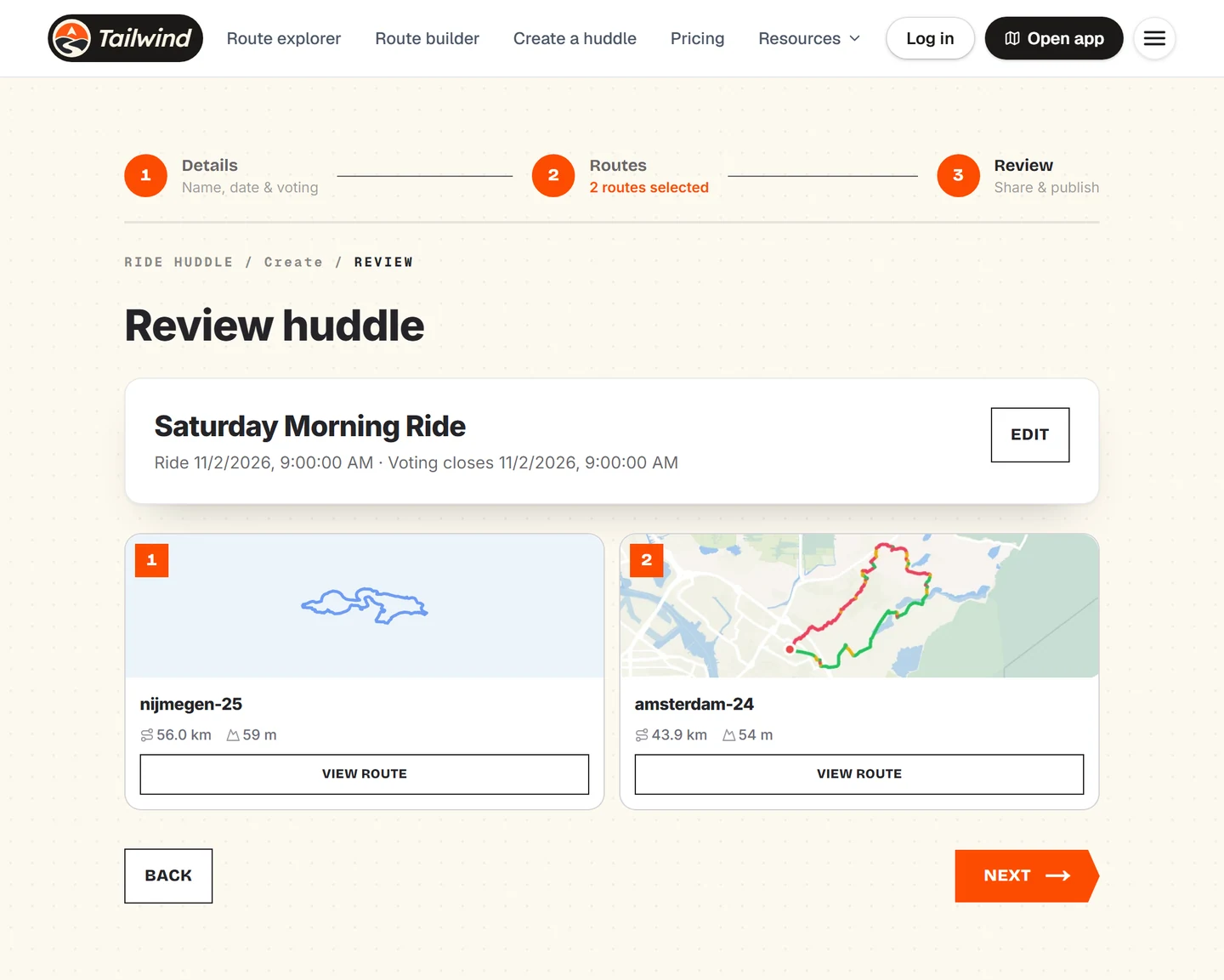
Review it
Check the name, the time and the options. Select Edit to change anything, then select Next to publish.
Share the link
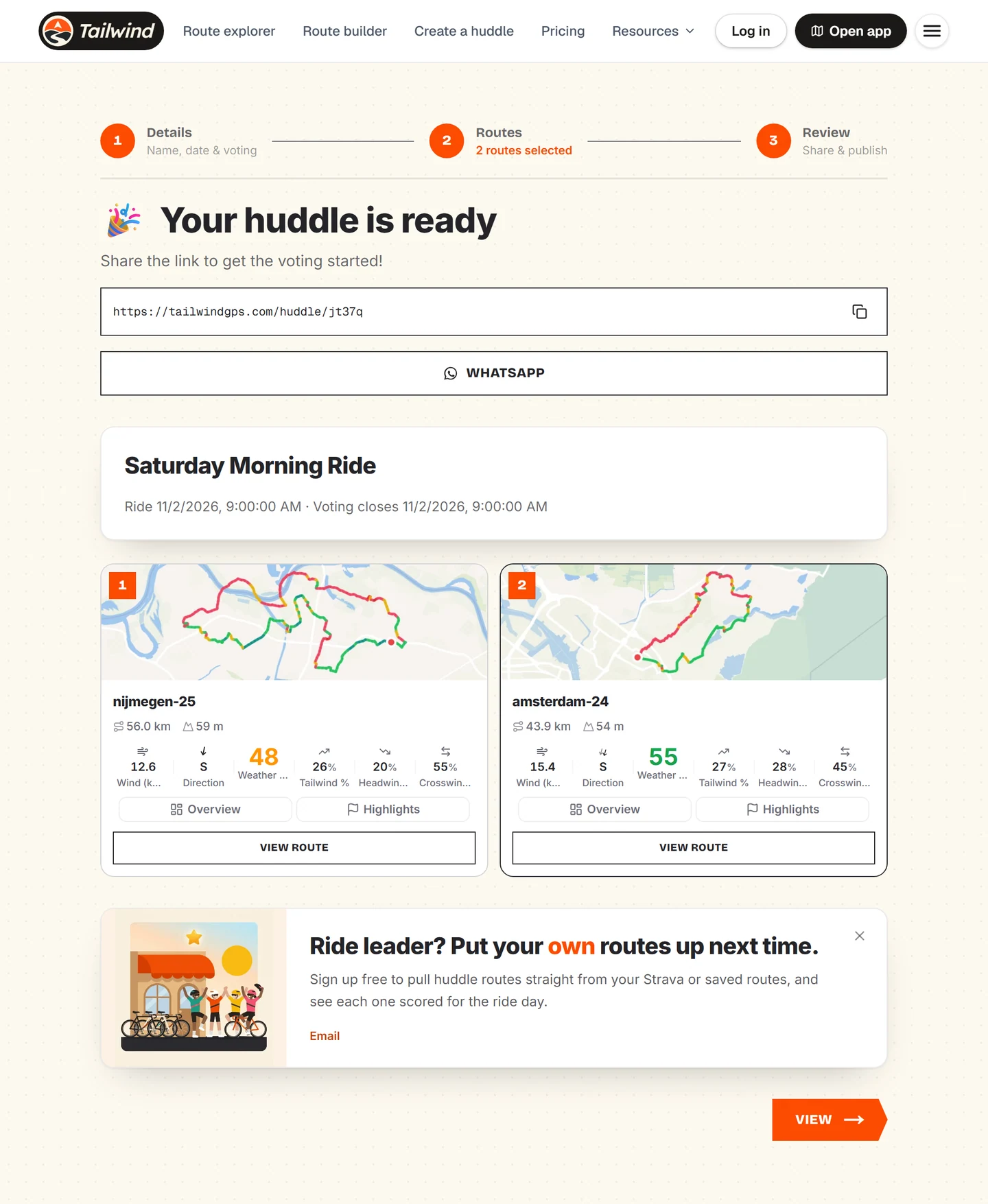
Copy the link, or send it straight to WhatsApp. Select View to open the huddle yourself.
Last updated 31 October 2026