
Vote in a Ride Huddle
Open the huddle link, enter a nickname and vote for your favourite route. No account needed.
Open the link
Open the link from whoever set up the huddle.
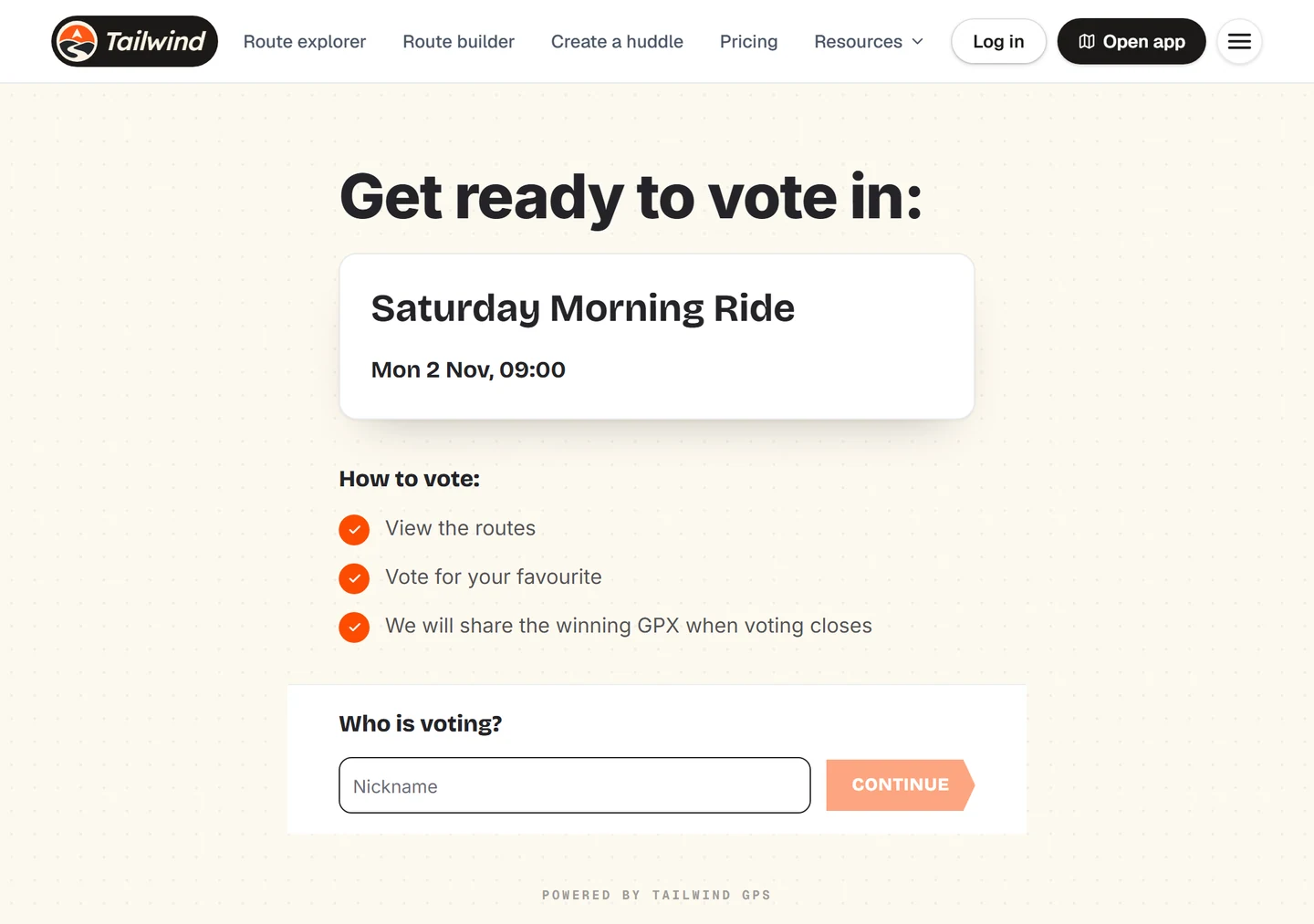
Enter a nickname
Type your name under Who is voting? and select Continue.
Compare the routes
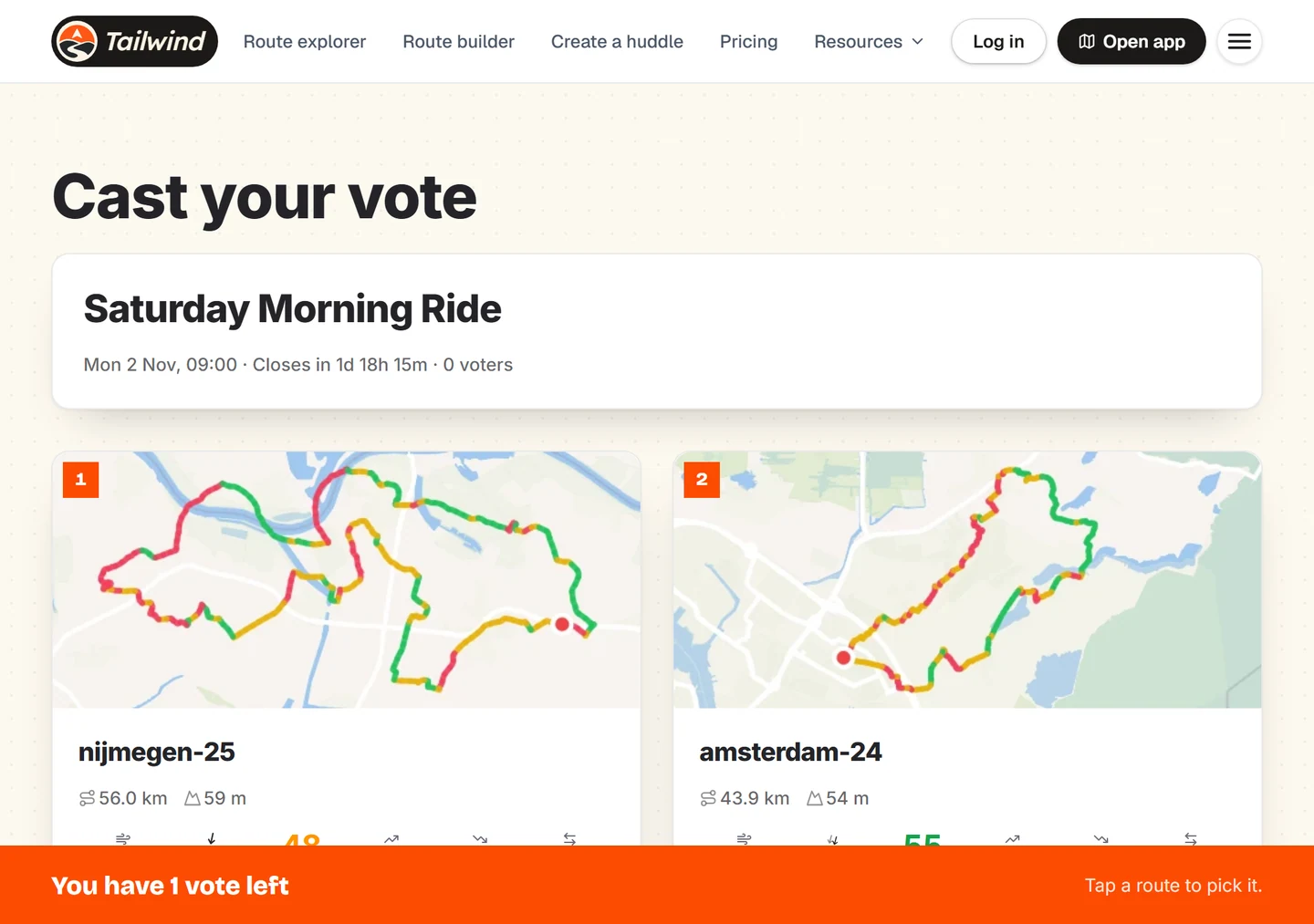
Each card shows the route, its distance and climbing. If the ride is within 3 days, it also shows the weather score. Select View route for a closer look.
Vote
Select Vote on your favourite. Changed your mind? Select Remove vote and pick another while voting is open.
See the results
Select Show results to see how the vote stands.
Last updated 31 October 2026