
Change units between metric and imperial
Switch Tailwind GPS between kilometres and miles, km/h and mph, Celsius and Fahrenheit. Open Settings, then Riding, then Units.
Open Settings
Select your name at the top right, then Settings. Or go straight to Riding settings.
Find Units
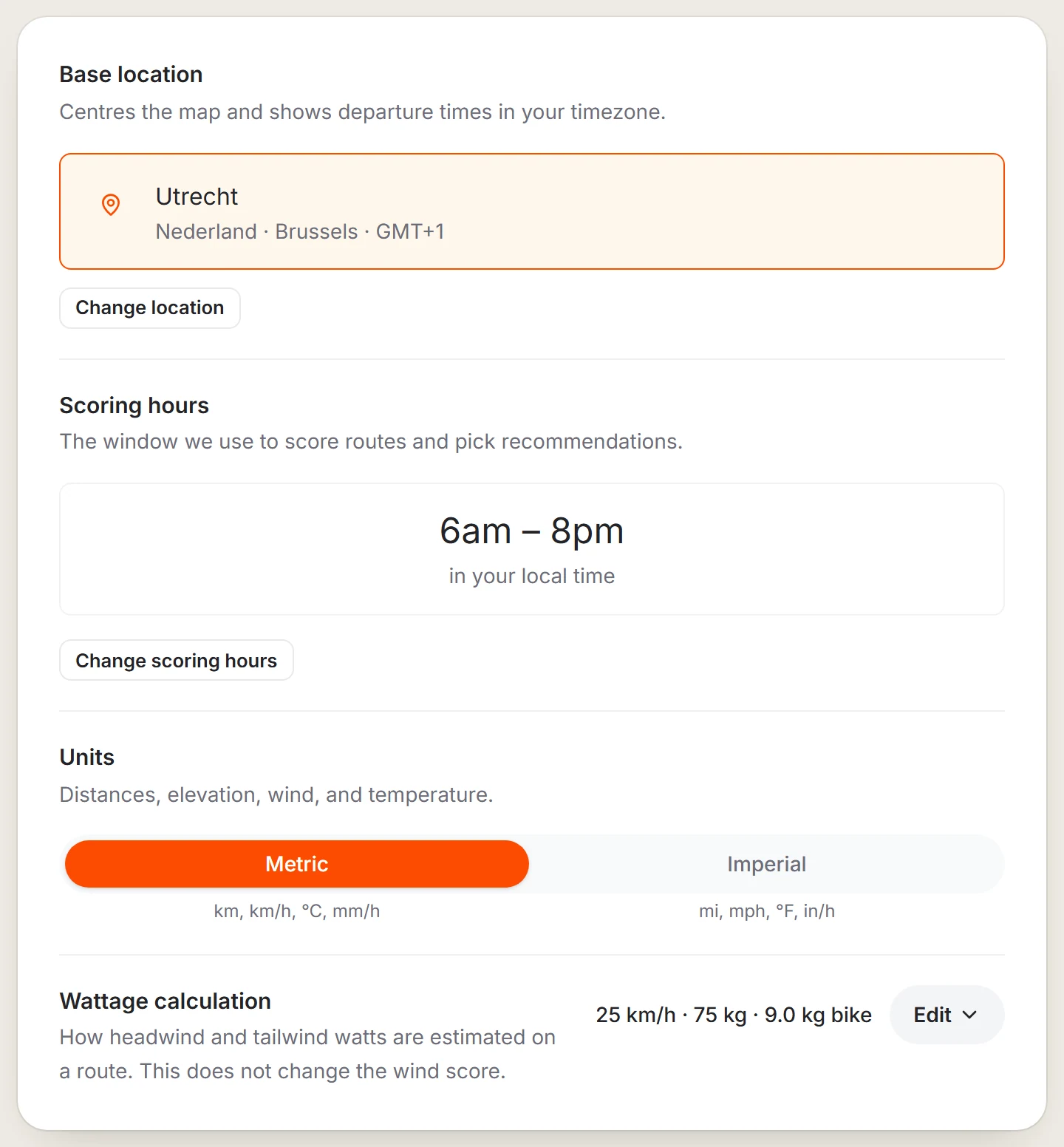
On the Riding tab, scroll to Units.
Choose your units
Select Metric (km, km/h, °C, mm/h) or Imperial (mi, mph, °F, in/h). Every distance, speed and temperature in the app follows your choice.
Last updated 31 October 2026