
Refer a friend
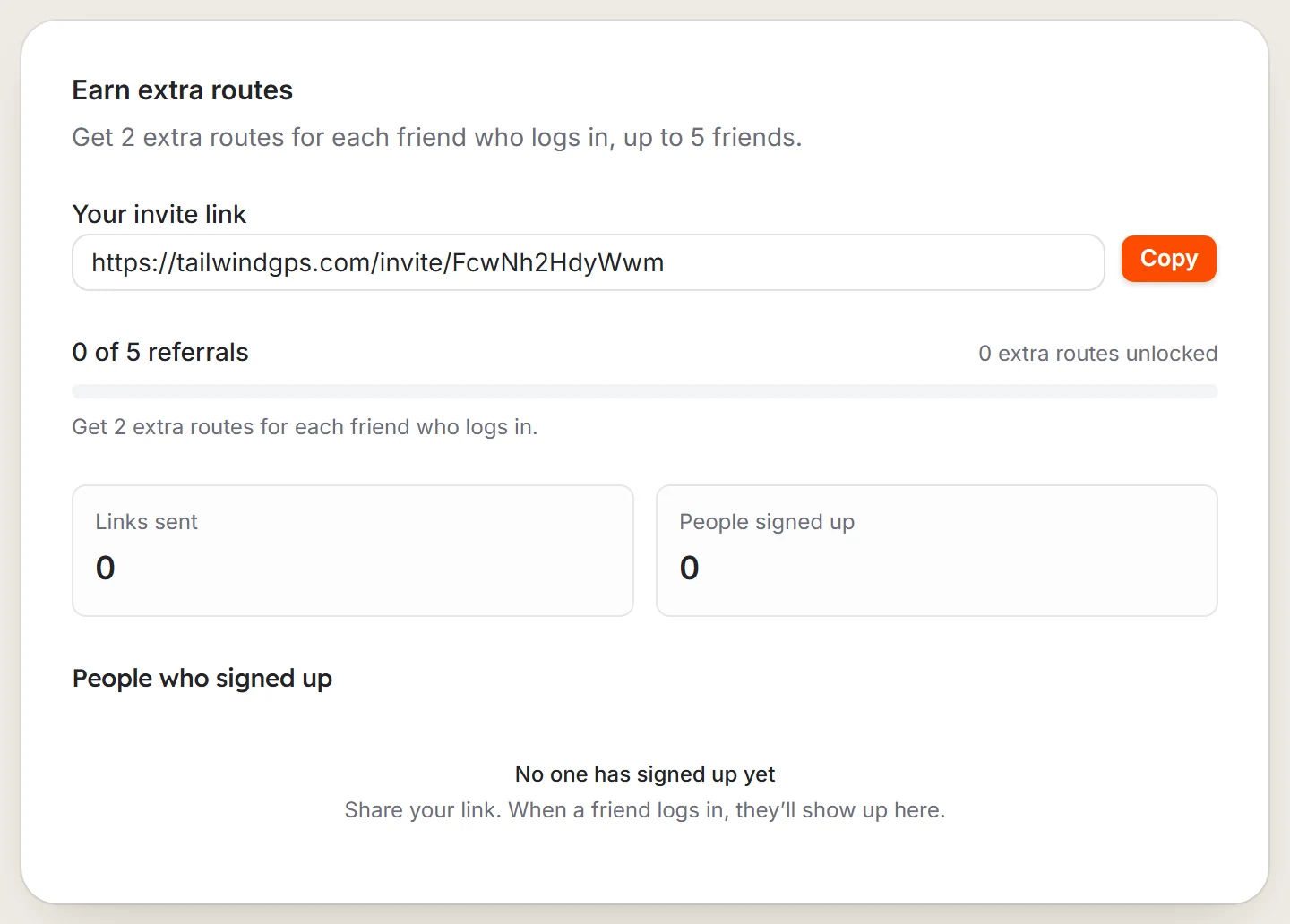
Earn 2 extra routes for each friend who logs in with your invite link, for up to 5 friends and 10 extra routes.
Each friend who logs in using your link earns you 2 extra routes, up to 5 friends and 10 extra routes in total.
Open Refer a friend
Select your name at the top right, then Refer a friend. Or go to Settings, then Referrals.
Copy your link
Select Copy or Share and send it to your friends.
Watch your rewards
Friends who join appear under People who signed up. One reward can be earned every 24 hours.
Last updated 31 October 2026