
Use dark mode
Switch Tailwind GPS between light and dark from the account menu or in Settings.
There are two ways to switch:
- Account menu: select your name at the top right, then Dark mode or Light mode.
- Settings: go to Settings, then Appearance and choose under Theme.
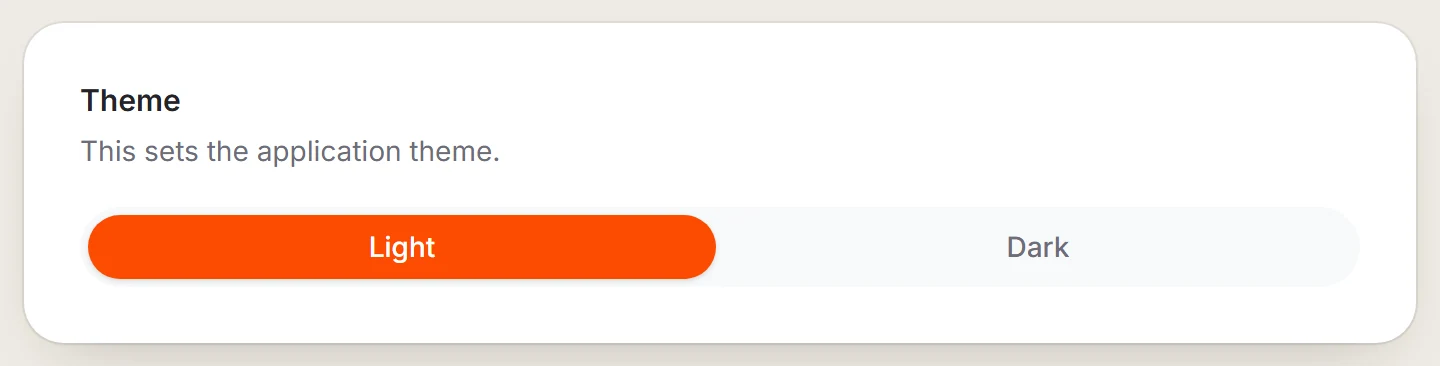
Dark mode covers the app, including the map and settings. Public pages such as this Help center stay light. The navigation screen has its own theme button.
Last updated 31 October 2026