
Start navigation
Follow any ride turn by turn in your phone browser. Open the ride, select Navigate and start. Navigation is currently in beta.
Tailwind can guide you turn by turn in your phone browser, with no app to install.
Open the ride
Open the ride you want to follow.
Select Navigate
On a phone, select Navigate at the bottom of the ride. You can also find it in the … menu.
Allow your location
When your browser asks, allow location access. If you do not see the request, read GPS and location problems.
Select Start navigation
The start card shows the distance. Select Start navigation.
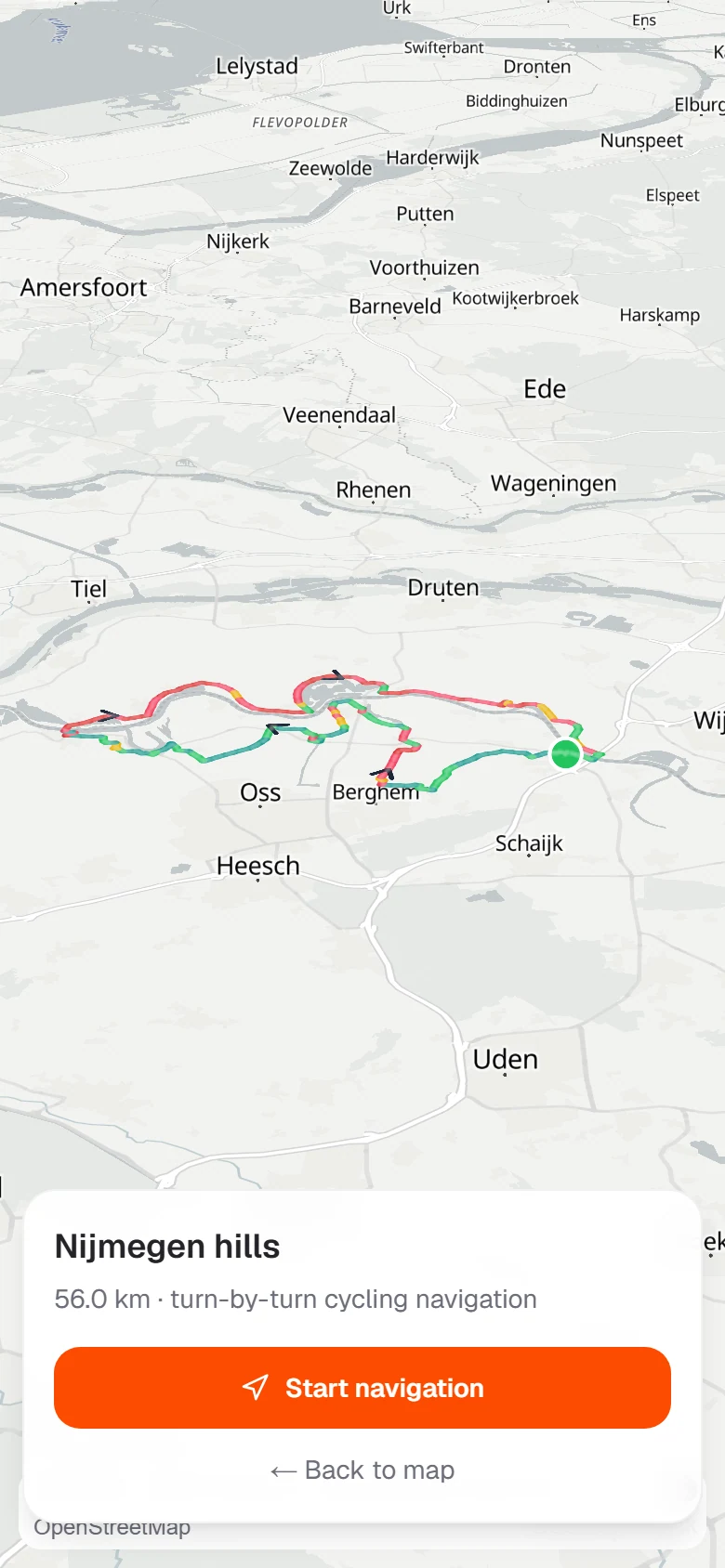
If you are not on the route yet, Tailwind shows you the way to the start first.
Last updated 31 October 2026