
Deactivate or reactivate a route
Free up a ride slot without losing the route. Deactivated rides stay in your Archived filter and can come back at any time.
Deactivating a ride takes it off the map and out of your wind picks, and frees up a ride slot. You can bring it back at any time.
Deactivate a ride
Open the menu
Select … on the ride's row in Rides, or next to its name when it is open.
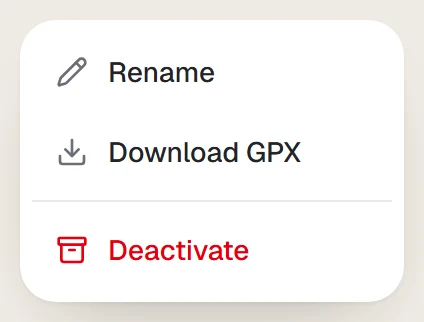
Choose Deactivate
The ride moves to your archived rides.
Reactivate a ride
Use the Archived filter in Rides, select … on the ride, then Reactivate. You need a free ride slot.
Last updated 31 October 2026