
Set up your account
The short setup after you sign up: your riding speed, your base location, your usual riding hours and your first routes.
When you first sign in, Tailwind asks a few questions so that your scores match the way you ride. It takes about a minute and you can change every answer later in Settings.
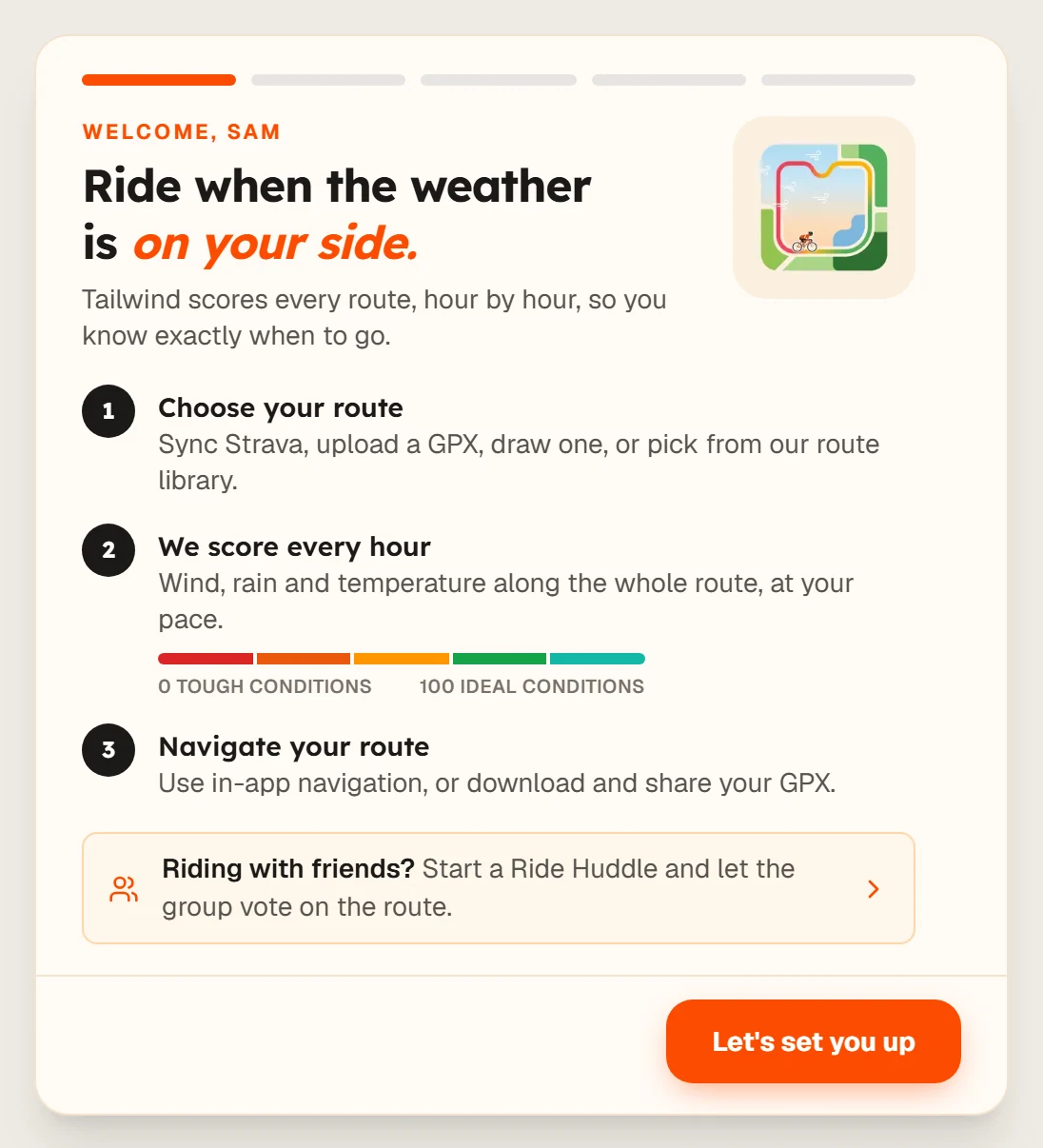
Start the setup
Read the welcome screen and select Let's set you up.
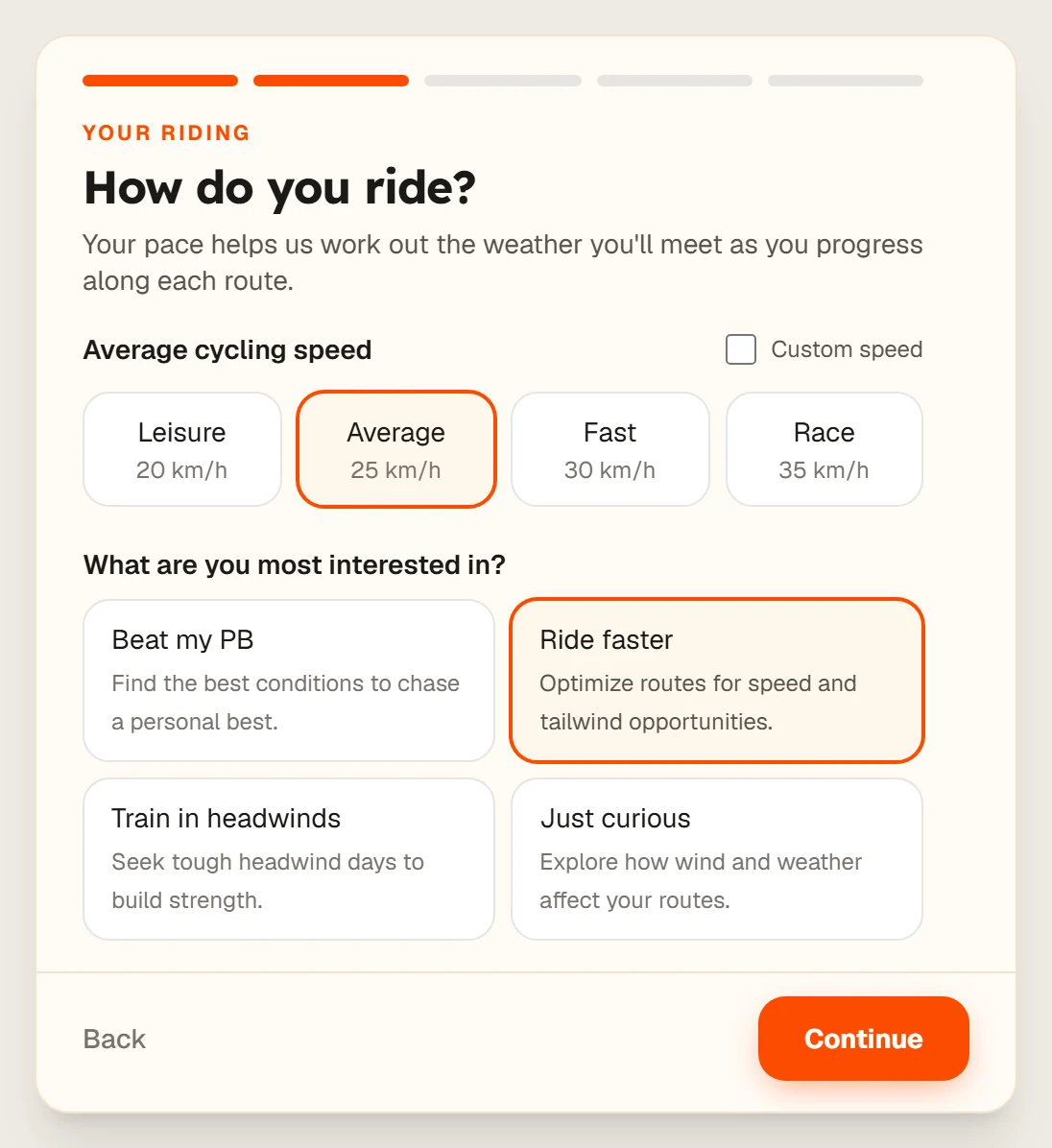
Tell us how you ride
Choose Leisure (20 km/h), Average (25 km/h), Fast (30 km/h), Race (35 km/h) or set a custom speed. Tailwind uses this to work out where you will be on the route at each hour.
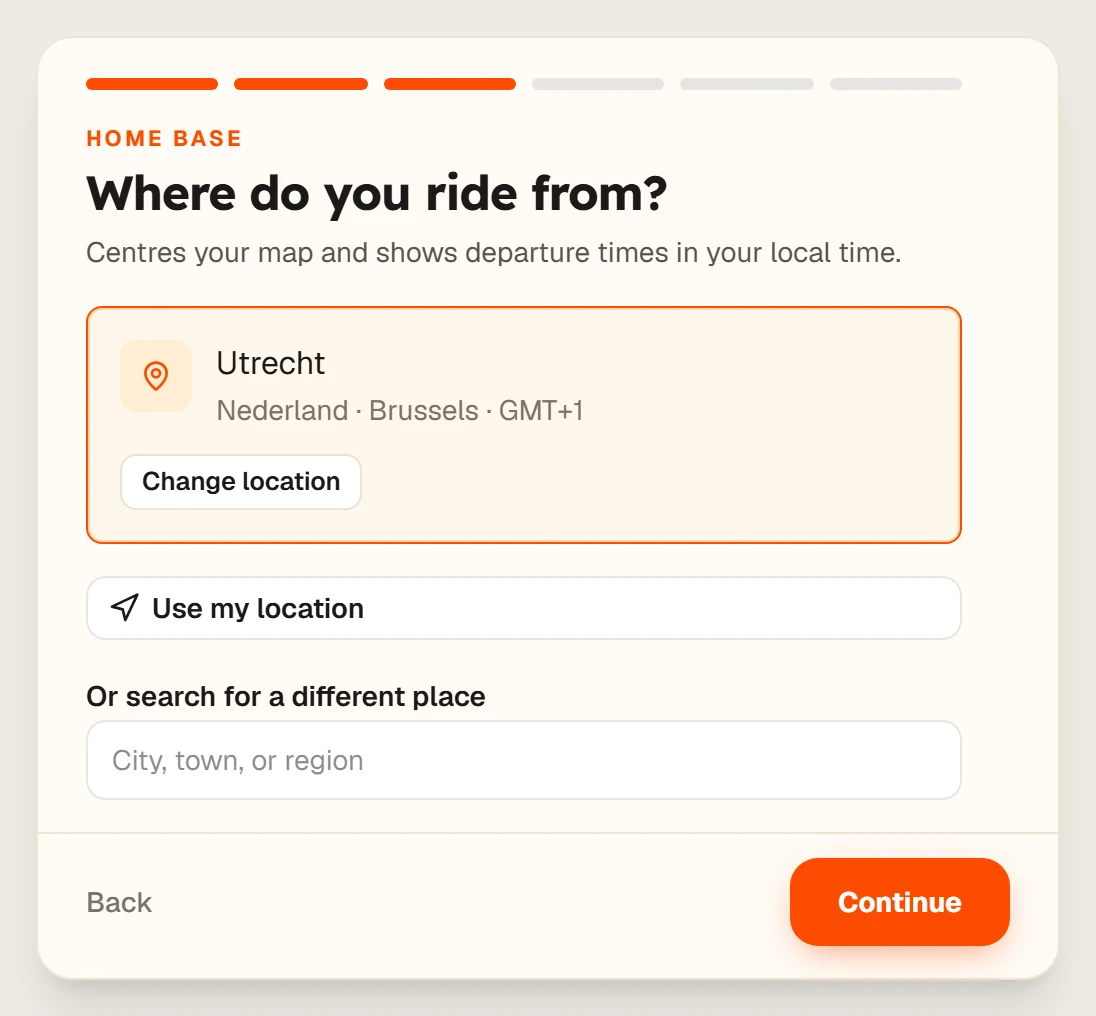
Set where you ride from
Select Use my location, or search for a different place. This centres the map and sets your timezone.
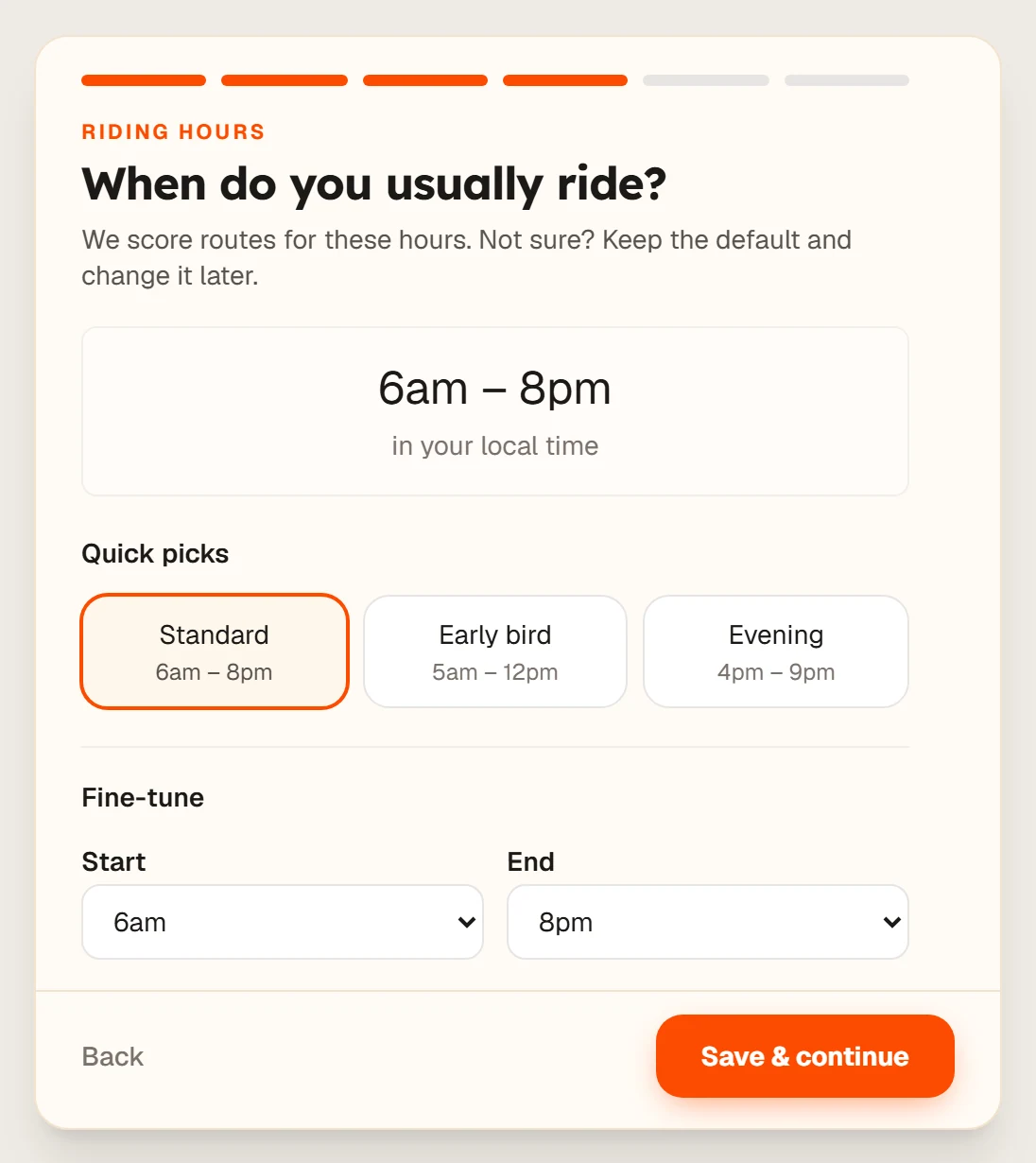
Choose when you usually ride
Pick Standard (6am to 8pm), Early bird (5am to 12pm) or Evening (4pm to 9pm), or fine-tune the start and end. Then select Save & continue.
Add some routes
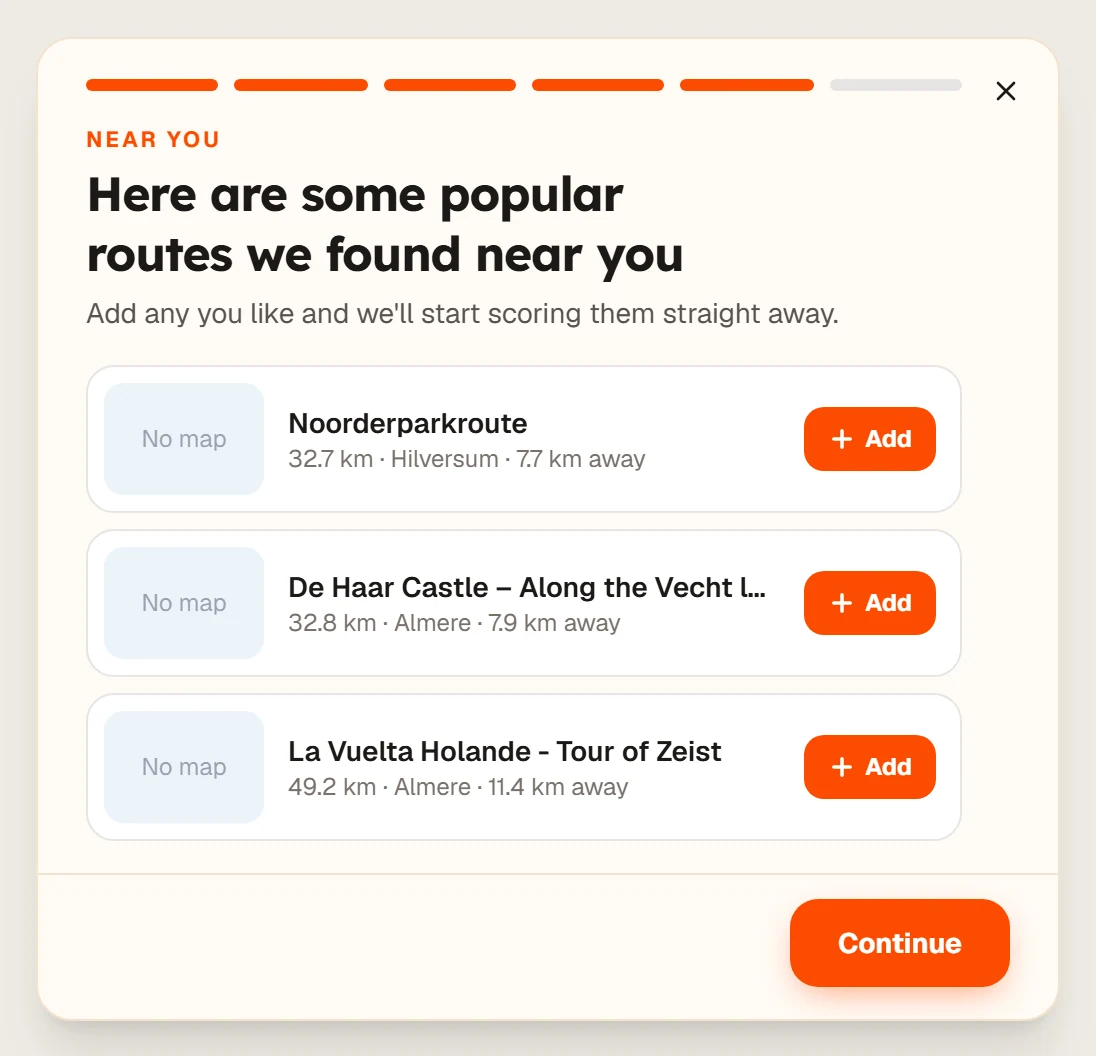
Tailwind suggests popular routes near you. Select Add on any you like, then Continue.
Try Pro, or skip it
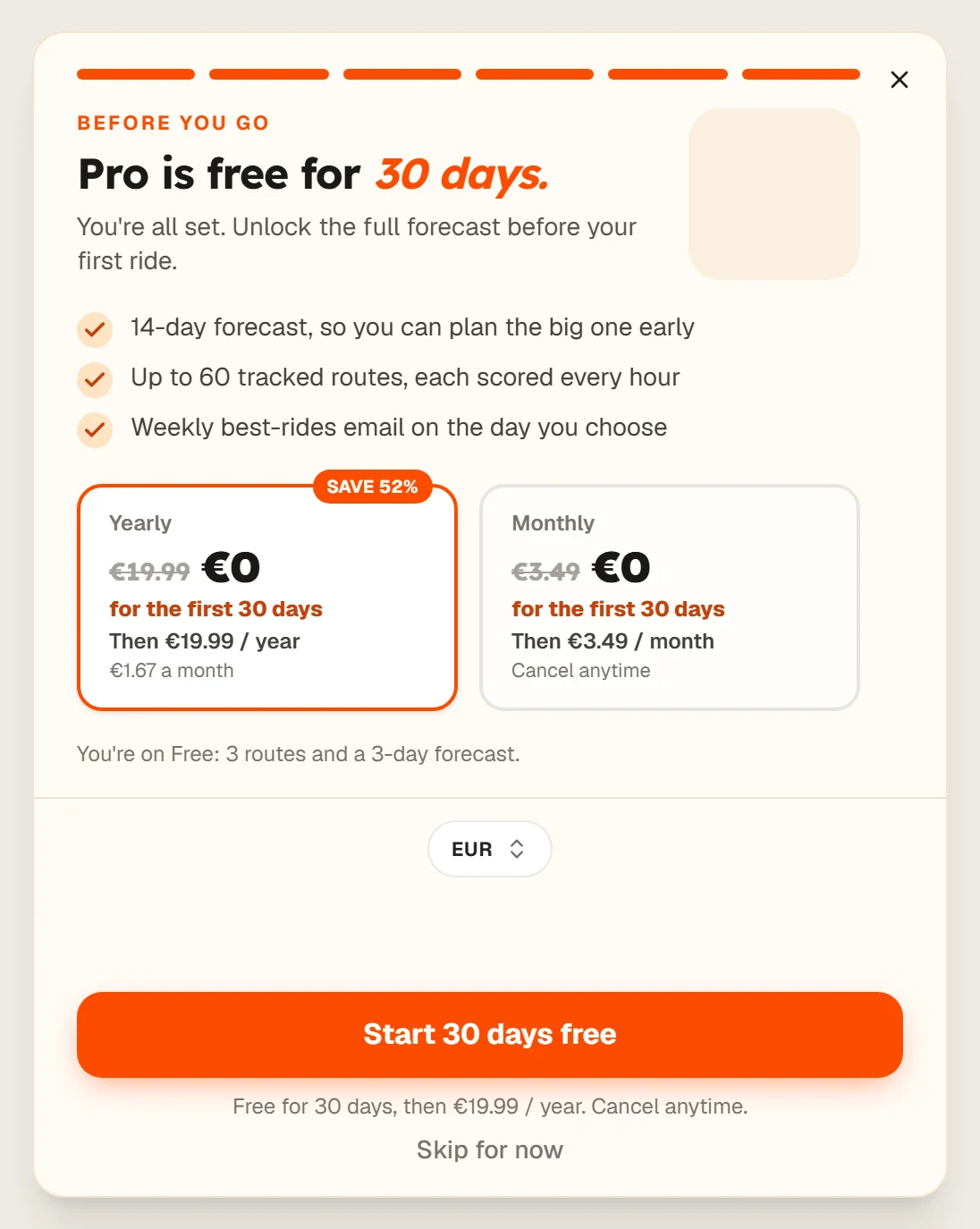
You can start 30 days of Pro free, or select Skip for now and stay on the free plan.
Last updated 31 October 2026