
Create an account
Sign up for Tailwind GPS with Google or an email link. New riders get 3 weather-scored routes free, with no card needed.
You can sign up with Google or with a sign-in link sent to your email. There is no password to remember, and the free plan does not need a card.
Open the sign-up page
Go to the login page, or choose Log in at the top of the site.
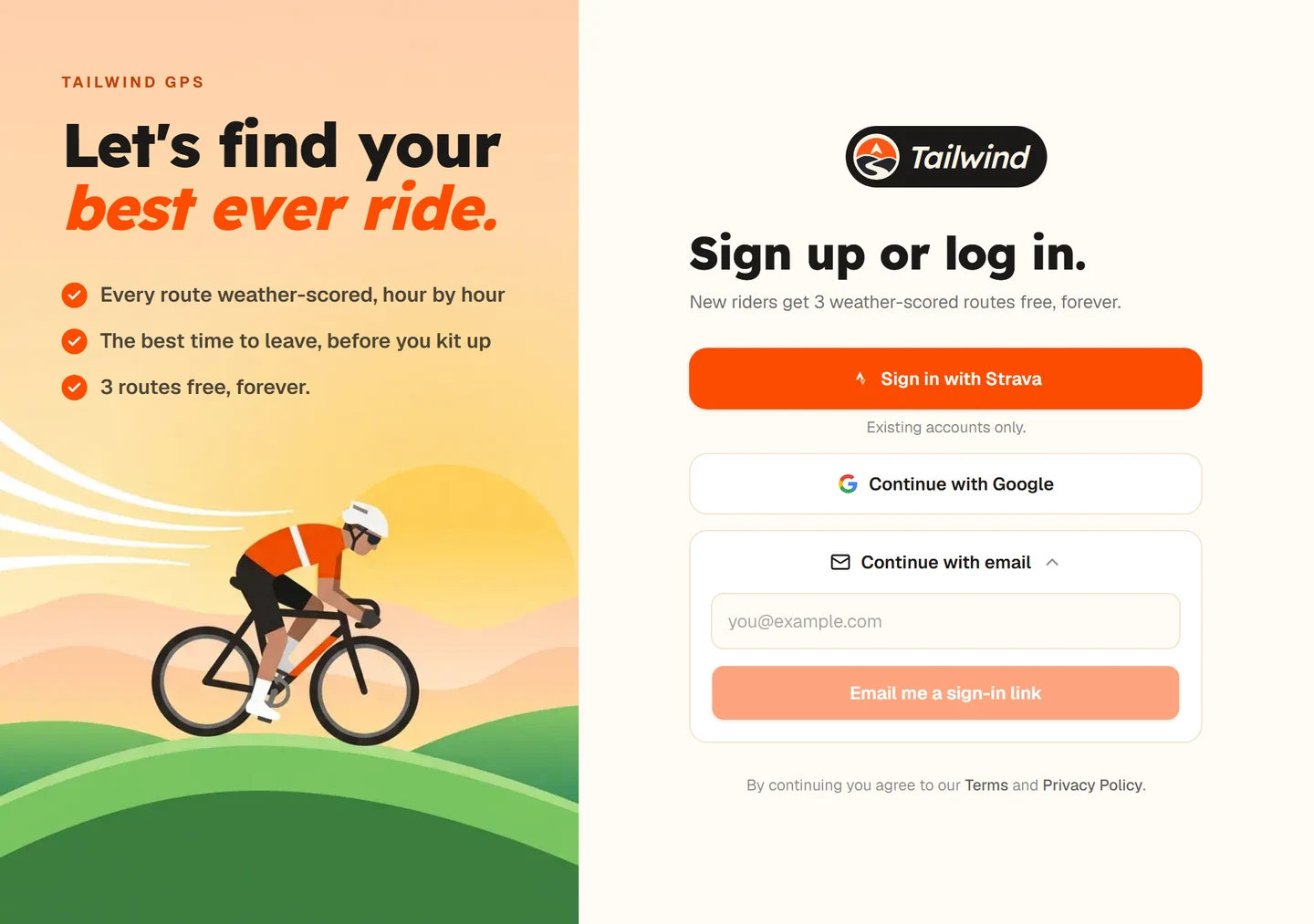
Choose how to sign in
Select Continue with Google, or select Continue with email, enter your address and select Email me a sign-in link.
Open the link
If you chose email, open the message from Tailwind and follow the link. It signs you in on that device.
Set up your account
A short setup asks how you ride, where you ride from and when you usually ride. See Set up your account.
Last updated 31 October 2026