
Use Tailwind on your phone
Tailwind GPS runs in your phone browser. Learn how the ride sheet, the navigation bar and the charts work on a small screen.
Tailwind works in the browser on your phone, with nothing to install. Go to tailwindgps.com and sign in.
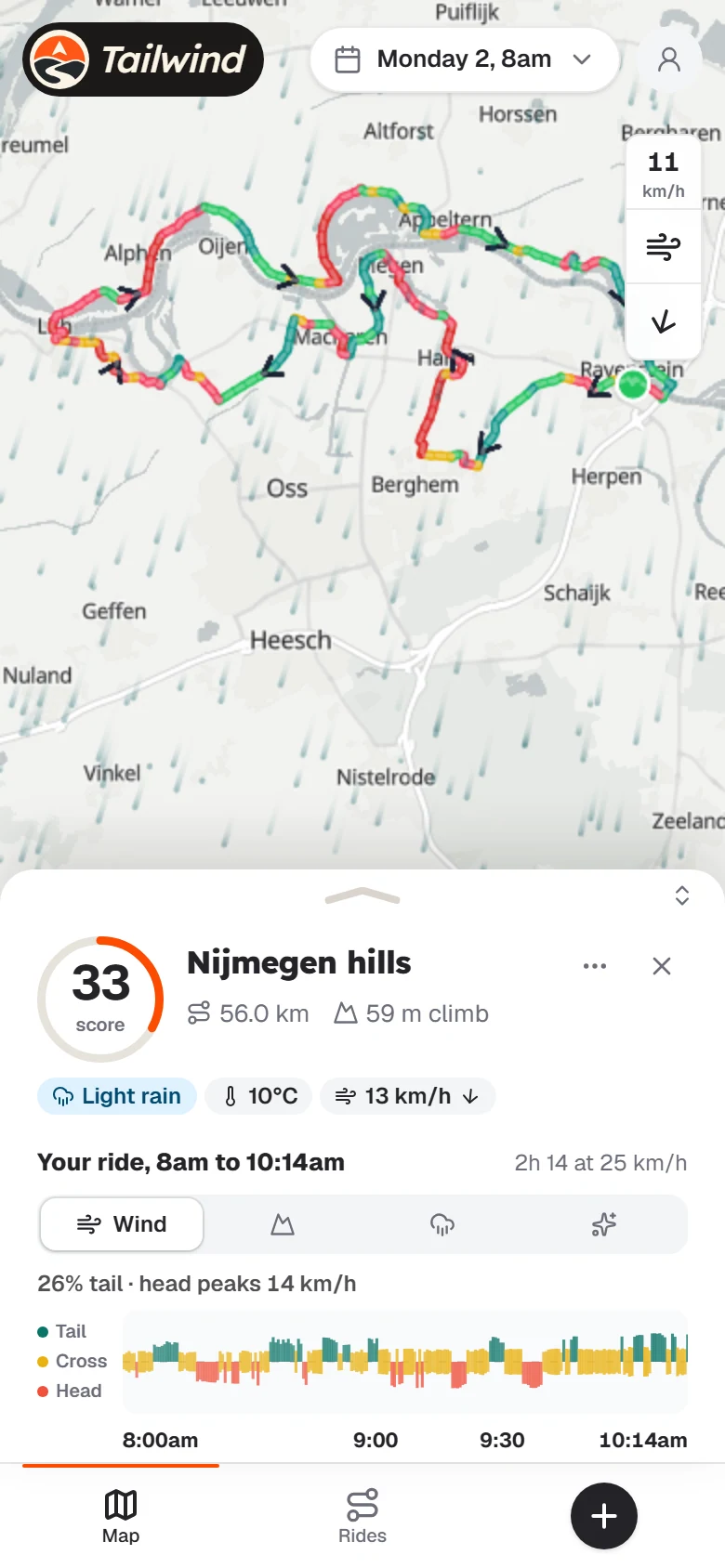
Move the sheet
Rides open in a sheet at the bottom of the screen. Drag the handle up to see everything, or down to see more of the map.
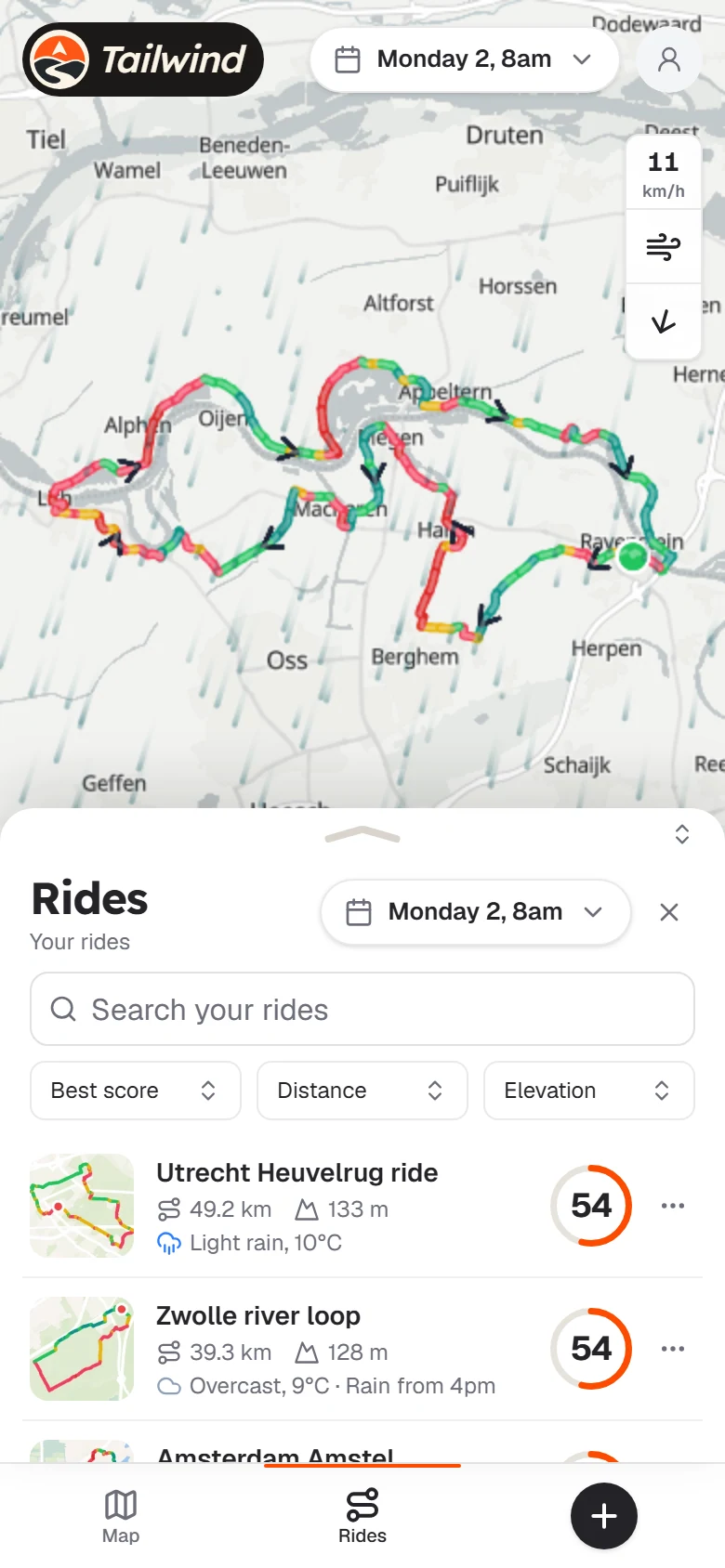
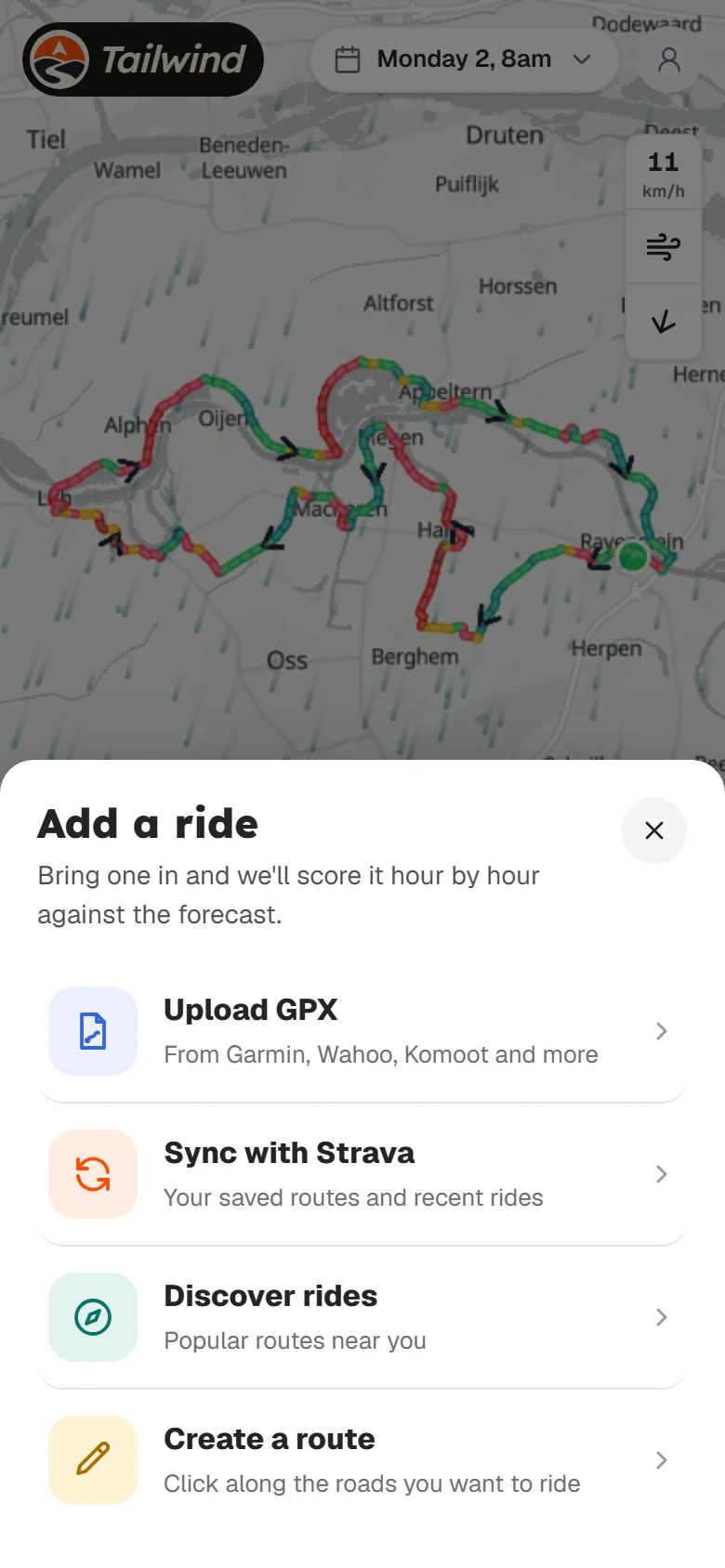
Find your rides and add new ones
Use the bar at the bottom. Rides lists your routes, and + opens Add a ride.
Use the charts
Flick left or right to change chart, or tap the tabs. Press and drag across a chart to see any point on the ride.
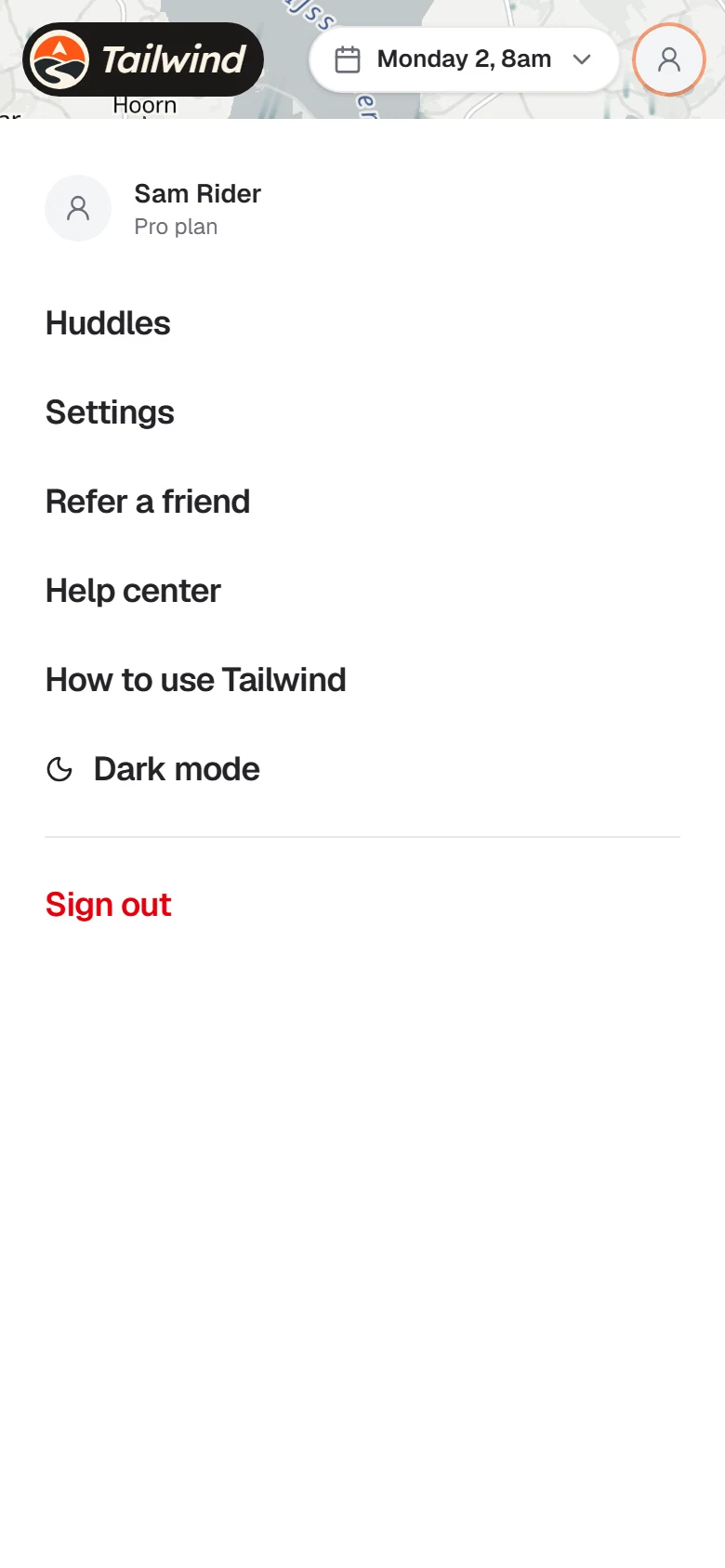
Your account
Tap the person icon at the top right for Huddles, Settings, Refer a friend, this Help center and dark mode.
Last updated 31 October 2026