
Cancel your subscription
Cancel Pro at any time from the billing portal. You keep Pro until the end of the paid period or trial, then return to the free plan.
You can cancel at any time. You keep Pro until the end of the period you have paid for, or until your trial ends.
Open Billing
Go to Settings, then Billing.
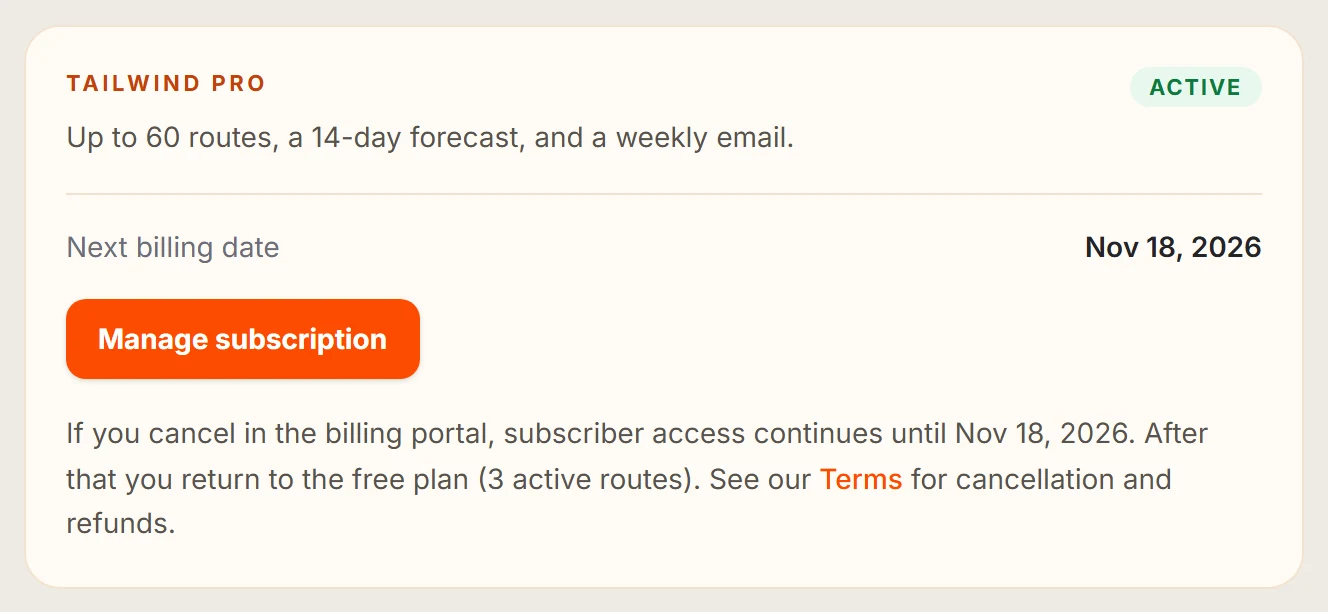
Select Manage subscription
This opens your secure billing portal, run by our payment provider, Stripe.
Cancel your plan
Choose to cancel in the portal and confirm.
Check it has worked
Back in Billing, you will see Pro until a date, and Membership ends.
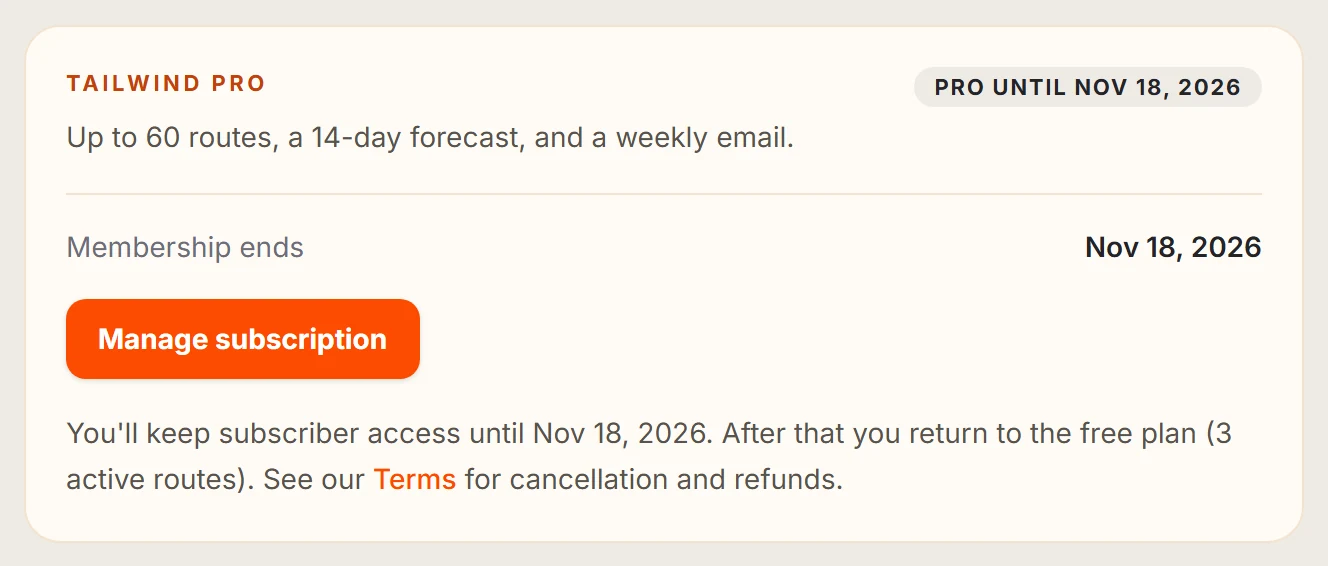
Read what happens after you cancel.
Last updated 31 October 2026