
Switch from monthly to yearly
Move your Pro subscription to yearly billing and save. Unused time on your current month is credited toward the year.
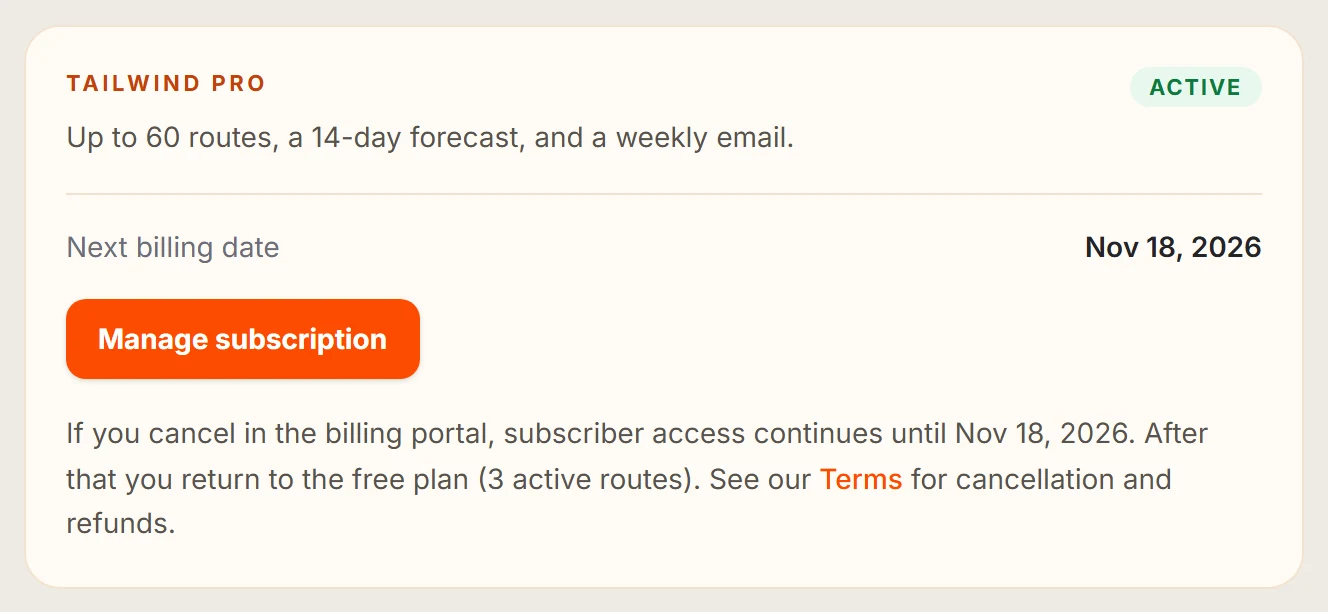
Open Billing
Go to Settings, then Billing.
Select Switch to yearly
Read the summary of what will change.
Select Confirm switch
Select Back if you change your mind.
How you are charged
- On a paid monthly plan, unused time on your month is credited toward the year.
- During a trial, your trial end date stays the same, and your first charge is the yearly price.
Last updated 31 October 2026