
Start your free Pro trial
Try Pro free for 30 days. Add a card or wallet to start. Cancel before the trial ends and you will not be charged.
Each account can have one 30-day trial. You need a card or wallet to start, but you will not be charged until the trial ends.
Open the upgrade dialog
Select Try Pro at the top of the map. Or go to the pricing page.
Choose Yearly or Monthly
Yearly works out cheaper. Both start with 30 days free.
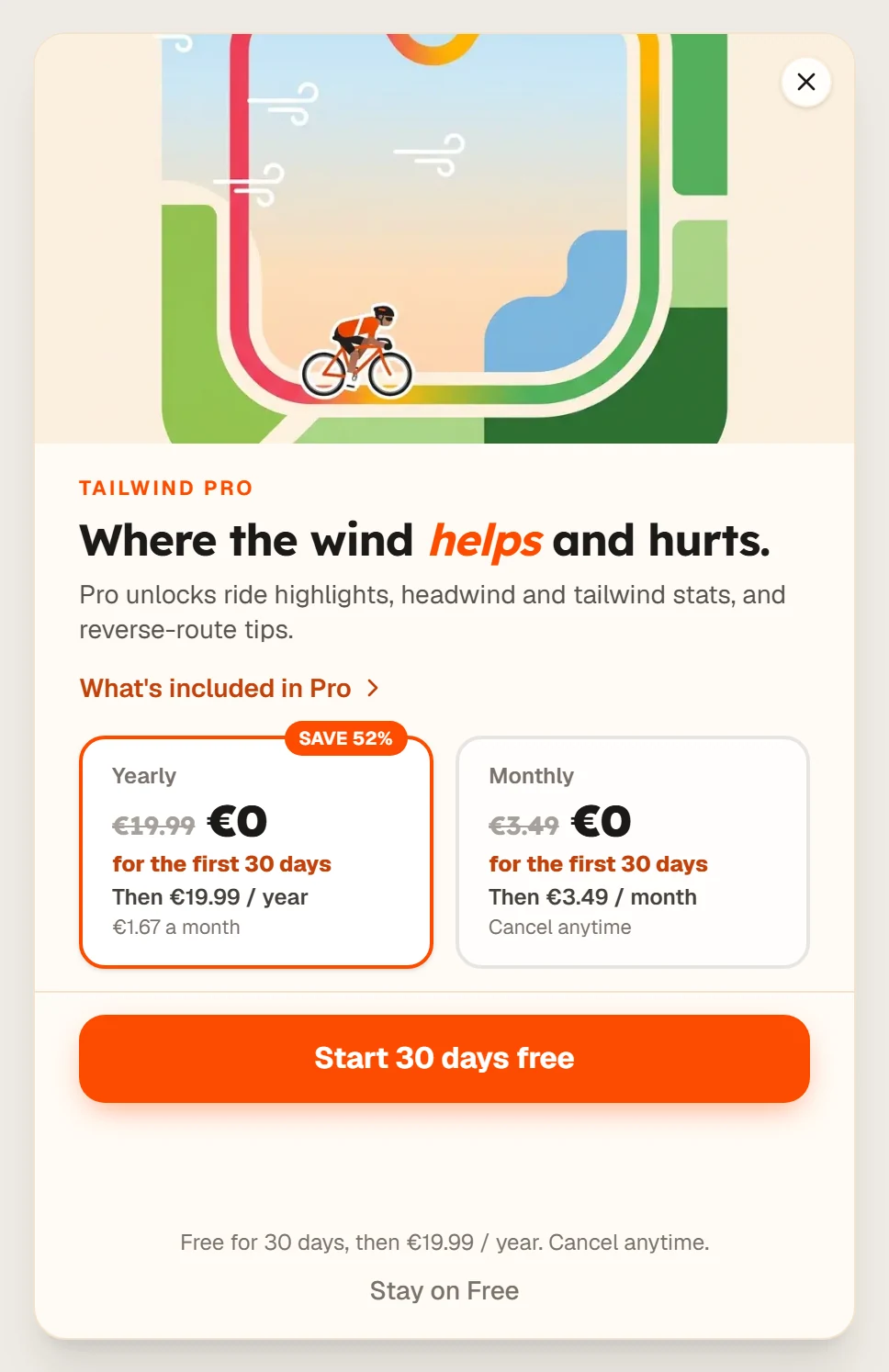
Select Start 30 days free
Enter your payment details in the secure Stripe checkout. If you have a promo code, open its link first.
Check your plan
Open Settings, then Billing. You will see Trial with the days left and your First billing date.
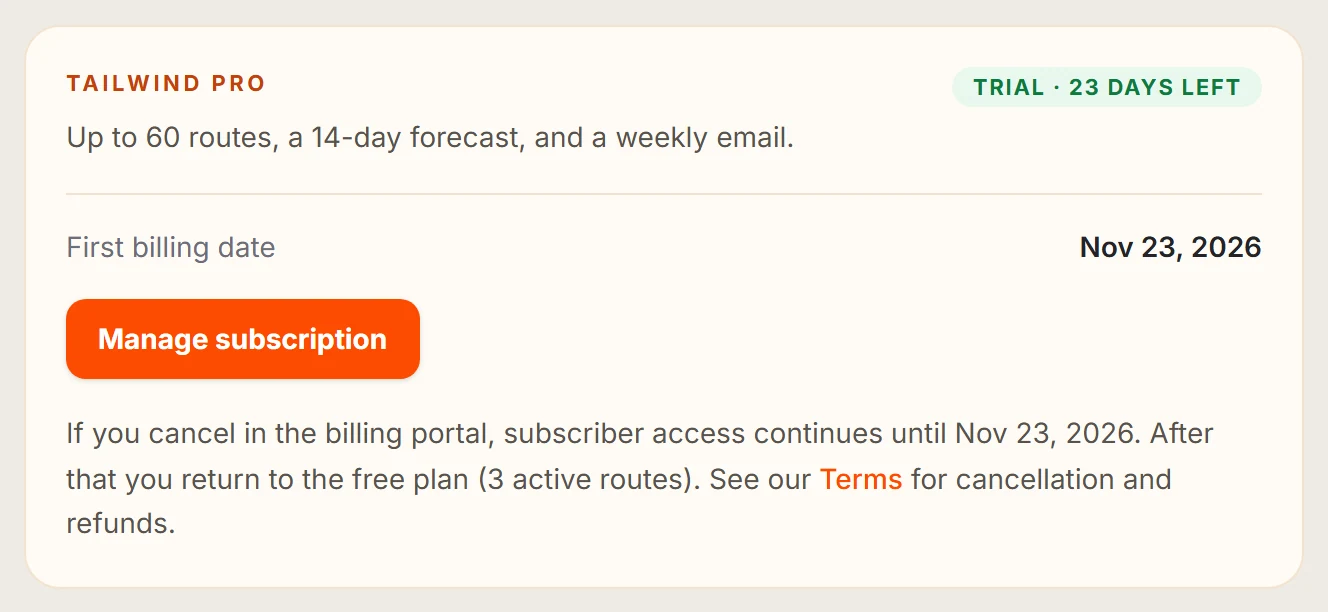
To avoid being charged, cancel before your first billing date.
Last updated 31 October 2026