
If a payment fails
What Payment failed means on your Pro subscription, how to fix it, and what happens to your access in the meantime.
If a payment does not go through, your Billing page shows Payment failed and the message Your last payment didn't go through. Update your card to keep Pro.
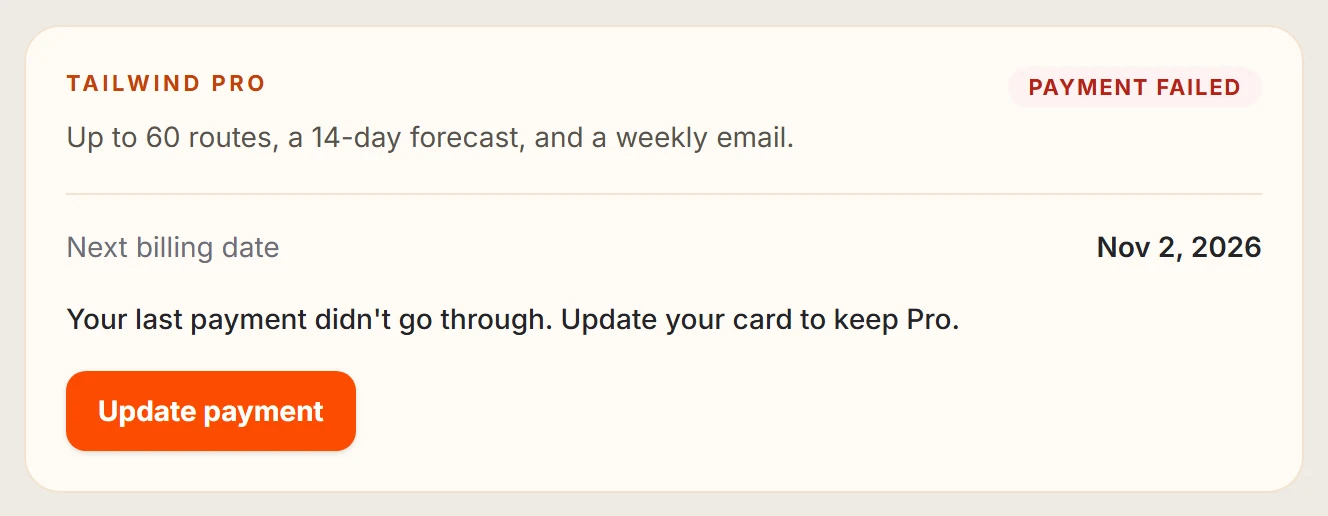
Select Update payment
Go to Settings, then Billing and select Update payment.
Add a working card
Check the details, or add a new card or wallet.
Stripe retries the payment for a while. If it keeps failing, Pro may be suspended after a grace period. Select Refresh status if your Billing page has not caught up with a change.
Last updated 31 October 2026