
Create a route
Draw a cycling route on the map in Tailwind GPS, step by step. Click along the roads you want to ride and it follows the cycling network.
Drawing a route takes a couple of minutes. You click along the roads you want to ride, and Tailwind follows the cycling network between your points.
Open Add a ride
Select + in the navigation bar.
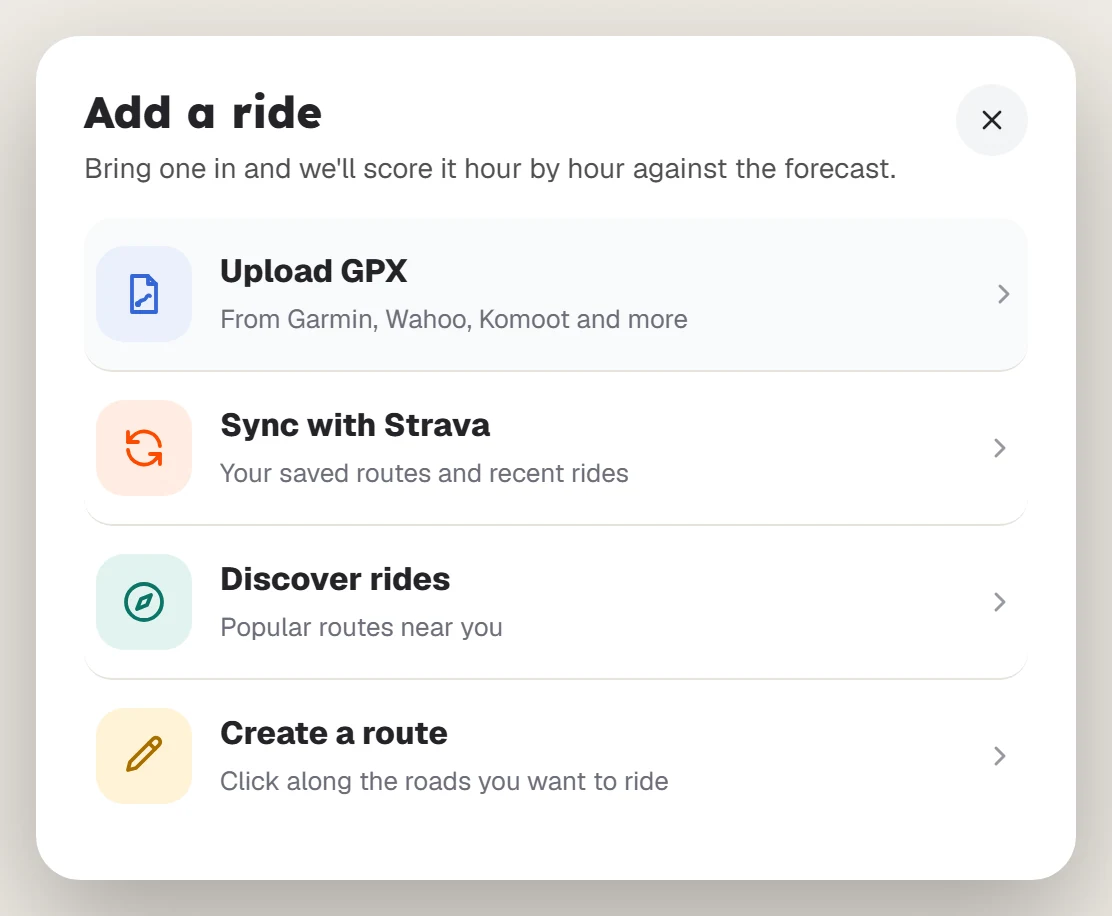
Choose Create a route
Select Create a route. The route panel opens on the Draw tab. To start somewhere else, use Search start location on the map.
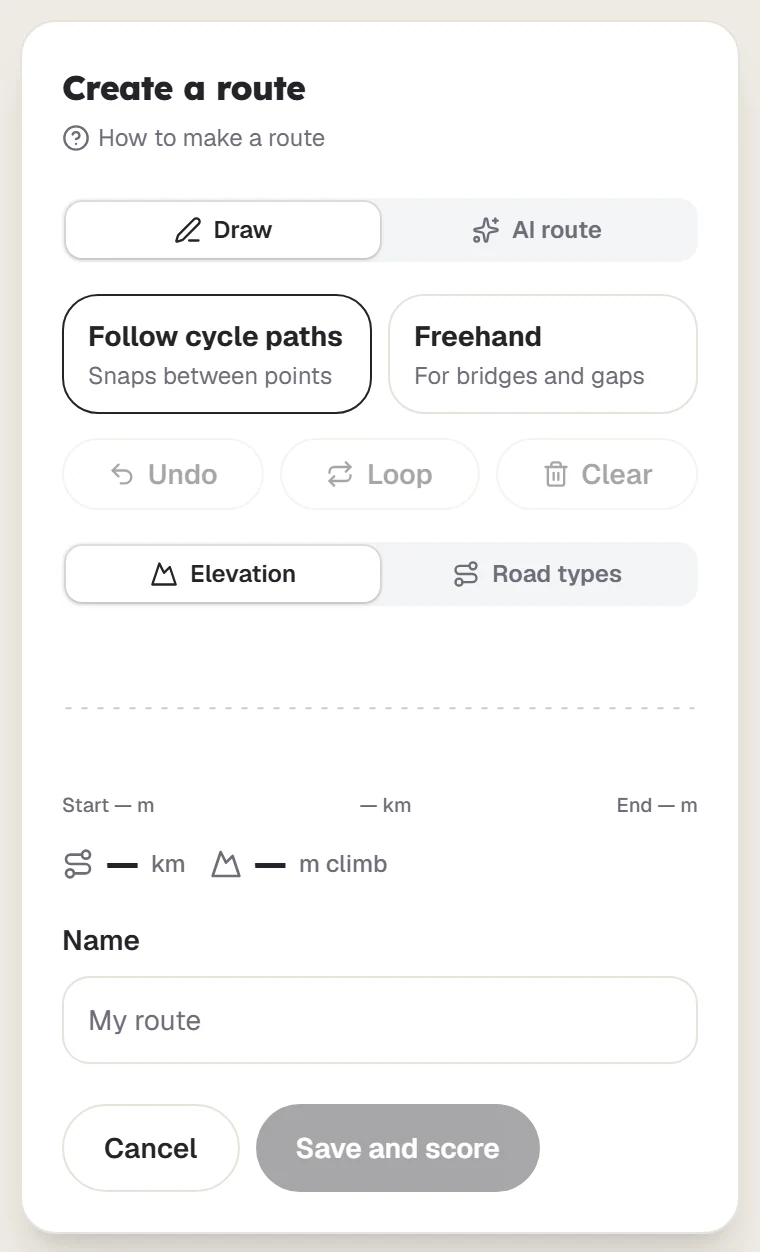
Add your first points
Click the map to add points (tap on a phone). Tailwind draws a line along the roads between each one.
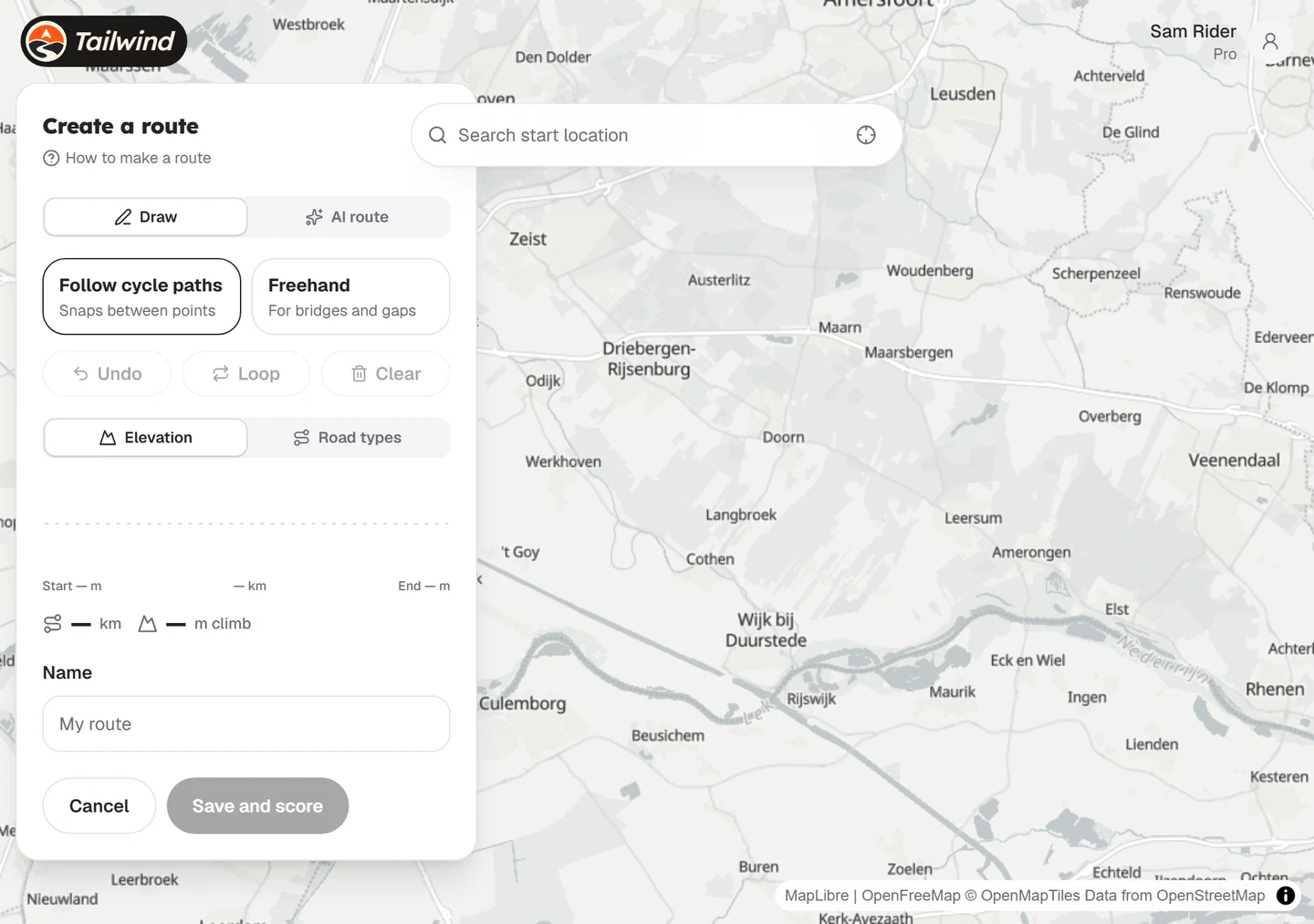
Keep clicking until the route is done
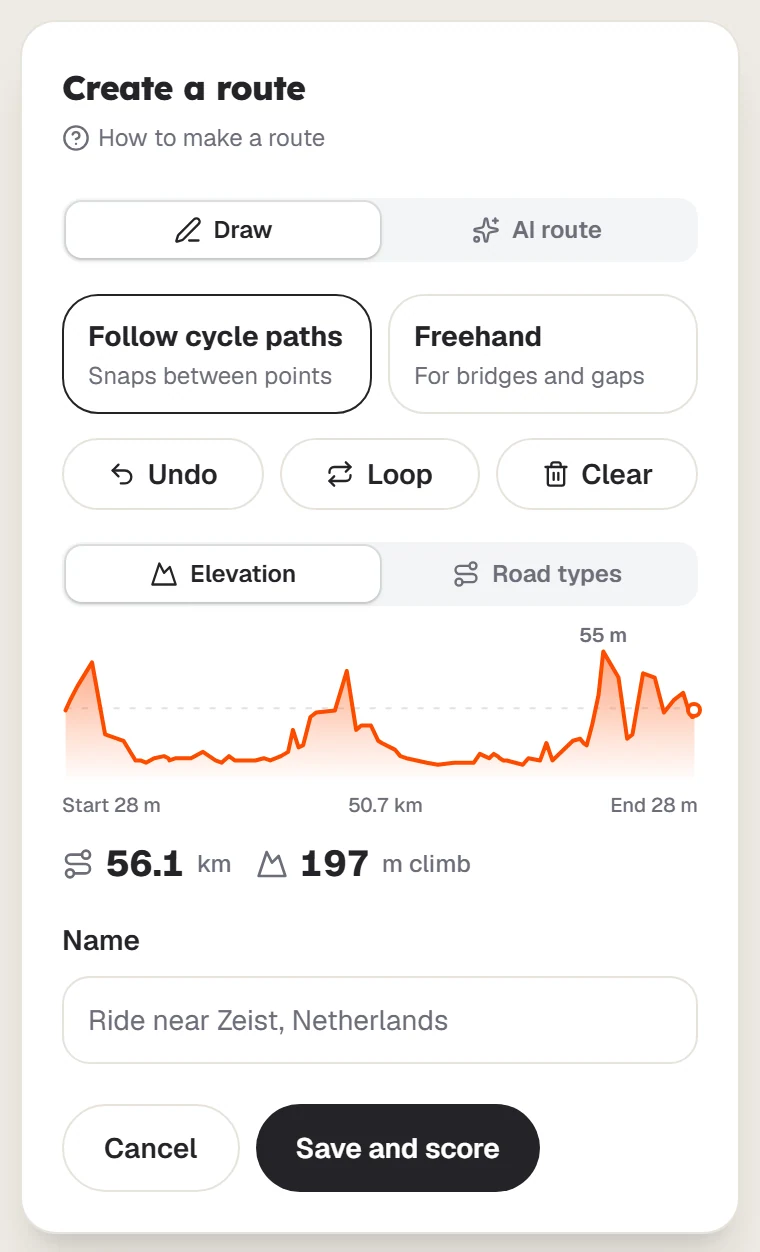
Add as many points as you like. Undo removes the last one, and Loop returns you to the start once you have at least 3 points. Below the map, the charts show the elevation and the road types.
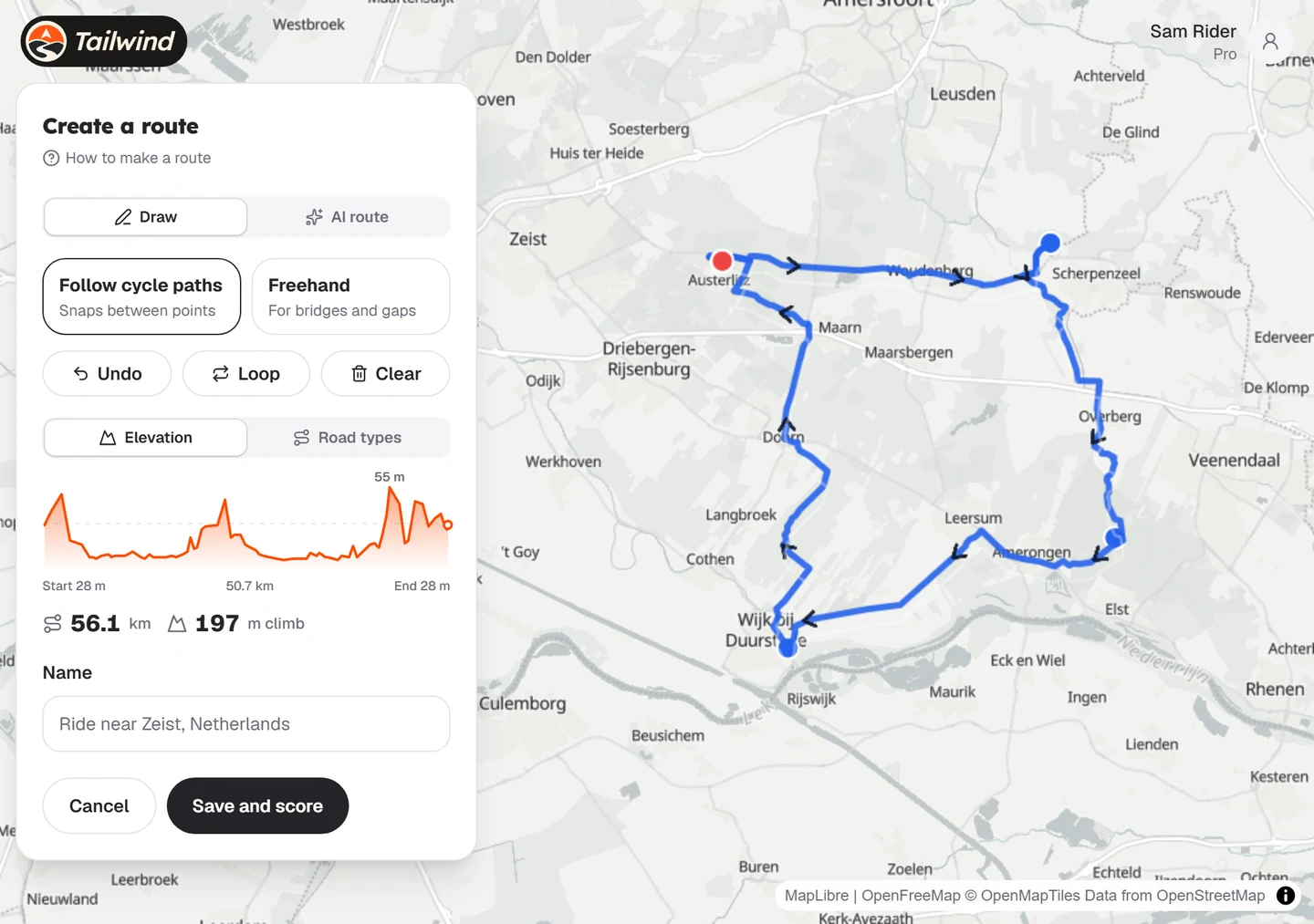
Save it
Give the ride a name and select Save and score. See Save a route.
Last updated 31 October 2026