
Save a route
Name your new route and select Save and score. Tailwind scores it against the forecast and adds it to your rides.
A route you have drawn or generated is not kept until you save it.
Name your ride
Type a name in the route panel. If you leave it empty, Tailwind suggests one based on where the ride goes.
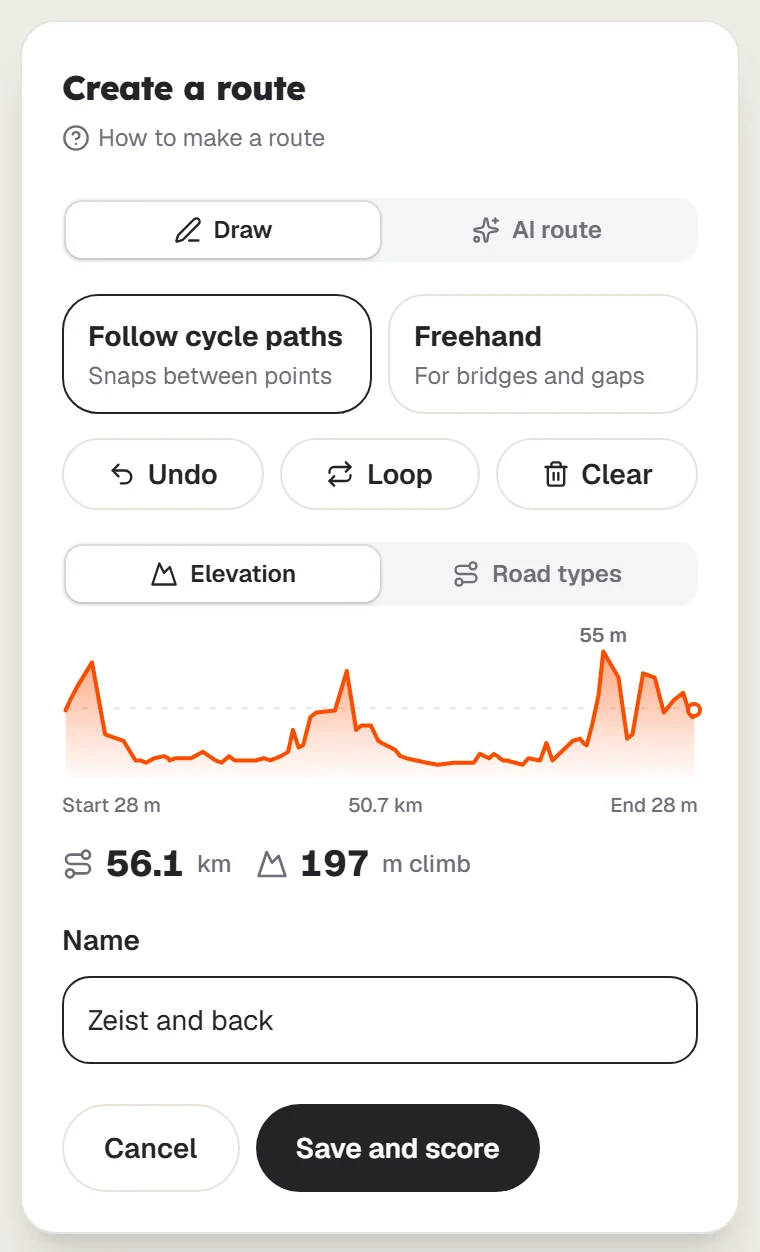
Select Save and score
On a phone, select Save, then enter a name in Name your ride.
Wait for the score
The panel closes and a message confirms Route saved. Scoring wind now. Select View on map to open your ride.
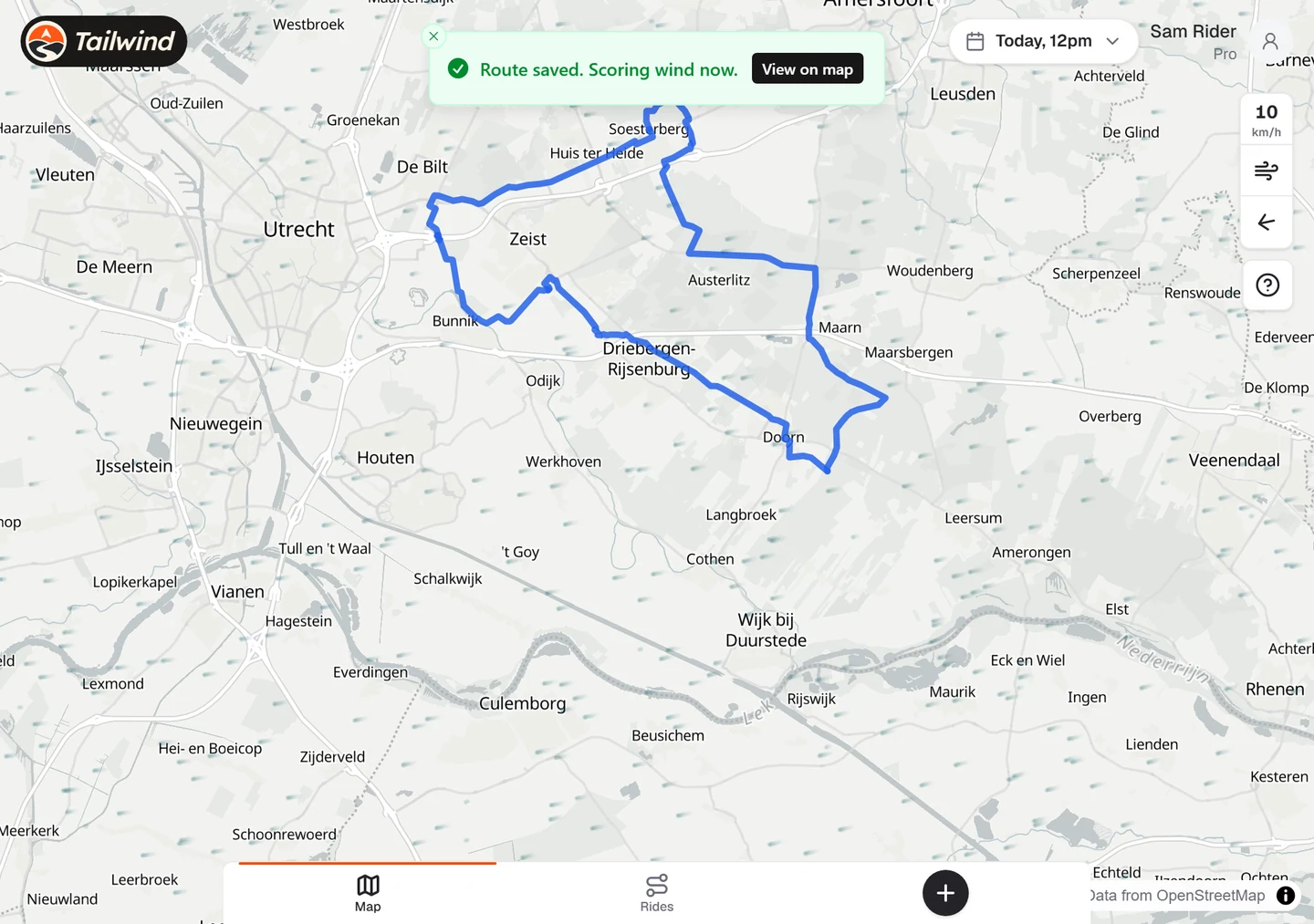
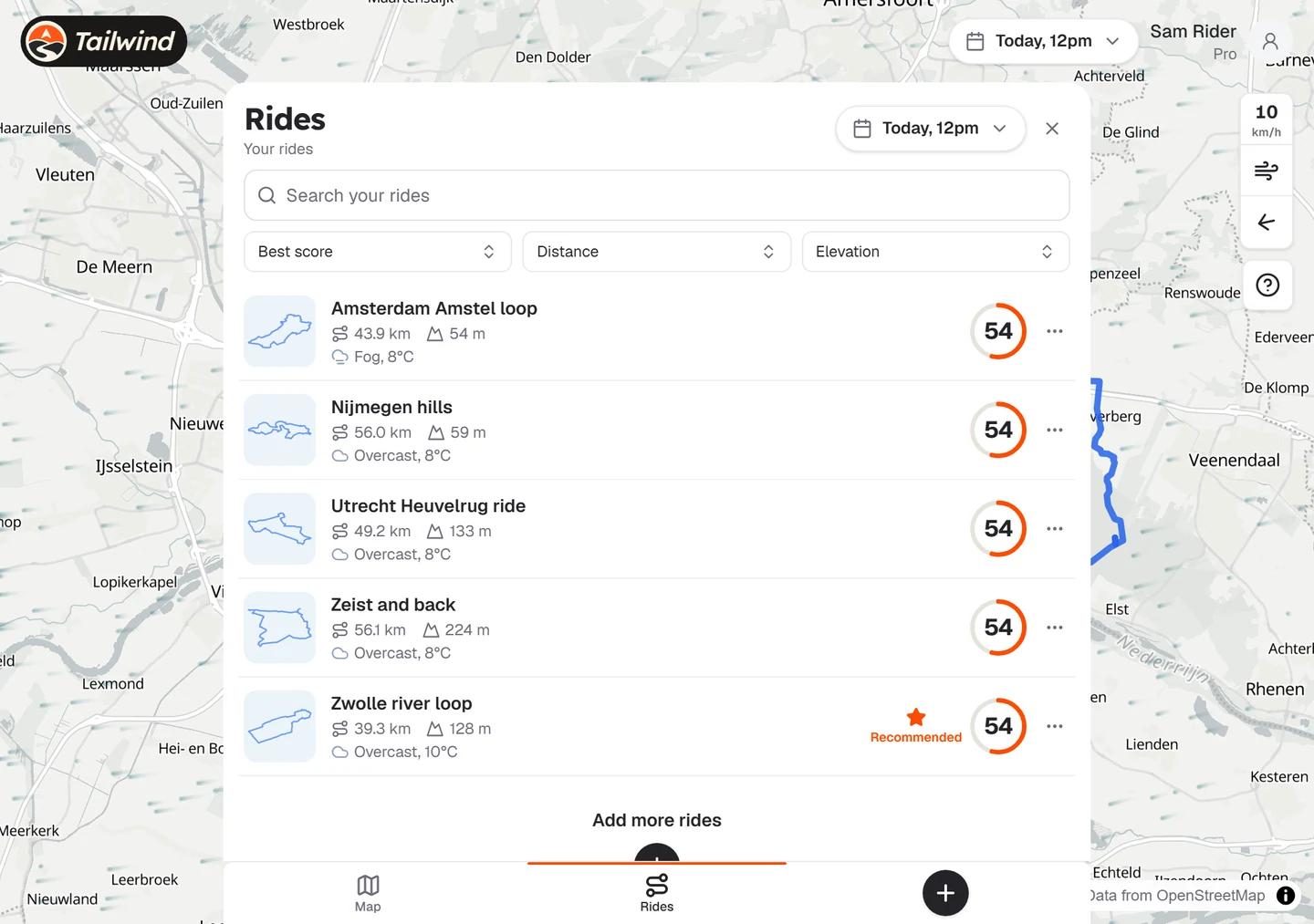
Find it in your rides
Your new ride appears in Rides. It shows Scoring… until the first score is ready.
To abandon a route before saving, select Cancel and confirm Discard this route?.
Last updated 31 October 2026