
Upload a GPX file
Bring in rides from Garmin, Wahoo, Komoot and more. Upload one or several GPX files and Tailwind scores each one hour by hour.
If you already have a route in another app, export it as a GPX file and upload it to Tailwind.
Open Upload GPX
Select +, then Upload GPX.
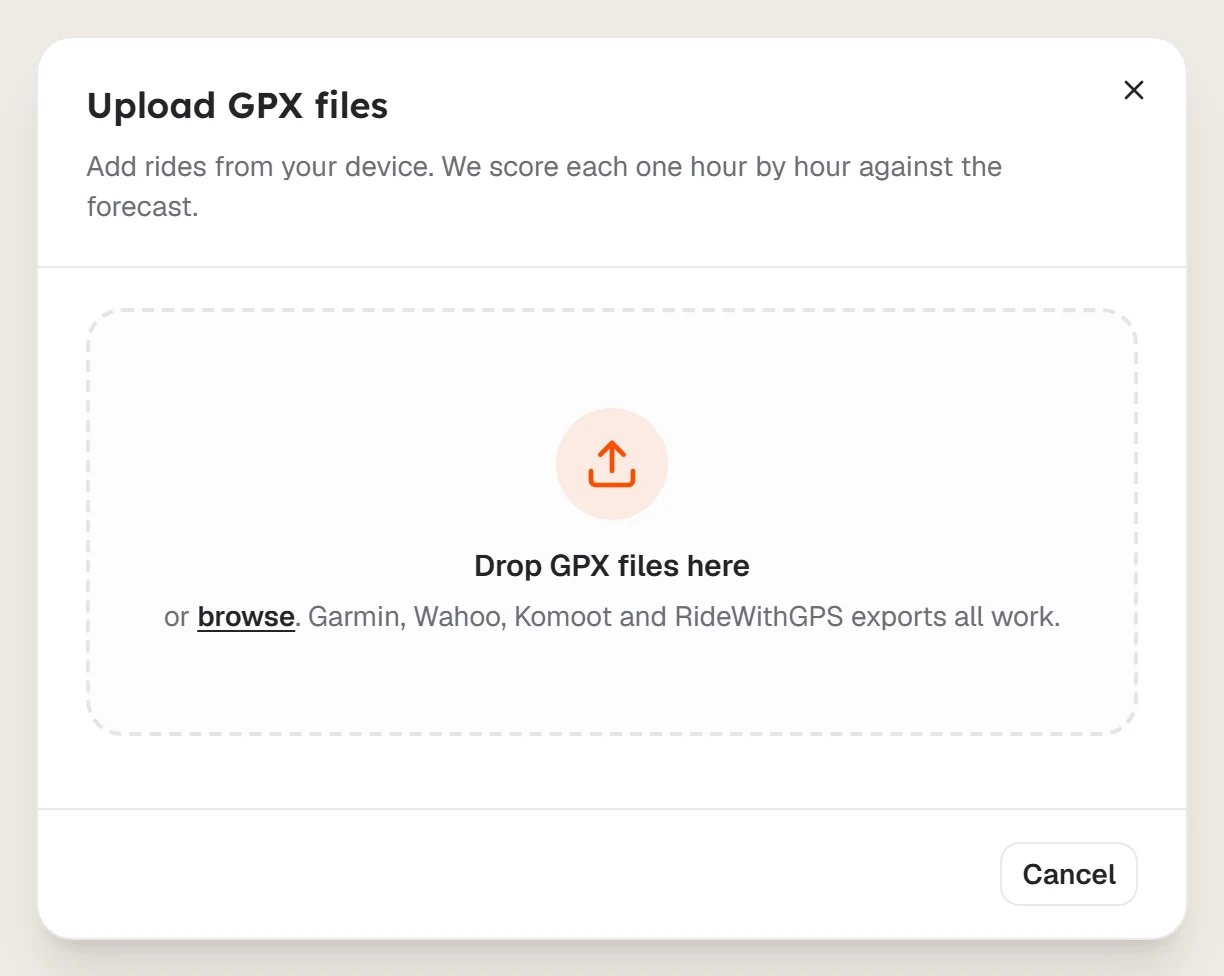
Add your files
Drop your files on the dialog, or click to choose them. You can add several at once.
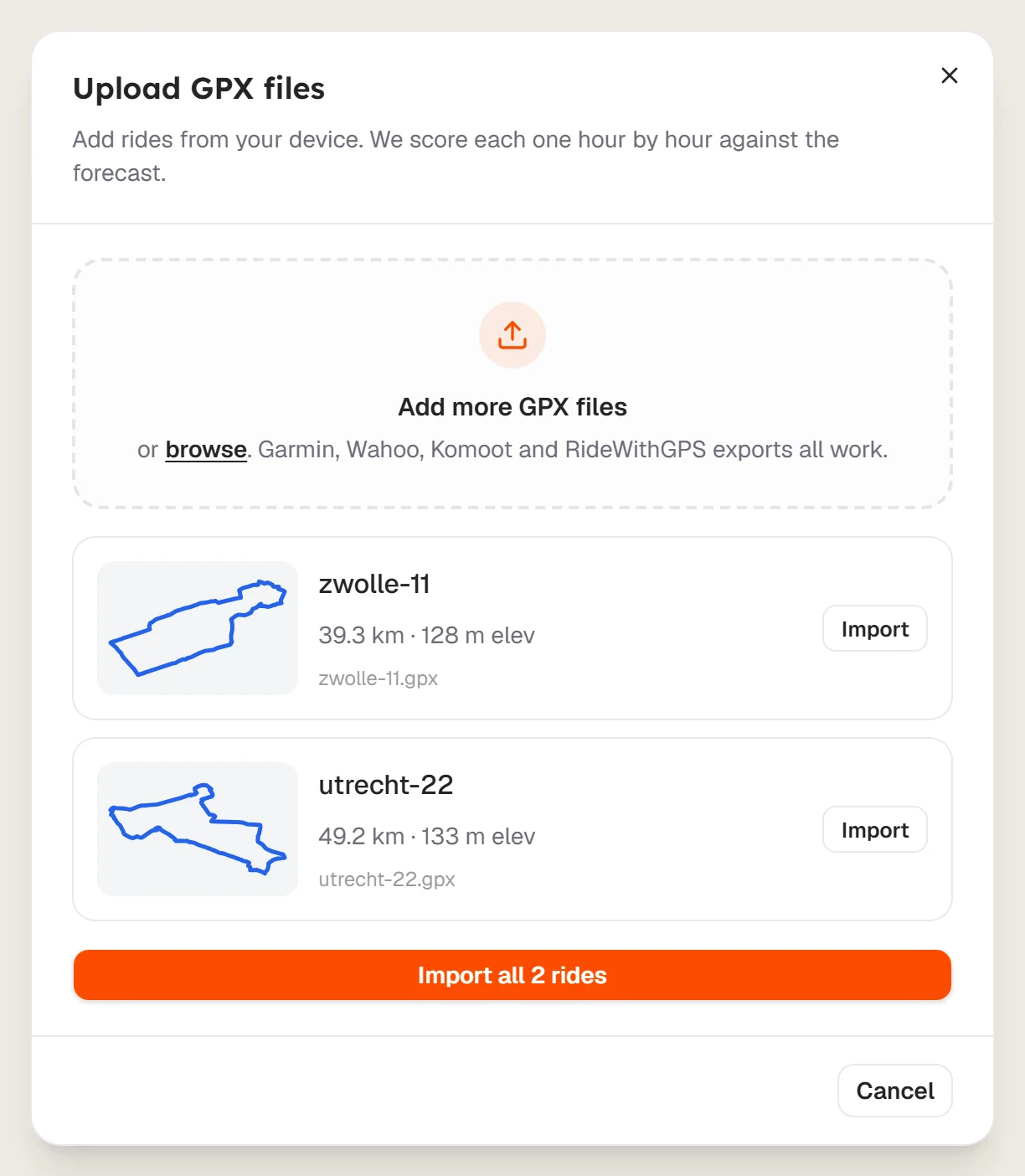
Import them
Select Import on a single ride, or Import all to bring in everything in the list.
Wait for the score
Each ride appears in Rides and is scored against the forecast.
Guests can also upload. Your browser holds up to 3 routes, which move to your account when you sign up.
Last updated 31 October 2026