
Generate a route with AI
Let Tailwind build a loop or point-to-point cycling route for you. Set a start, a distance and an optional direction.
AI route builds a ride for you on quiet roads popular with road cyclists. It is free for everyone. It does not plan around the wind, so check the score once it is saved.
Open the AI route tab
Select +, then Create a route, then the AI route tab.
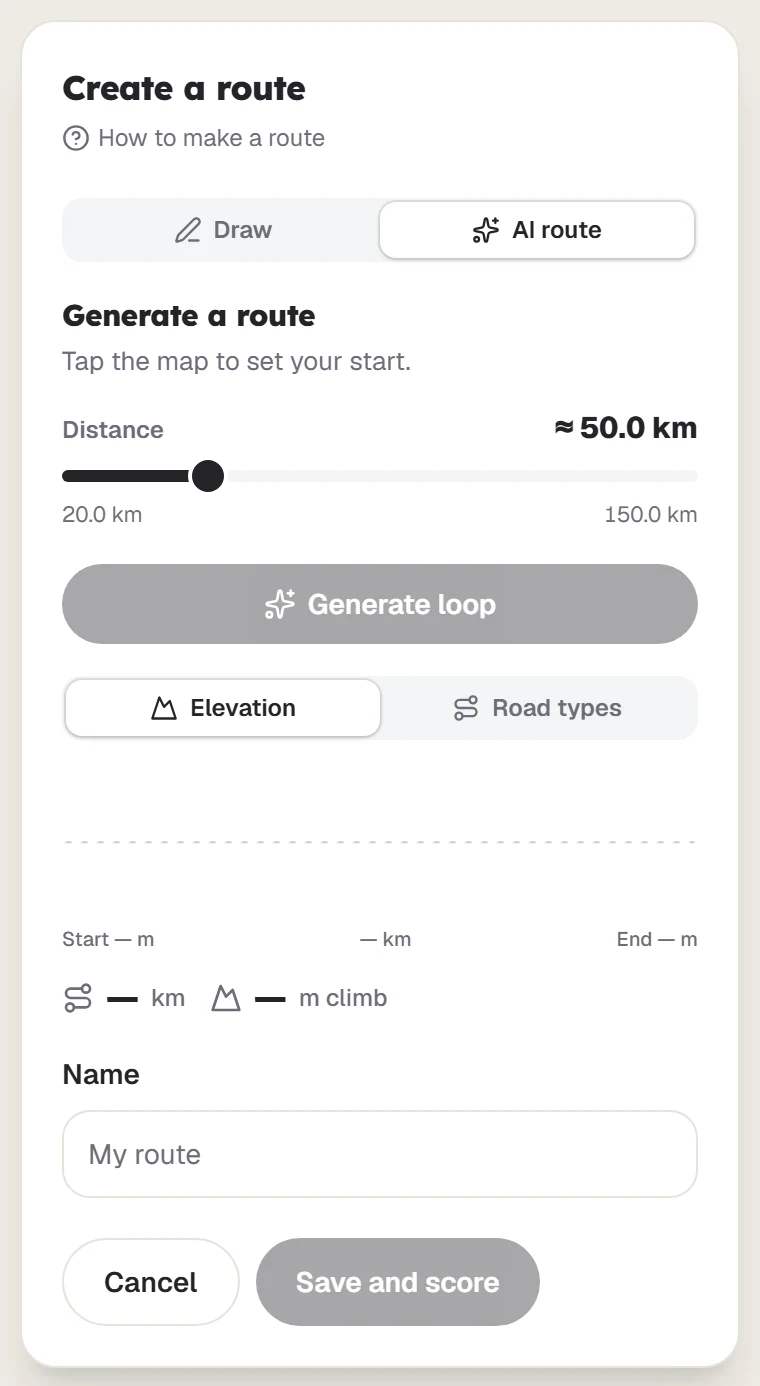
Set your start
Tap the map to set where the ride begins.
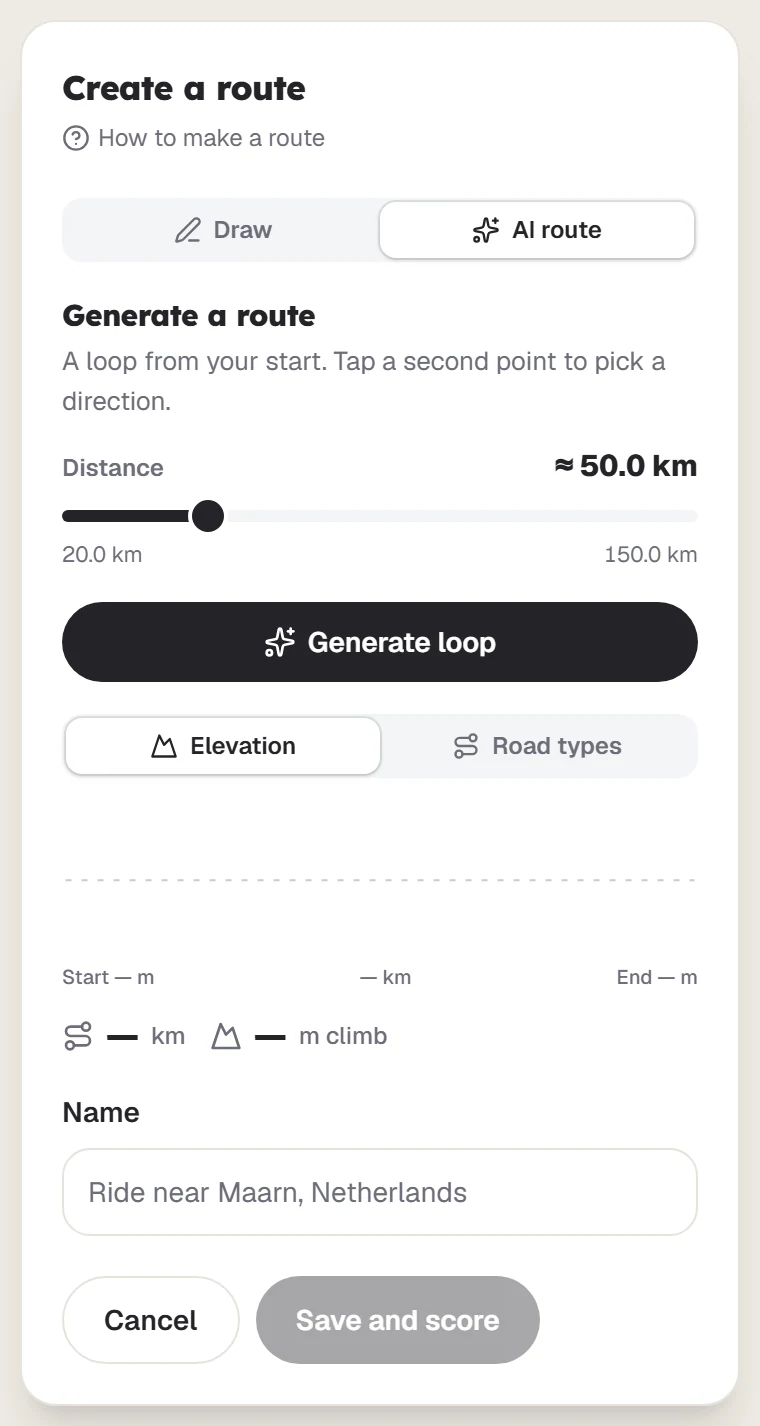
Choose a distance
Move the slider between 20 and 150 km. The route will be within about 12% of your choice.
Pick a direction, if you like
Tap a second point. Choose Head towards it for a loop in that direction, or Finish there for a one-way ride.
Generate it
Select Generate loop or Generate ride. If you do not like the result, select Try another.
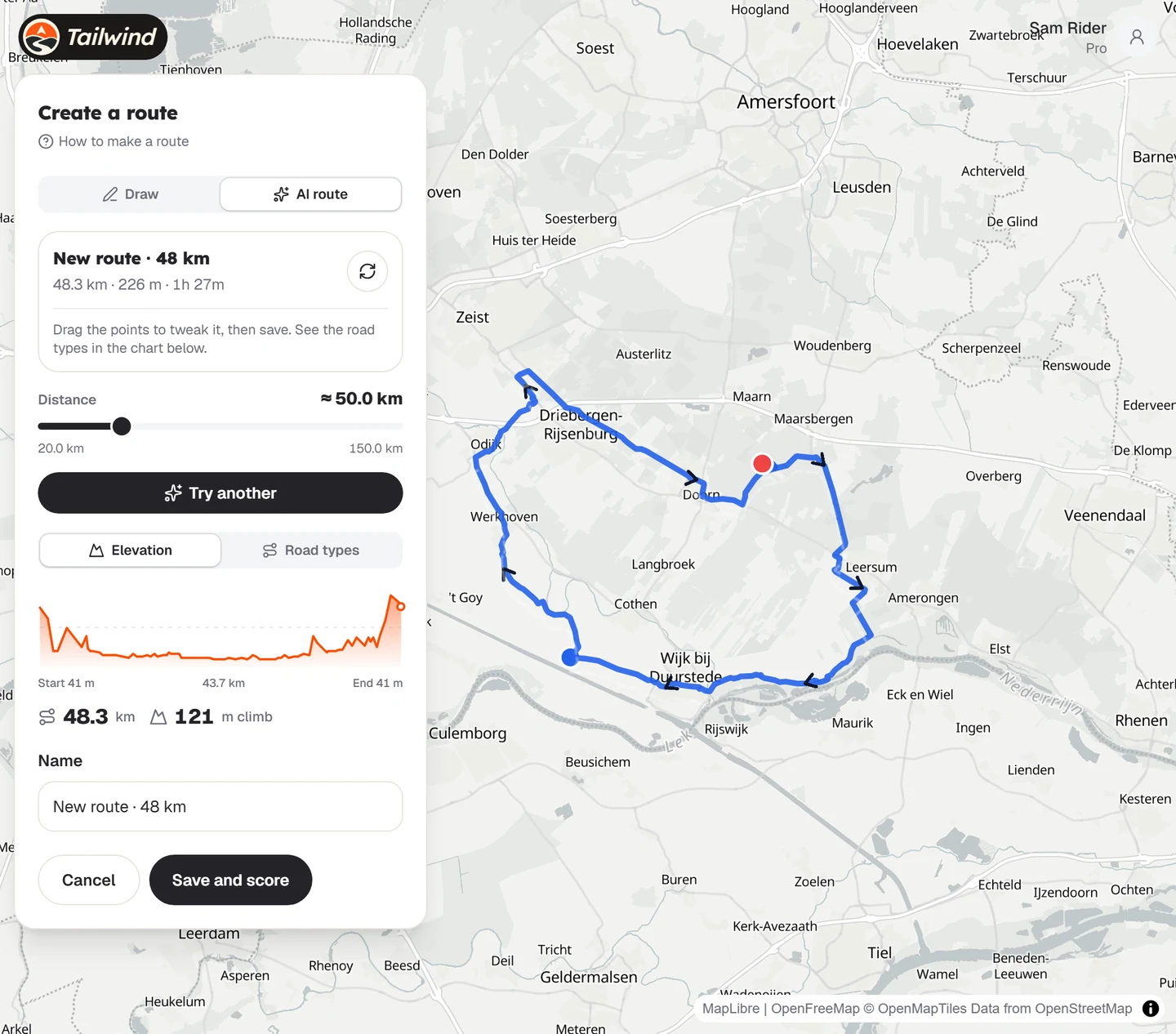
Tweak and save
Drag the points to adjust the route, then save it. It is not kept until you do.
Last updated 31 October 2026