
Optimise a route
Route optimisation looks for a better way round your ride for the wind at your chosen time, then saves it as a new ride if you like it.
Route optimisation is a Pro feature in beta. It reads the wind for your ride time, finds where you would be riding into it, and tries quieter roads out of the wind. Your original route is not changed.
Choose your time
Open the ride and pick the departure time you plan to ride.
Select Optimise route
Select … next to the ride's name, then Optimise route. It usually takes 10 to 20 seconds.
Review the proposal
Compare the score, ride time, headwind, distance and climbing. Switch between Your route and Optimised to see what was removed and what is new.
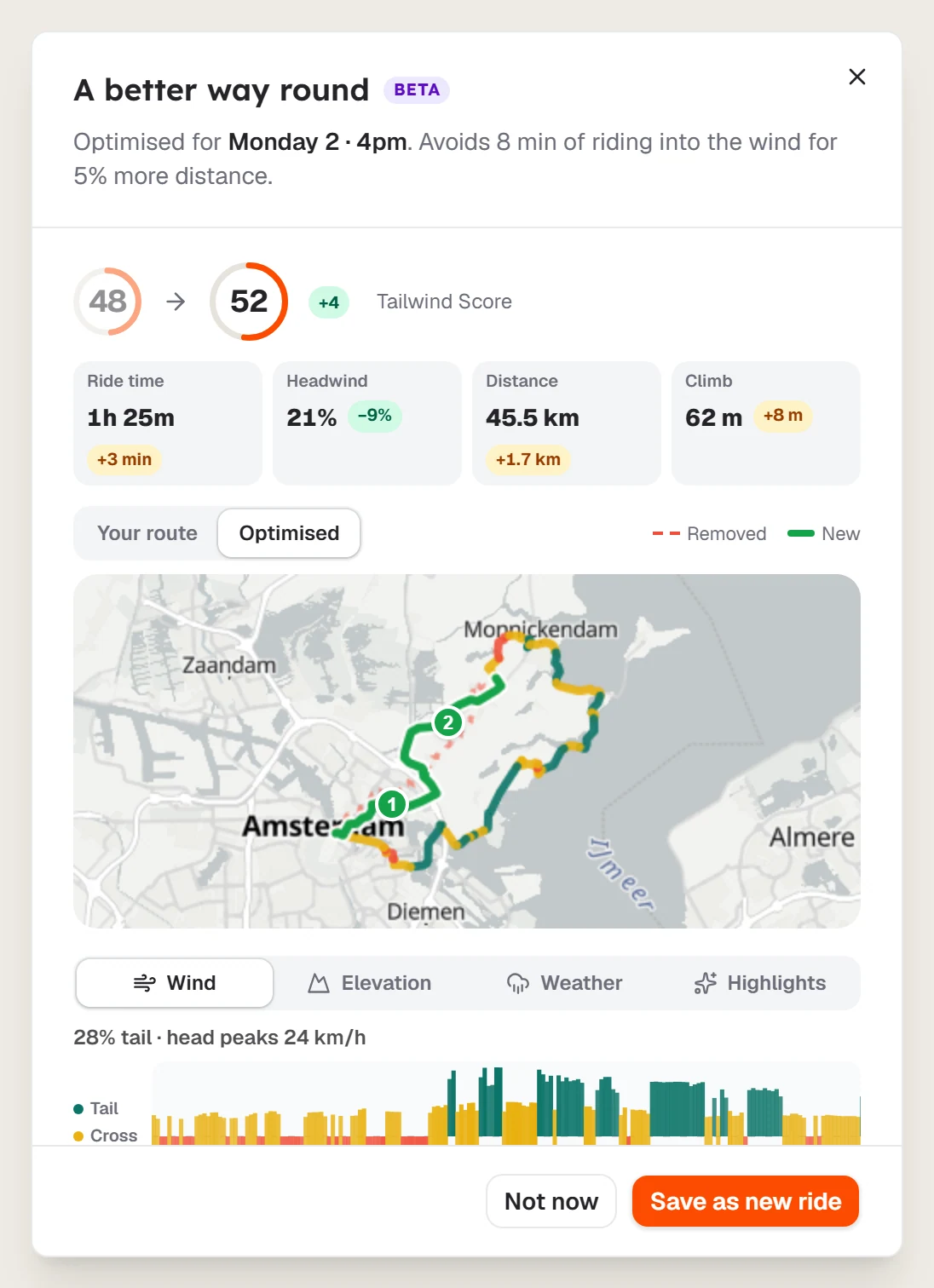
Save it, or leave it
Select Save as new ride to keep it, or Not now to leave things as they are.
The results you can see
- A better way round means Tailwind found a change that helps.
- Ride it the other way means reversing is the best option.
- Your route is already good means no change is needed.
Last updated 31 October 2026