
Import routes from Strava
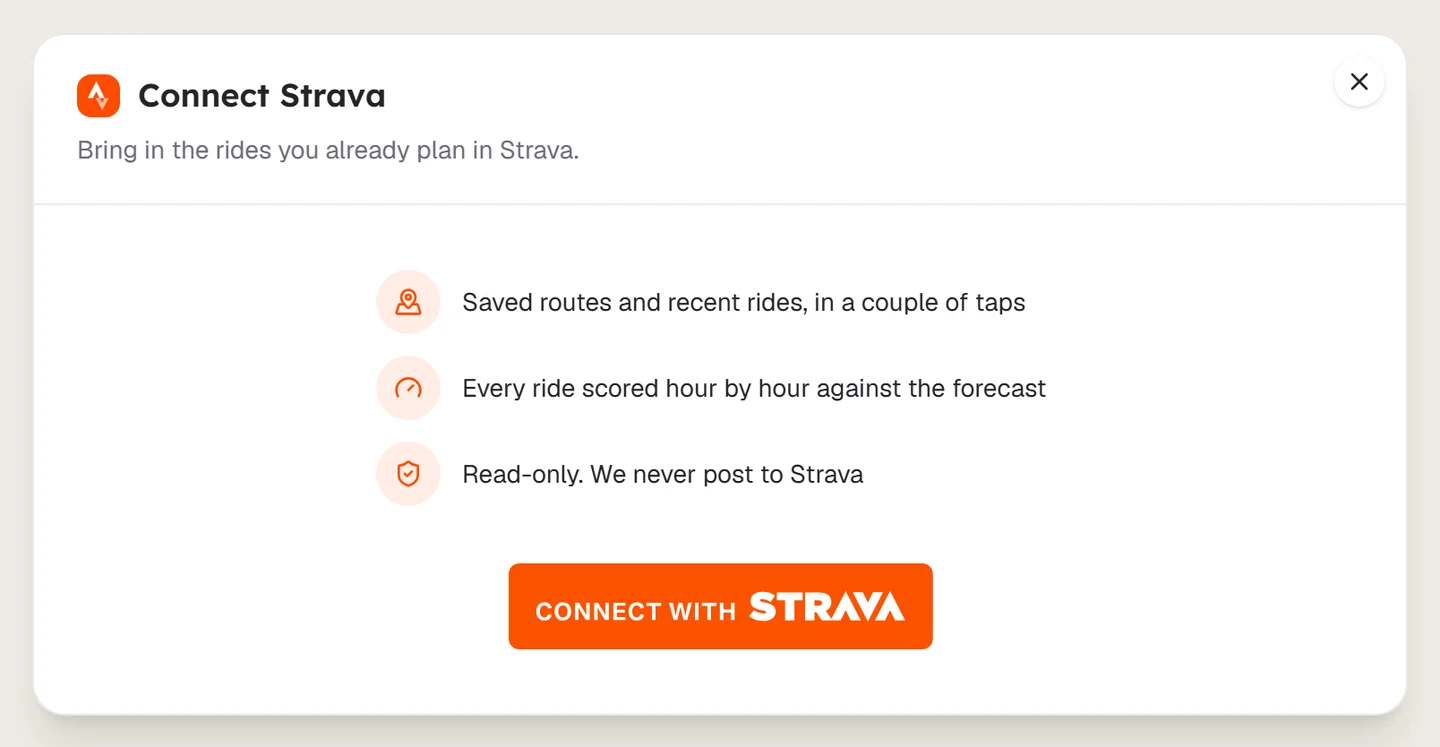
Connect Strava to bring your saved routes and recent rides into Tailwind GPS. Access is read-only and Tailwind never posts to Strava.
Connect Strava once and you can bring in saved routes and recent rides in a couple of taps. Access is read-only, so Tailwind never posts to Strava.
Open Sync with Strava
Select +, then Sync with Strava.
Connect your account
Select Connect Strava and approve the access on Strava. You only need to do this once.
Choose your rides
Switch between Saved routes and Activities. Use Multi-select to pick several.
Import them
Select Import. Each ride is scored against the forecast and added to your rides.
Rides you have already brought in are marked Already imported to your routes. Turn on Show imported to see them in the list.
Having trouble? See Strava import problems.
Last updated 31 October 2026