
Find and filter your rides
Search, sort and filter your list of rides by score, distance or elevation, and see which ride Tailwind recommends for your chosen time.
Select Rides in the navigation bar to see every ride, scored for the departure time you have chosen.
Read a row
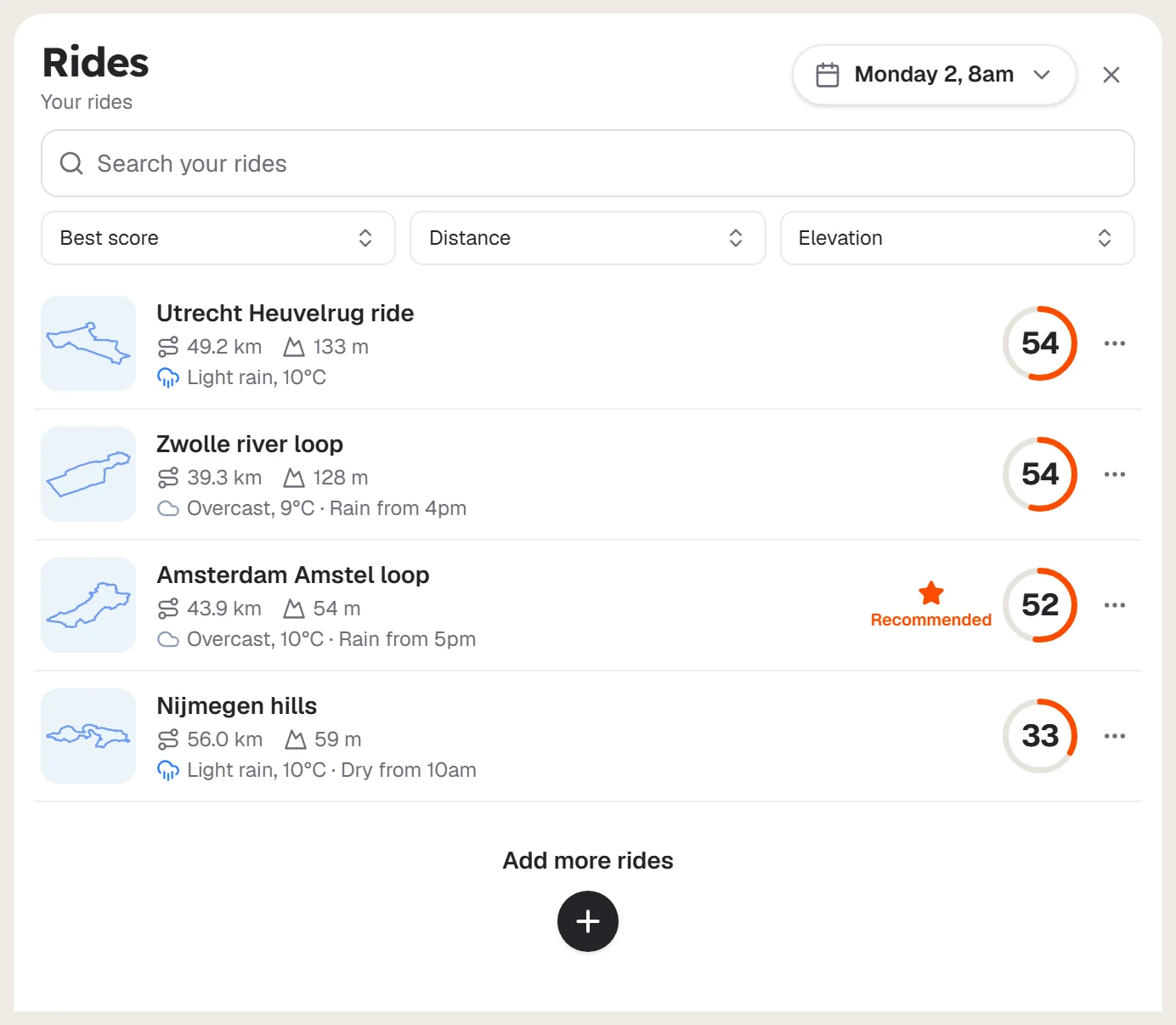
Each row shows the ride's shape, name, distance, climbing and weather, with its score on the right. A star and Recommended mark the ride Tailwind suggests for that time. Select a row to open the ride.
Change the time
Use the departure chooser at the top. Every score in the list updates.
Search, sort and filter
- Search your rides finds a ride by name.
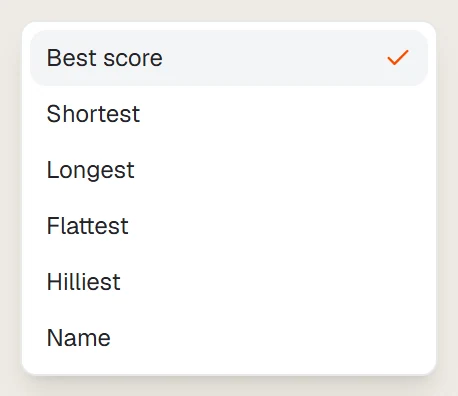
- Sort by Best score, Shortest, Longest, Flattest, Hilliest or Name.
- Distance and Elevation narrow the list.
More actions
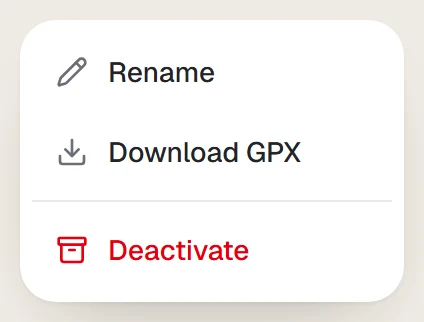
Select … on a row to rename a ride, download its GPX file or deactivate it.
Last updated 31 October 2026